
Inspiring
January 27, 2020
Question

Preventing Learner from Continuing to the Next Slide After Quiz

  • January 27, 2020
  • 2 replies
  • 550 views

Hello,

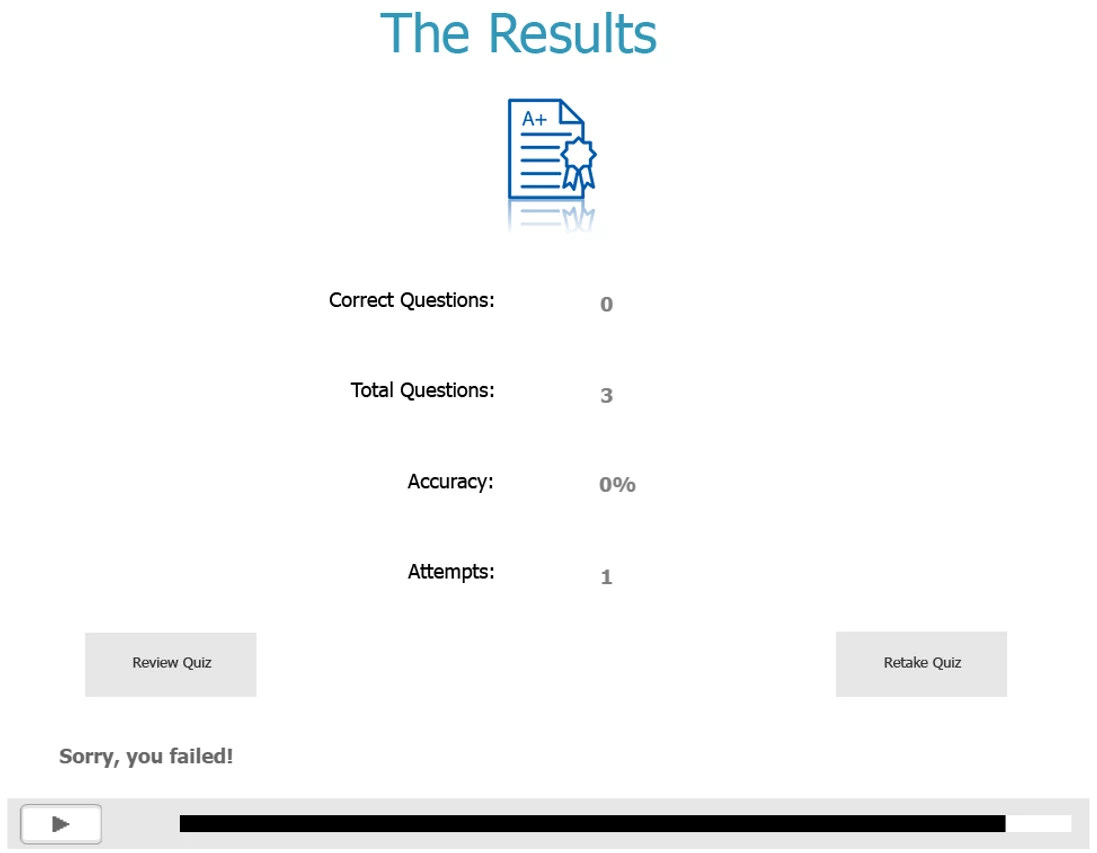
Anyone has an idea how to prevent learners from continuing to the "Congratultions" last slide if they fail a quiz? I have already used Javascirpt to stop learners from advancing using the progress bar as that visually has to remain and I hide the Continue button under the Retake Quiz button. The loophole I found was pressing the Play button which also need to remain. Thanks. (Captivate 2019 Release  11.5.1.499)
This topic has been closed for replies.

2 replies

Lilybiri
Legend
January 28, 2020

Personally I never show the playbar during Quiz slides (you have an option in the Quiz Preferences), also because the Back button would result the user to be stuck in a question slide.  Logically there is no reason whatsoever why you would need a Play button during the quiz.

Continue button is the key button for the Score slide (same as Submit on question slide). When clicked it will trigger the actions which you specify in Quiz Preferences, after reaching the final frame of the score slide. Since you did drag it under the Retake button the Failure action will occur only after the last attempt on Quiz level. 

Supposing you have the Congratulations slide just after the score slide (where playbar is hidden) you just have to configure the Failure actions so that it jumps over the Congratulations slide with a Jump to Slide command. But that could be a problem if the playbar is visible again, and learner uses a Back button. Scrubbing the progress bar is not possible. What about this approach:

  • Make the 'Congratulations' slide ready for double use by multistate objects with two states: one for Faillure, one for Success? 
  • Use the On Enter event of that slide to show the appropriate states.

Maybe will add another blog to my long series about quizzes. You can download a reference pdf with all links from this blog:

https://elearning.adobe.com/2019/11/quiz-resources/


Inspiring
January 28, 2020

The option in Quiz Preferences to turn off the playbar during the quiz works for me. Thank you.

Lilybiri
Legend
January 28, 2020

Hope you did read my answer completely, because it may not be sufficient to solve your problem. If you still have the playbar with buttons on after the Quiz, learner may still browse with the Back button to the Congratulations slide.

Paul Wilson CTDP
Community Expert
Community Expert
January 28, 2020

You could hide the playbar entirely and make the navigation from the final question slide to something other than continue or go to next slide, but to what end? What would you have them do instead?

Paul Wilson, CTDP