


Participant
March 16, 2022
Answered

Preview a VR demo on Android device

  • March 16, 2022
  • 1 reply
  • 795 views

Hi! I just downloaded Adobe Captivate with the 30 days free trial to evaluate this application to create VR courses for a LMS platform.


So far I think is simple to use and intuitive, but I'm trying to export the VR Demo to preview it on my Android phone and it's not working properly on Chrome. I scan the QR with my phone and go to the provided url to see the demo and it's not moving the 3D image with the movement of the phone.


I press the "ENTER VR" button and the size of the image is smaller than expected, the "settings" icon doesn't work and as I said, the image is not moving with the movement of the phone. I have to move it with my fingers.
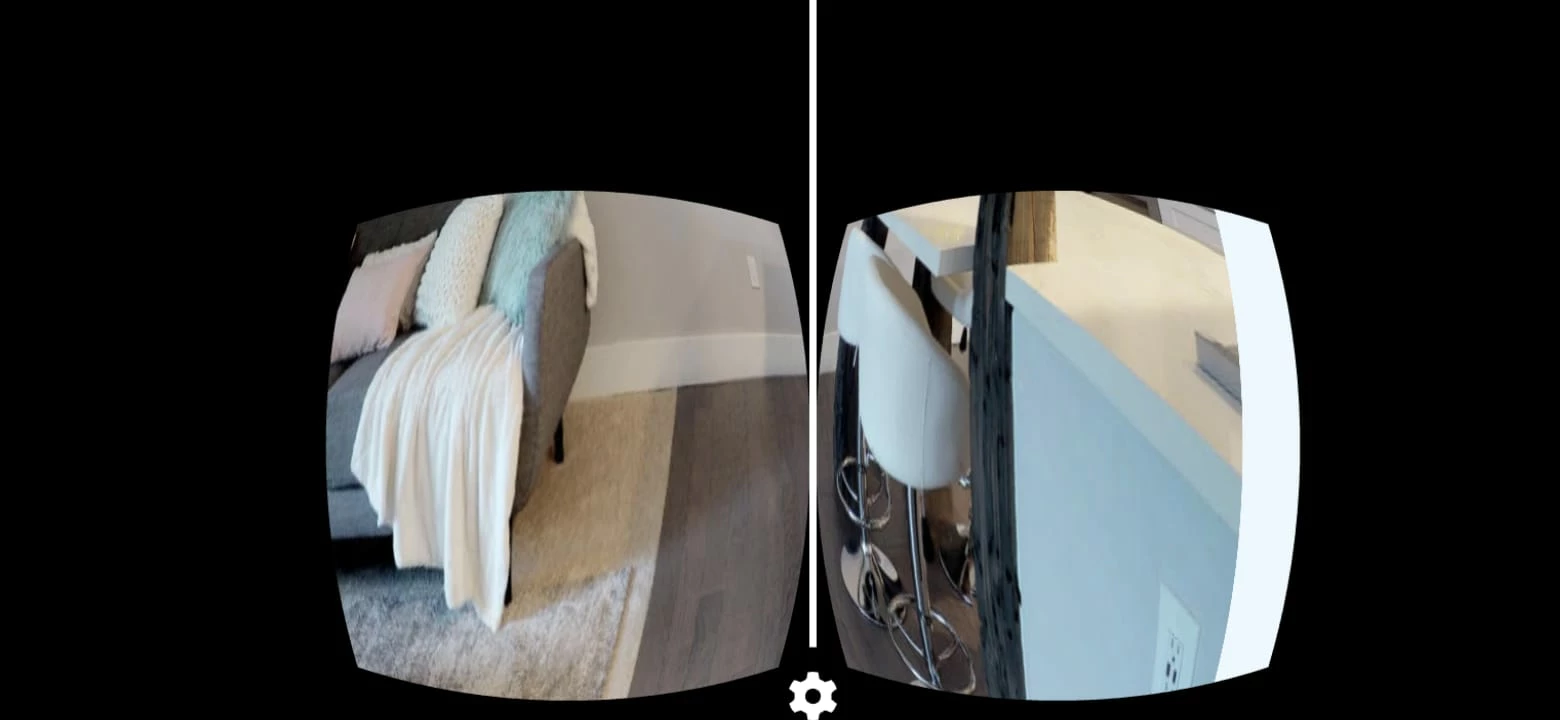


Is it possible to export VR courses and make it work with Android and/or iOS devices? 

Thanks!

    This topic has been closed for replies.
    Correct answer Astro The Goat

    Yes, I can see VR videos in other sites with no problem.


    Have you tried to publish the VR project to a web server such as Adobe Connect rather than just previewing it  on a device?


    Do you get the same problem? 

    1 reply

    Astro The Goat
    Inspiring
    March 17, 2022

    In order to view the VR project correctly you will need to have a "VR viewer" to hold the Andriod or iOS device.  The cheapest out there is possibly "Google Cardboard" VR see


    https://arvr.google.com/cardboard/


     Regards

    Participant
    March 17, 2022

    I have a Samsung Gear VR and I can see VR videos with no problem. Even without the VR glasses, the VR video moves when you move the phone. In this case nothing happens when you move the phone, only it moves if you do it with your fingers. 

    Astro The Goat
    Inspiring
    March 18, 2022

    Do you have the Google VR Servcies installed on your Andriod phone?