Participating Frequently
January 25, 2020
Question

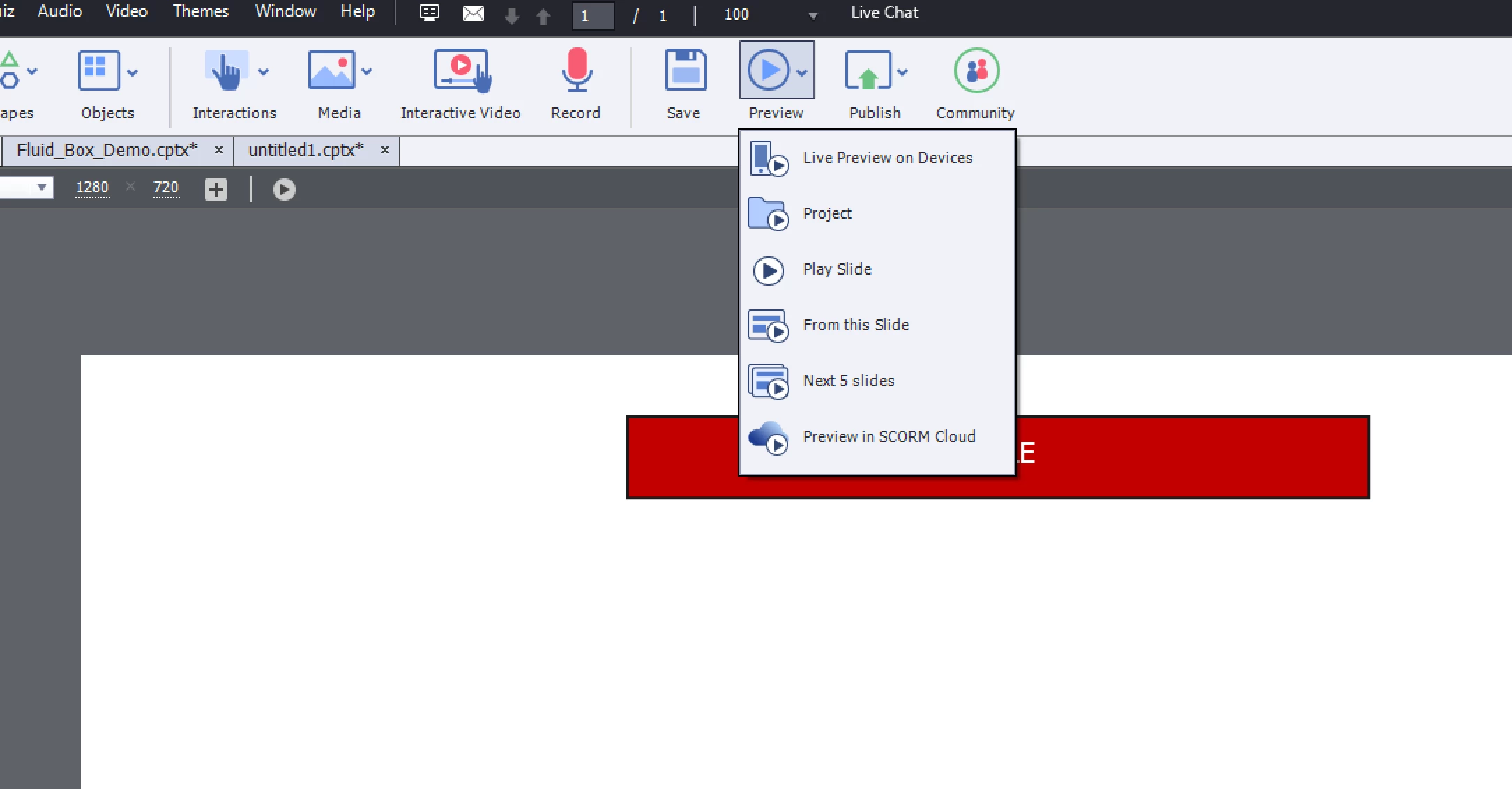
Preview is not working

  • January 25, 2020
  • 2 replies
  • 563 views

Hi,

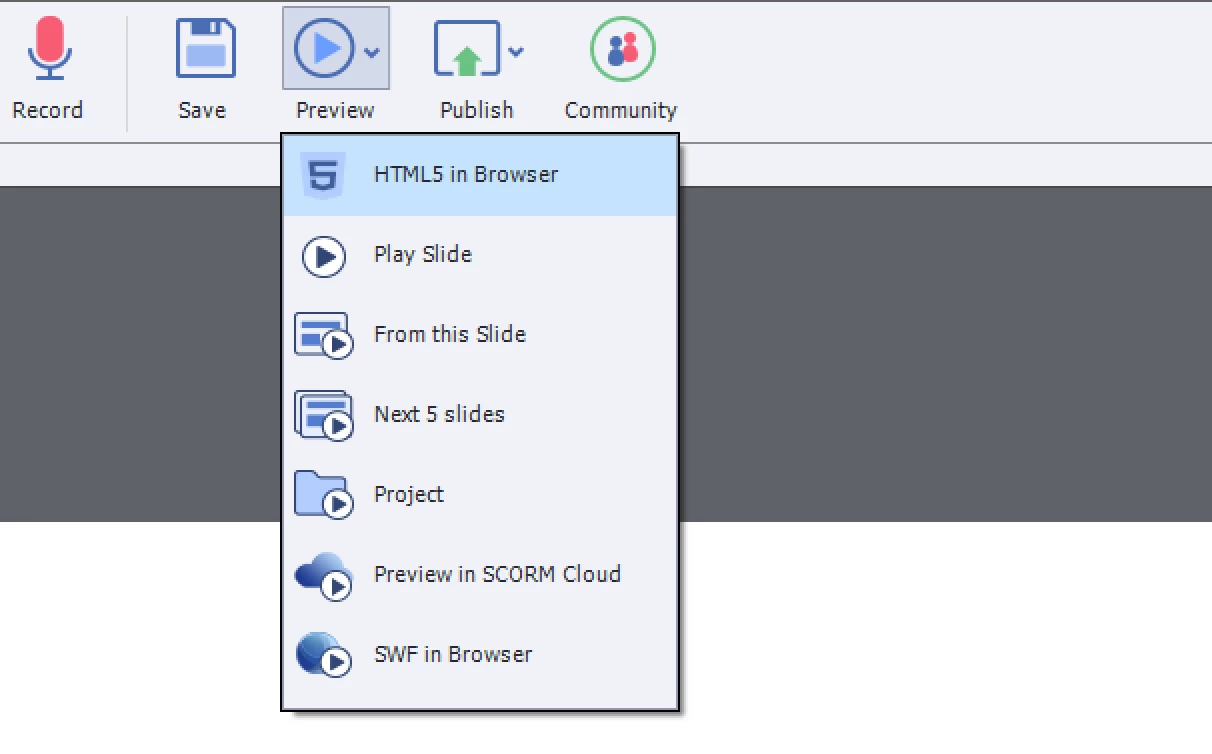
I am using Captivate Windows version on a MacBook(Parallels). I think this is about the firewall issue. Even though I click on these buttons, It doesn't open the localhost to show me the preview.


I also reset the preferences in the utils folder. 


This topic has been closed for replies.

2 replies

kantttAuthor
Participating Frequently
January 25, 2020

I also suspect that it might be an issue of project cache file locations? 


Lilybiri
Legend
January 25, 2020

I am a Windows user, which means I have no experience whatsoever with Parallels. You need to run Captivate in Windows with the option 'Run as Administrator'.  Cache nor project folders should be on a networked or external drive.

kantttAuthor
Participating Frequently
January 25, 2020

Hi,


I tried your suggestions too. But didn't work out. thanks for your support anyway. 


kantttAuthor
Participating Frequently
January 25, 2020

I have uninstalled it and installed it again. Still, doesn't work.


Lilybiri
Legend
January 25, 2020

Which version do you use, as mentioned under Help, About Captivate?

Which browser? Did you try another browser?

kantttAuthor
Participating Frequently
January 25, 2020

I am using the latest release with the latest updates.


I have tried http://localhost:51392/preview this on different web browsers, with /preview, and without preview. It is not working too.


I suspect that it might be related to the firewall. Since I am also using the parallels(windows 10) on my mac, it might be because of that.


Is there any settings on the firewall > allowed apps section that I need to change?