
mikedashg
Inspiring
November 8, 2019
Answered

Preview responsive project in browser "Cannot open document" with Captivate 2019

  • November 8, 2019
  • 1 reply
  • 344 views

Anyone experience this before? All of a suddent when I go to preview a responsive project (even a brand new project with nothing in it) it gives me the error below. I'm using the latest updated Captivate 2019 on a Mac running OS X Mojave.
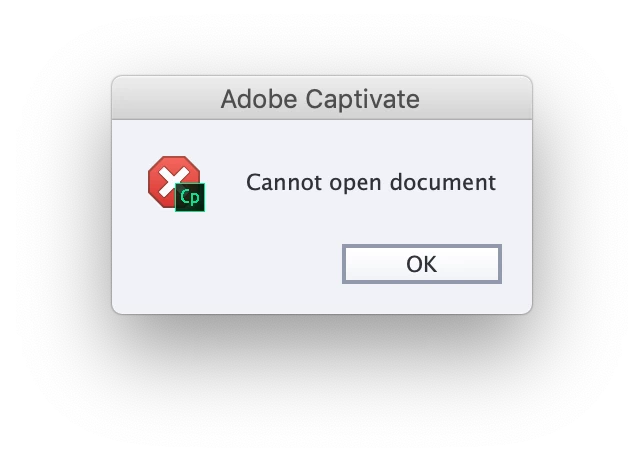


I can publish the project just fine, but that's not really a long term solution since it takes much longer to publish, and negates the purpose of previewing, especially when you want to preview the next 5 slides. Previewing all (even in a brand project with 1 blank slide) and previewing next 5 slides gives me this error.

This topic has been closed for replies.
Correct answer Lilybiri

Which browser do you use for testing?

Did you try to clear the cache and clean the Preferences?

1 reply

Lilybiri
LilybiriCorrect answer
Legend
November 8, 2019

Which browser do you use for testing?

Did you try to clear the cache and clean the Preferences?

mikedashg
mikedashgAuthor
Inspiring
November 9, 2019

I was using Safari, and had not tried the preferences. I switched to Chrome and cleaned preferences. One of those did the trick! Likely preferences I would imagine. THANK YOU!

Lilybiri
Legend
November 9, 2019

You're welcome, glad it is solved.