giuliadf
Participant
February 12, 2018
Question

Problem with a SCORM

  • February 12, 2018
  • 2 replies
  • 325 views

Hello everyone.

I need advice on a problem with displaying a scorm package. The scorm package was created with Captivate version 8 and is version 1.2. Contains some animations developed in Flash We are currently using version 3.3 of the Moodle platform.

The SCORM package was fully functional up to 2 days ago, then point blank at the time of launch appears the screen that you find attached and can not perform any action. The strange thing is that all the other SCORM packages, created in the same way and with the same software, load and work correctly.
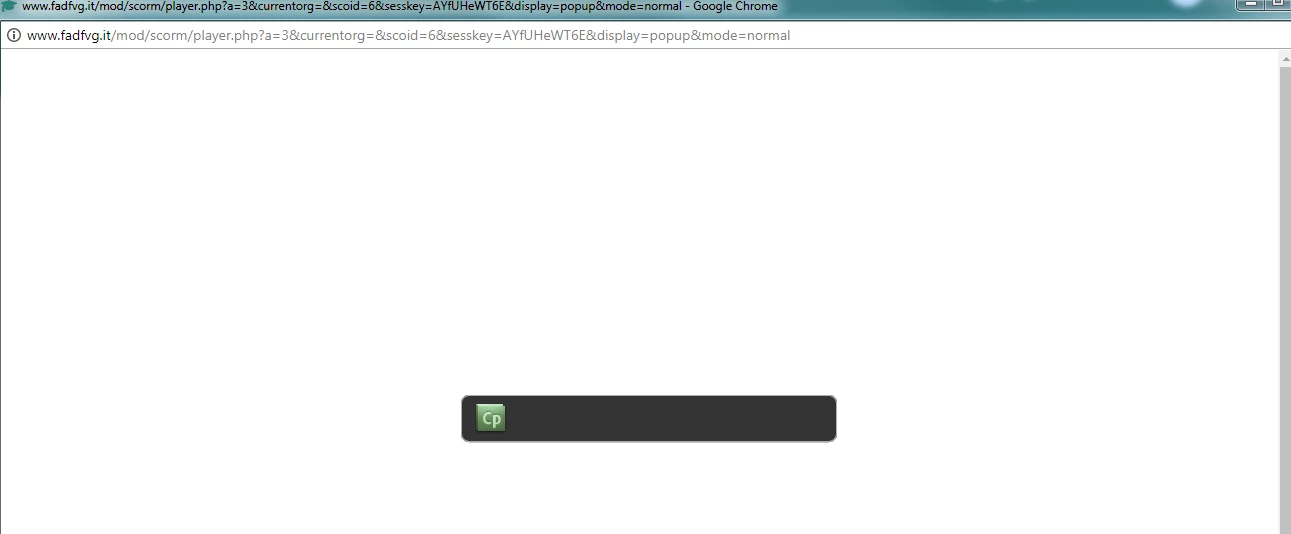


I tried to delete and re-upload the package, but I did not get any results.

I tried on different browsers (Chrome, Firefox and IE), but I get the same result on all, namely the failure to load the package.

Has anyone happened to something like this before? if so how did you solve it?

Thanks in advance to who will answer me


Giulia

    This topic has been closed for replies.

    2 replies

    John2547
    Participant
    February 12, 2018

    What is the title of your project? If there are any special characters in it then that could be the issue.

    RodWard
    Community Expert
    Community Expert
    February 12, 2018

    Yes special characters in the filenames can stop a project from working.  But this project WAS working up until two days ago.  So it would not seem that the issue would be special characters.

    It sounds more like there has been some change to the IT environment or the web server configuration that might be disabling the content.  Has the server been updated?  Have your web browsers been updated at all?

    giuliadf
    giuliadfAuthor
    Participant
    February 12, 2018

    Hi,

    the developer checked, there was a small update on the server on February 1st, but until Saturday the SCORM package worked correctly .... Is it better to try re-creating the SCORM package from the original captivate file?

    Thanks a lot

    RodWard
    Community Expert
    Community Expert
    February 12, 2018

    It could be something related to the Flash animations.

    If you still have access to the original CPTX files from Captivate 8, try taking a copy of the project file and hiding any slide with the Flash animations (or just dragging them off slide into the scrap area) and then republishing.  Test that output on Moodle to see if the project works without the Flash animations. 

    Such a test shouldn't take very long to perform and might identify where the issue is.  I am assuming it cannot be just the Captivate 8 content because you're saying that other Cp8 courses play fine.  Do they also have Flash animations?

    giuliadf
    giuliadfAuthor
    Participant
    February 12, 2018

    Thank you for the answer.

    The other SCORM packages have Flash animations and they word without problem.

    I try to modify the original file and hide Flash animation.

    The strange thing is that only this package doesn't work.

    Thank you a lot