
Participating Frequently
December 11, 2015
Answered

Problem with Captivate 9 preview

  • December 11, 2015
  • 1 reply
  • 1987 views

Working on a responsive project today, I've found that there's suddenly a problem with previewing it.  The normal responsive screen doesn't appear and instead I get a preloader icon that never completes.

I've tried all options - Next 5 slides, From this slide and Project - but none are working.
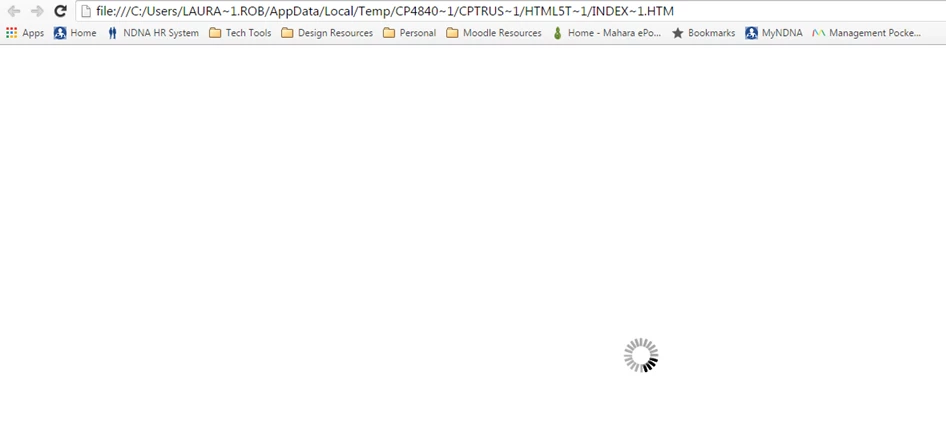
Does anyone know what might be causing this and how to fix it?

I've noticed two things that are different from an existing project that works fine:

1. Larger file size (50MB~)

2. The location for the preview file - the existing project preview has a link that looks like this: http://localhost:3679/HTML5Temp484021250159Pre/rindex.html  As you can see from the screenshot, that's not what the current file is trying to launch.

This topic has been closed for replies.
Correct answer Lilybiri

You took the right approach, I answered to do that to someone else who posted the same question here today. Hiding one by one slides, to see which one is causing the issue and proves to be corrupt.

1 reply

Inspiring
December 11, 2015

I'm interested in responses as well. This happened to me a couple of days ago, and what I did was, working backwards from the end of my presentation, I used the "next 5 slides" preview to determine if it was a specific slide that was causing the issue. It was. The slide that was causing this was an interactive slide, the cork board drag and drop. When I deleted that slide and replaced it with a new cork board drag and drop, everything worked fine after that. Sorry, I can't say what exactly the problem was, but at least I was able to determine which slide was causing it.

Tanya

Lilybiri
LilybiriCorrect answer
Legend
December 11, 2015

You took the right approach, I answered to do that to someone else who posted the same question here today. Hiding one by one slides, to see which one is causing the issue and proves to be corrupt.

Participating Frequently
December 14, 2015

Thanks Lieve, I've identified one slide that's causing the problem in the file, although how it's corrupted I have no idea.