
Question
Problem with glossary Import
I am working with Captivate 8.0.2.266
I insert a Glossary using the specific Captivate widget. If I enter the terms one by one in the widget, the glossary is OK.
BUT, when I import an XML file, the glossary is no more OK. It appears very distorded. And if I import the XML file example which is provided on Adobe site it is worse, as you can see it in the attached file.
I need to use the import function, because I have to use the same glossary in several elearning.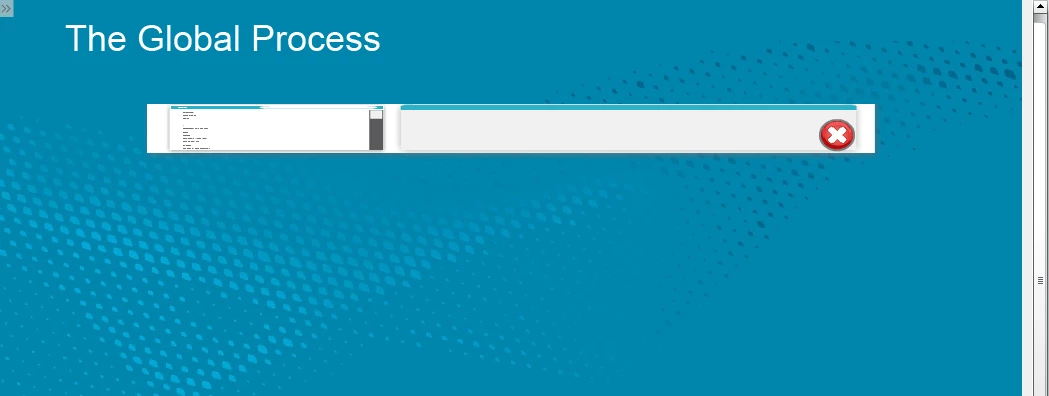
Is there somebody to help me to solve this problem?
Thank you in advance.
 AdChoices