
KeynoteDesign
Participant
March 2, 2022
Question

Problemu with font in Safari

  • March 2, 2022
  • 1 reply
  • 262 views
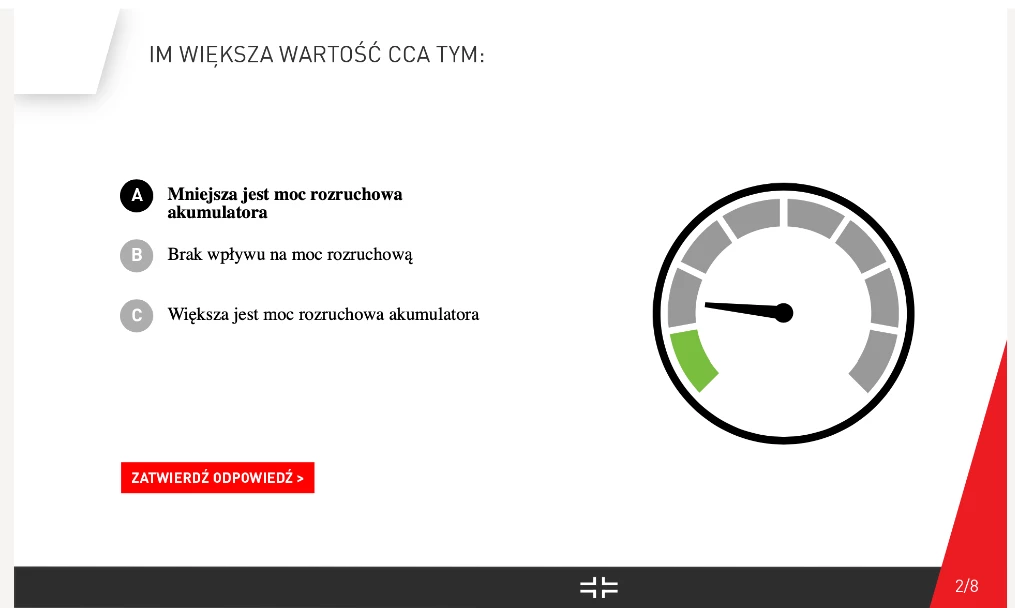
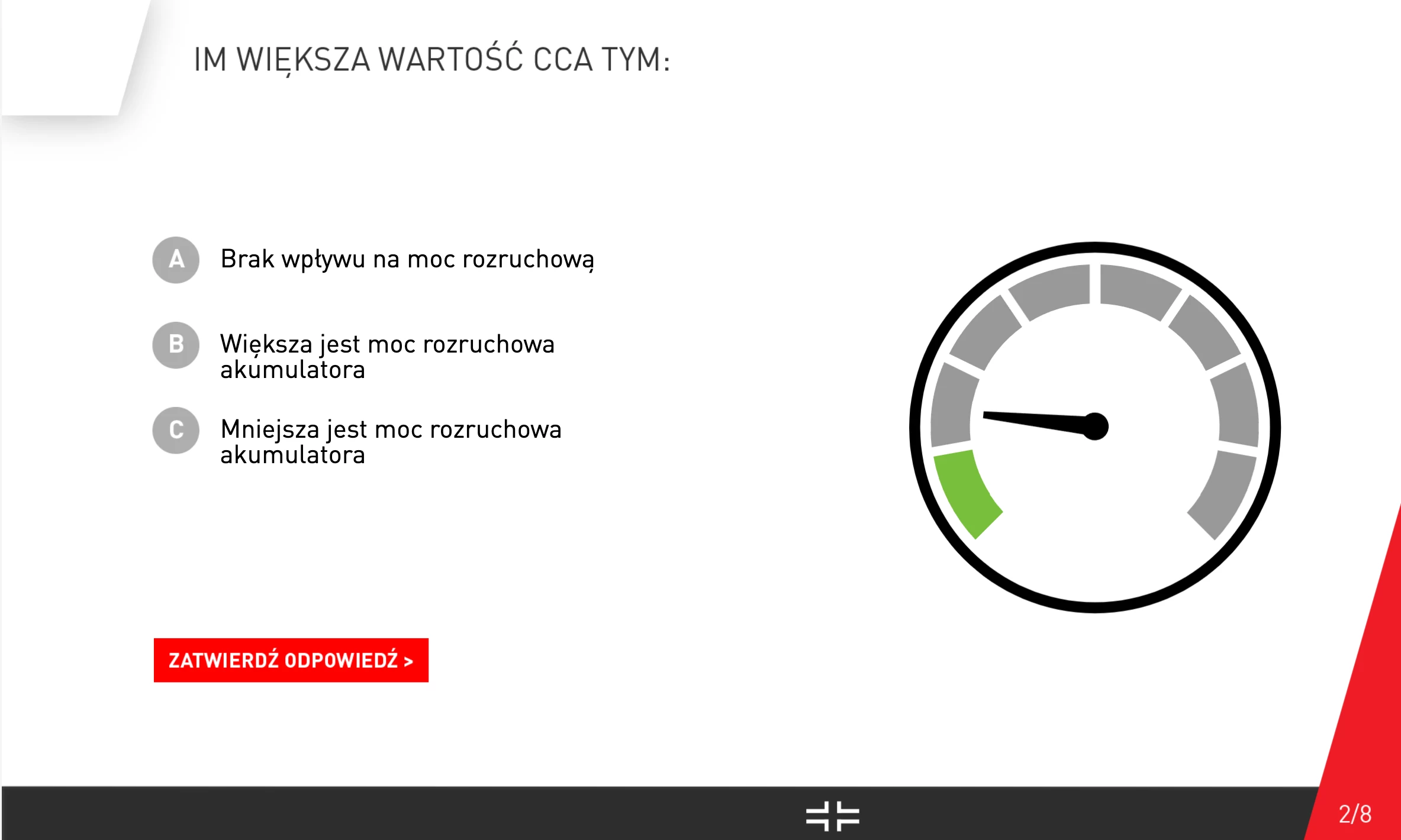
Hello everyone, I have a problem with wrongly displayed fonts in Safari in the Q&A section of e-learning I prepared in Captivate. I had to use Din PRO font for this project. I post printscreens from Safari and MS Edge. I my add that in the rest of e-learnung fonts are fine on Safari and rest of webbrowsers. Can any of you help me to solve this problem. Thank you very much. 
This topic has been closed for replies.

1 reply

Lilybiri
Legend
March 2, 2022

Poland?

There are many issues with Safari and published Captivate output.

Is your font an Adobe font? If it is a system font, you may not be sure that it will be displayed correctly on each system because the font would need to be installed on any learner's systems. Captivate doesn't allow to embed fonts. Have a look at this blog:

http://blog.lilybiri.com/fonts-in-captivate


KeynoteDesign
Participant
March 2, 2022

Thanksfir Your replay Lilybri yes I'am from Poland, and read your article earlier.

I had to use Din Pro as company fonts there are not in Adobe Fonts. As an exercise, we used fonts from Adobe Fonts caled URW DIN, but we have the problems with the Polish characters "Ł, Ą, Ś, Ć, Ż, ź" see the attachment. I do not understand why this problem occurs only in the Q&A section and why e-lerning fonts are displayed correctly.


Lilybiri
Legend
March 2, 2022

Understand about the combination characters (I do understand a little bit Polish) and agree that it is strange that this happens only in the quiz slides. Did you edit the object styles of the Quizzing category?

As long as you have static text and you work on a non-responsive project, there should not be problems because text is converted to images. You may encounter problems with dynamic text which is the case on the Score slide. But normally the answer text is static AFAIK.

It is even stranger that it only happens in Safari, but works fine in Edge. Sighing... Apple makes it always very tough for other applications, and recently Safari even has more issues than it used to cause.

Since you have access to Adobe fonts, I would recommend to contact them and report about your issues. Adobe needs to treat all customers equally (I am Flemish), not only the English-speaking community.  Here is a link to the fonts community.

https://community.adobe.com/t5/adobe-fonts/ct-p/ct-fonts?page=1&sort=latest_replies&filter=all&lang=all&tabid=discussions