


Known Participant
September 14, 2022
Question

Project Name in Certificate not Displaying

  • September 14, 2022
  • 1 reply
  • 315 views

Hello


I am using the built-in certificate widget in my Captivate project. I have read in several posts that the project name should be automatically generated by the system variable cpInfoCourseName, which is linked to File>Project Info. I have entered the project name in the project name field but it still isn't displaying on the certificate. 
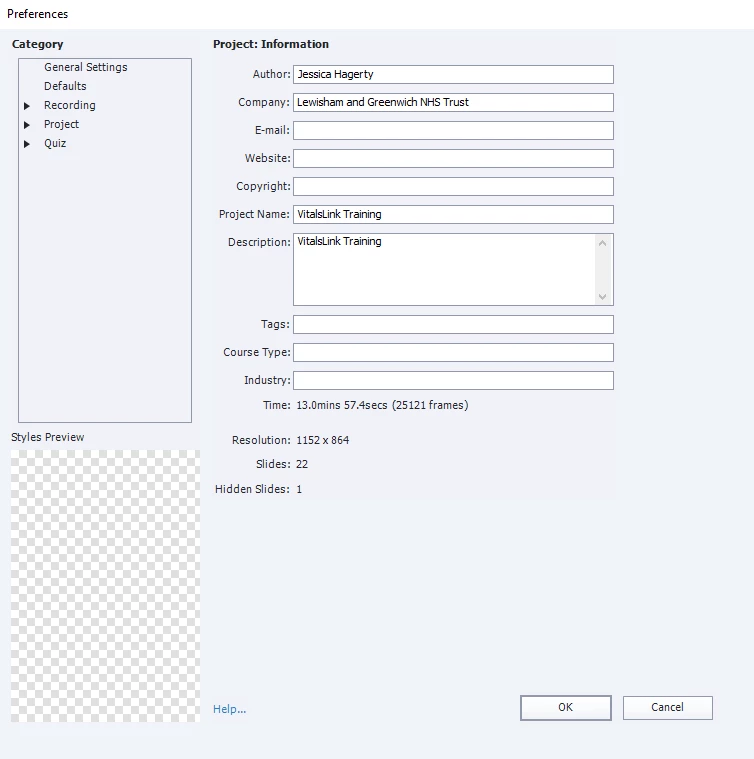
I have published and uploaded the project to our LMS. The name field and date field are populating but the course name, course duration, and authorizing signature are blank.
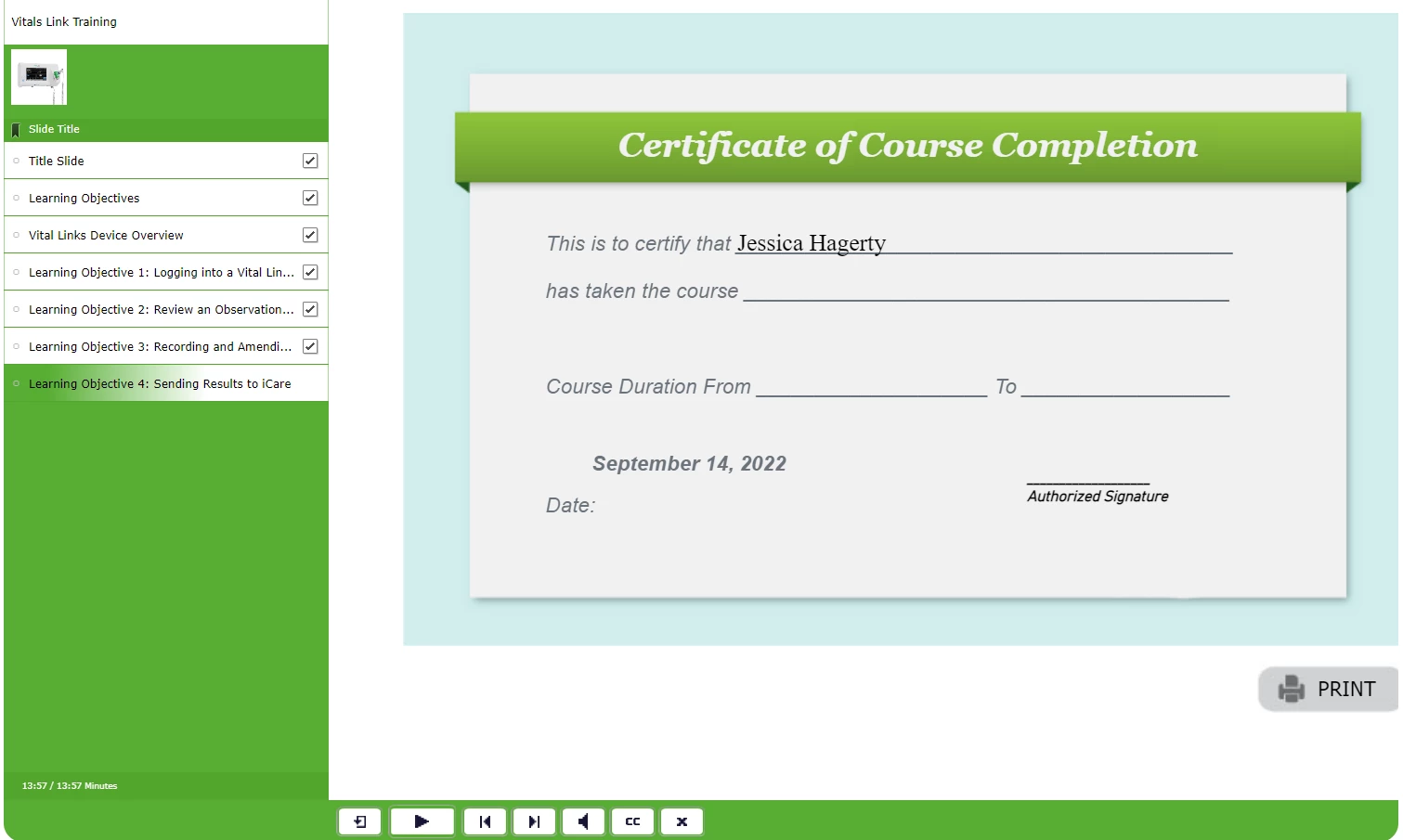
 

I have entered a signature in the certificate widget, and it appears on the preview but not when it's published. 
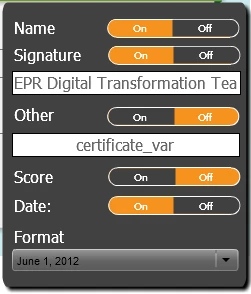
 

What am I missing? 

I am using Adove Captivate 2019

    This topic has been closed for replies.

    1 reply

    Lilybiri
    Legend
    September 14, 2022

    Hmm... not sure what is wrong. Can you tell the full version number please, because there have been many releases under CP2019. You find the full version number under Help, About Captivate.

    Secondly: could you try it out on SCORM Cloud as well, to check if the problem is not situated within your LMS?


    Known Participant
    September 14, 2022

    Hi Lilybiri


    I'm using version 11.5.5.553. 


    I just tried it in SCORM cloud and the project name, aurthorising signature and course duration still aren't displaying. 


    Lilybiri
    Legend
    September 14, 2022

    Not sure you uploaded an image of the signature, but the other fields should have content. Did you finish the course and fulfilled the required criterion defined in Quiz Reporting?