


Project Preview showing different information than Published Project
I am making my first attempt at creating a responsive project for mobile use. It is just a few slides to test things out. When I do the Project Preview, I can see the text and everything I have edited on the slide. When I Publish it (using Publish for Devices), the final project is just the original content slide with none of the text I have added.
I am including pictures to illustrate. The first picture is what it looks like when I preview. You can see the phrase in the middle of the screen that I typed in.

The second picture is after I have Published and opened the project. As you can see, the text is gone and replaced with the generic input.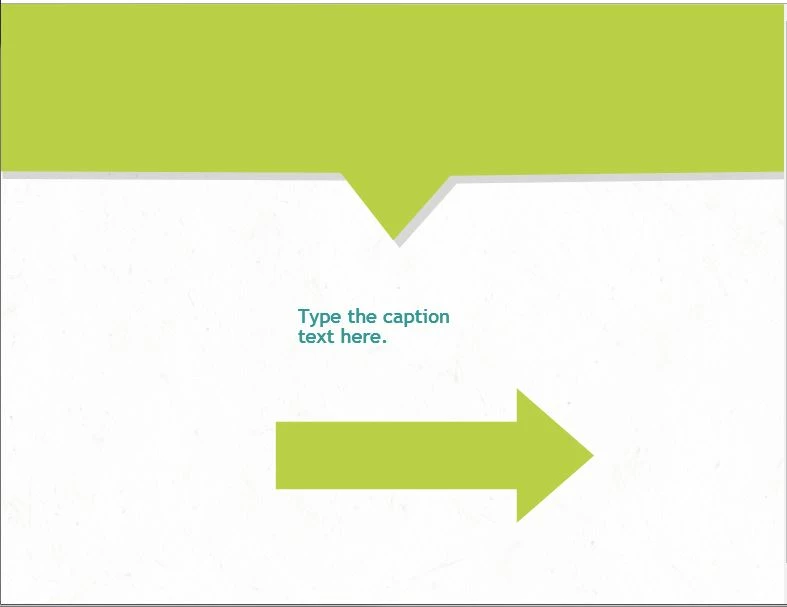
I am not sure what I am doing wrong. If its a matter of me editing the project on the wrong portion of captivate or if I am publishing incorrectly.

 AdChoices