
Question
Publish Fails with HTML5 in Captivate 2019
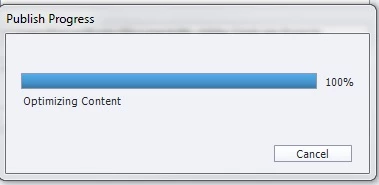
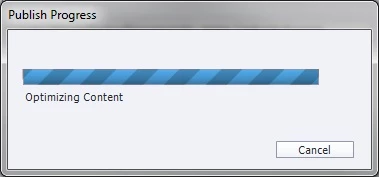
I am trying to publish an existing .cptx file in Captivate 2019, and it is consistently failing in the Optimizing Content popup. It can sit here for hours without succeeding. It will eventually say publication fails. I took several steps including a new file trying to publish (same error every time), changing the file name, changing the file location on my hard drive, clearing the cache, etc.
- I ran CleanPreferences under the Utils folder
- Deleted all projects in the cache folder
- Published to a directory on my local drive
- Published to a different directory on my computer
- Published the file with a different name
Things I can’t do:
- Run as Administrator due to corporate security
- Run an update, this is admin-only


 AdChoices