


Publish projects as handouts in Captivate 2019
Hi
Setup:
- Windows 10 Pro
- Captivate 2019 v11.5.5.553
- Responsive HTML5 Project with images and text in fluid boxes
I am trying to provide a client with handouts to review materials in a manner similar to slide notes. I have followed the official guide titled "How to publish Captivate Projects to Microsoft Word" found here https://helpx.adobe.com/captivate/using/microsoft-word.html
Unfortunately, the images look extremely bad. Items are moved around and some are scaled up and/or offscreen. This feature seems completely unusable. Can anyone advise on why this export looks so bad?
Below is a comparison. Sadly it is not the worst one.
In Project and in Browser:
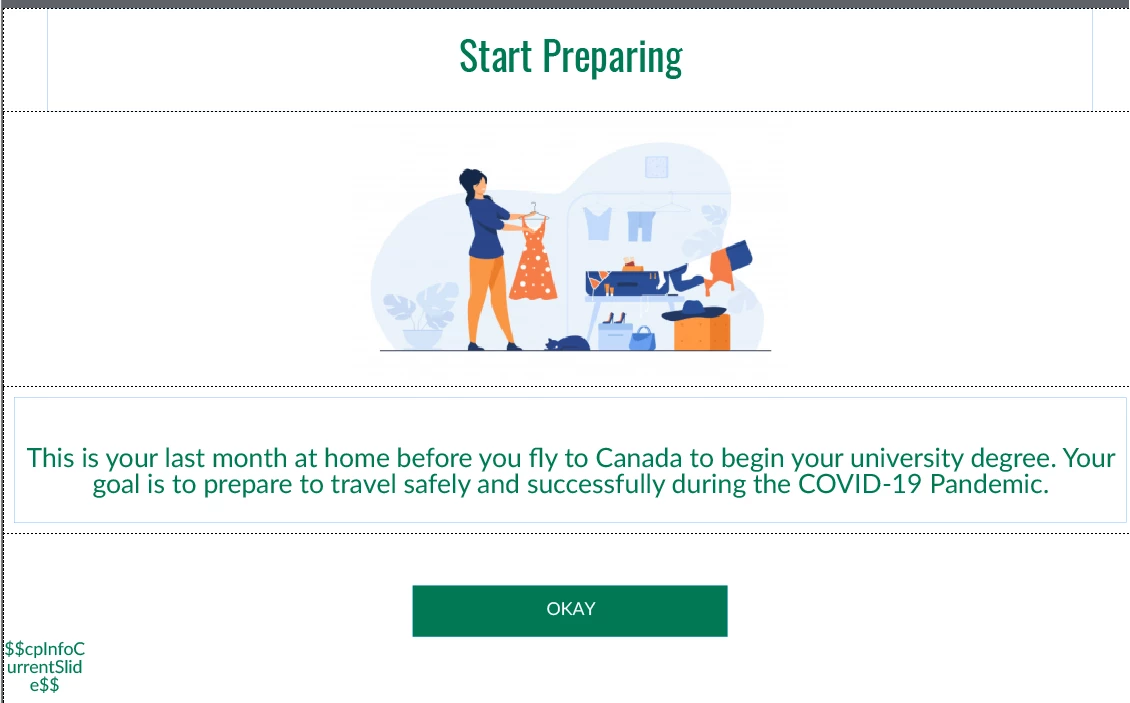
In Exported Word Document
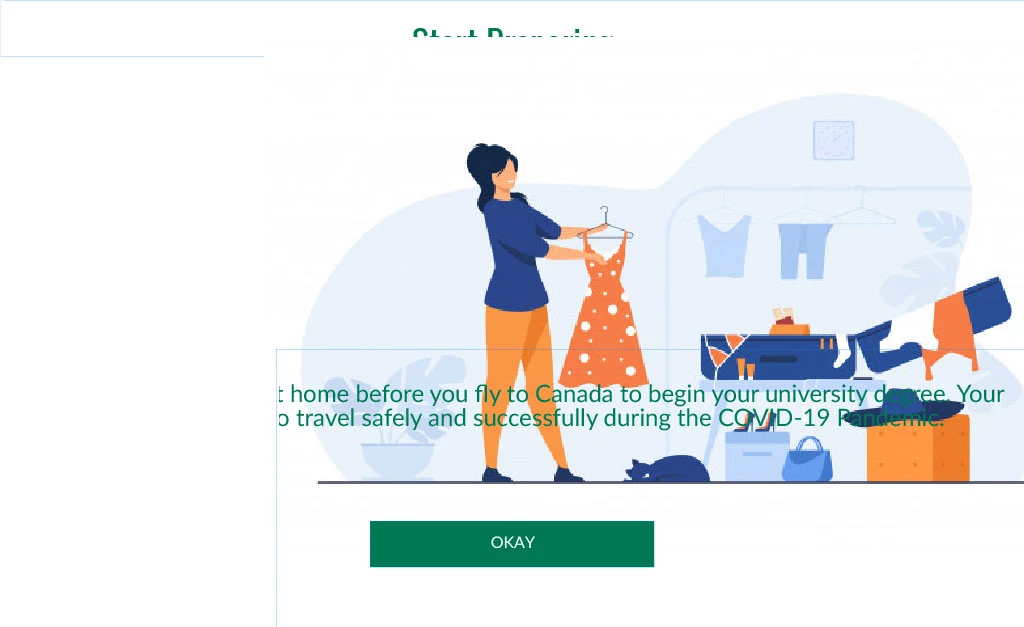
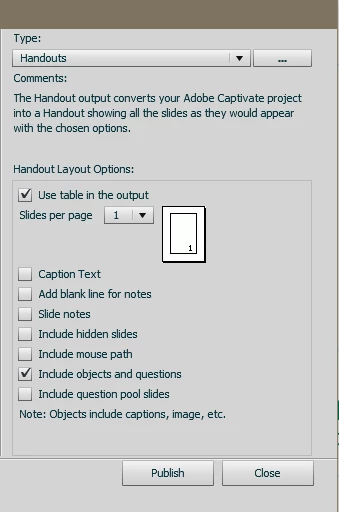
Can anyone provide advice on how this can be corrected? I have tried different print options without any real difference.
Any help/tips would be appreciated. And let me know if support is where this issue should go. It just seems completely broken and unusable.
 AdChoices