
Published presentation pauses if click boxes are clicked prior to navigation buttons appearing
Adobe Captivate 9.0.1.324
Very simple slide, user is supposed to be able to click on the column headers in a screen shot to see what information each column contains. I've used Click Boxes over the columns that execute a simple show action on the appropriate Smart Shape. There are a set of navigation buttons that are supposed to appear towards the end of the narration.
The problem is if the user clicks any of the Click Boxes prior to the navigation buttons appearing the presentation gets paused and does not continue.
I have tried:
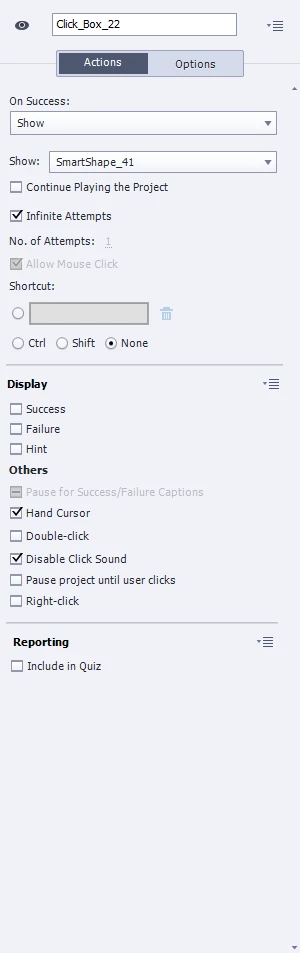
- Enabling "Pause project until user clicks" - this has no affect and the behavior I described above does not change
- Enabling "Continue Playing the Project" - this causes the project to continue to the next slide whenever any of the Click Boxes are interacted with
- Different timing options (i.e. Specific Time vs. Rest of Slide)
I have verified:
- There are no objects on the master slides with a pause event
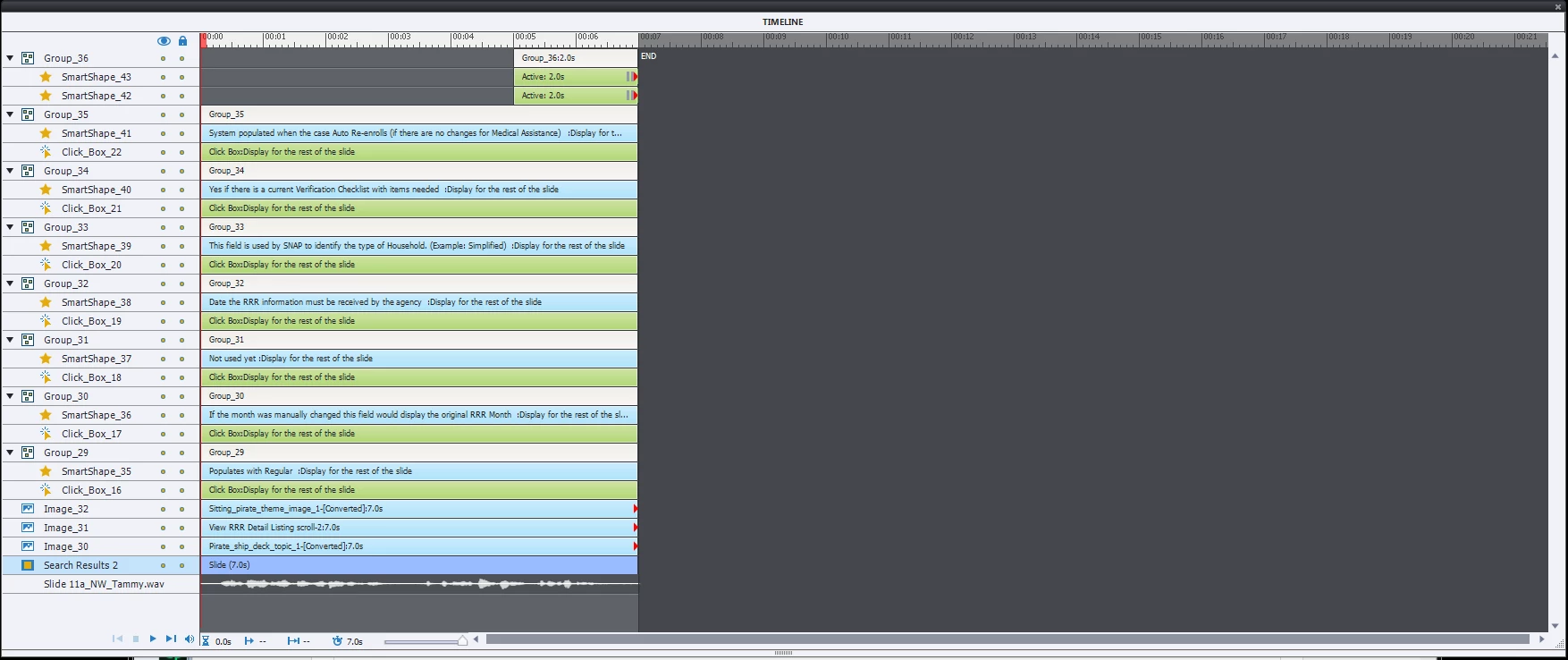
- There are no other objects in the slide timeline with a pause event (with the exception of the navigation buttons which pause at the very end of the slide)
- The behavior is the same in both SWF and HTML5 formats
I've attached screen shots of both the timeline and the properties from one of the Click Boxes. This behavior seems really counter intuitive. Why should interacting with a Click Box cause playback to be paused? I suppose the workaround would be to not show the Click Boxes until the narration is completed, but I would consider this a kludge, I'm more interested in the cause behind the unexpected behavior.
Any input is appreciated.


 AdChoices