
Published project - Browser resize
Hi there,
I'm picking up Captivate again after a several year break. I've used Stor___e (?!) a whole bunch more in the mean time.
In the project I am working on, I have set up a 1280 x 720 workspace, and am building initial templates using that screen size. I ran a couple of test publishes yesterday, and was a bit worried when my browser window didn't scale up or down (it was just massively huge on my laptop.)
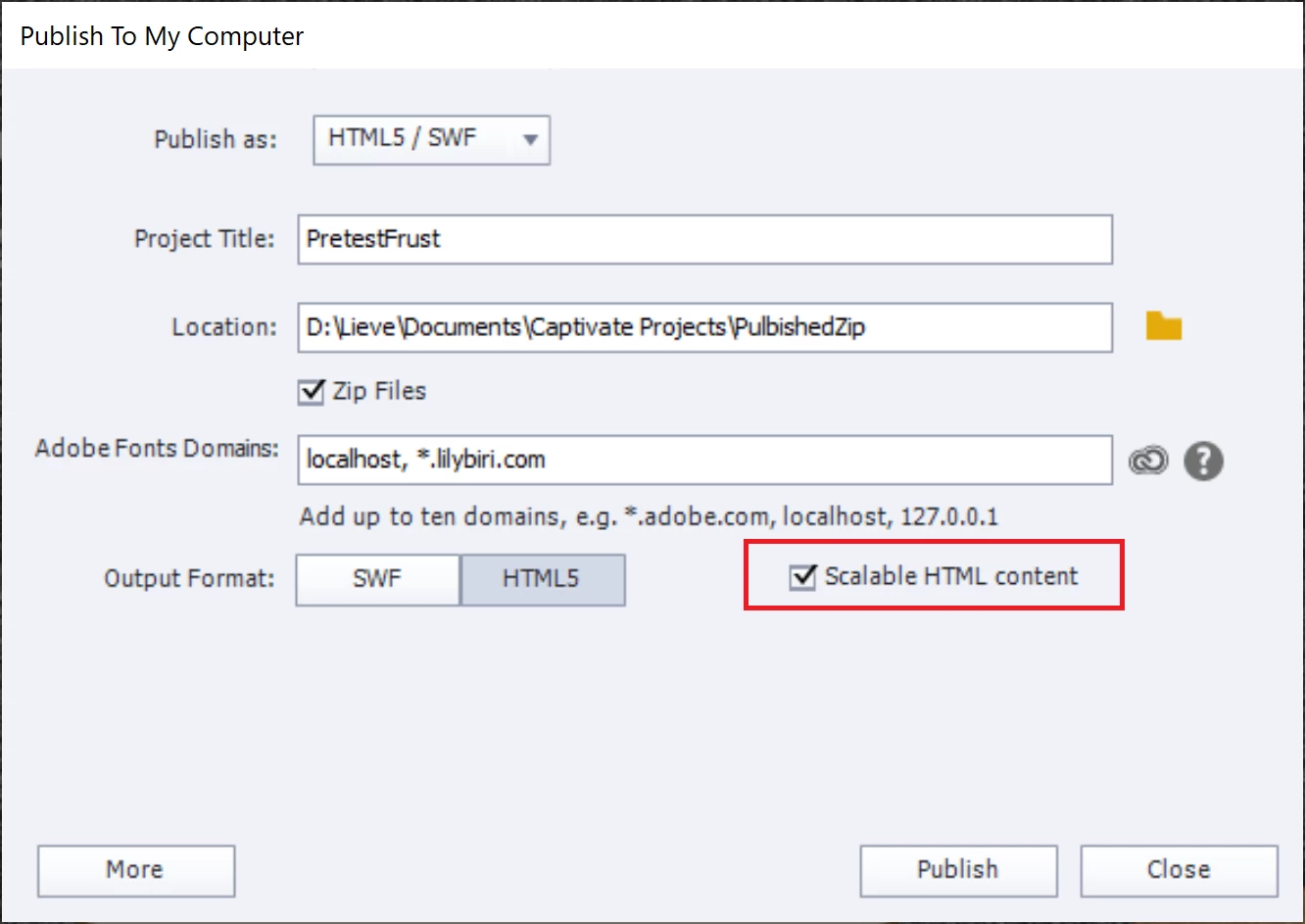
Is there a publish setting to make the window resize (nothign responsive needed, just that objects scale up and down as I resize trhe browser) or do I need to start from scratch with a smaller workspace size / use the responsive template?
Thanks in advance for any help / advice.
Seth 🙂
p.s. @Lilybiri - if you answer this - thank you, you were a star 5 years ago when I was last heavily using Captivate and I've been following your blog ever since. What a fab community member!


 AdChoices