

Participating Frequently
March 12, 2022
Question

Publishing My Course on Adobe Captivate Prime

  • March 12, 2022
  • 1 reply
  • 174 views

Hey! 

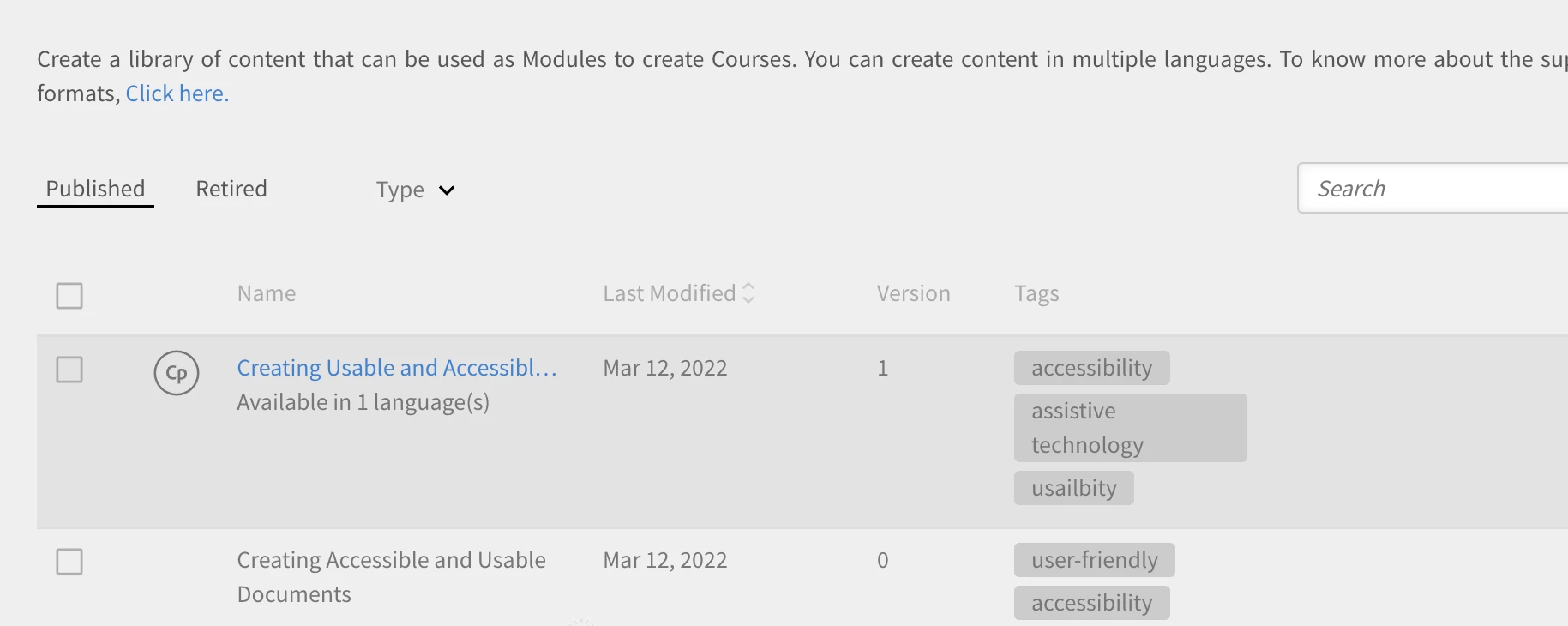
So I have uploaded my course as a Zip file to Adobe Captivate Prime and I am wanting to view it and share it with a url Link.

How can I do this?


    This topic has been closed for replies.

    1 reply

    Lilybiri
    Legend
    March 13, 2022

    Prime is a LMS. Once a learner has logged in to the LMS she/he has access to the courses they have been registered for. If you log in your self, you'll see the URL, but I am not sure at all that providing that URL to any learner will grant to log in. Providing an URL is what you need to do if the course is not on a LMS, but on a webserver. Here is an example of a Captivate tutorial which I uploaded to a subdomain which acts as my webserver:

    http://www.lilybiri.com/published/PlayPause_Scal/index.html

    This is (of course) a non-scored course, for that reason you need to point to the index.html page which is the start page.

    You talked about a "zipped" folder. The example I showed is a non-zipped folder. If you publish a SCO which is necessary when you create a scored course using a SCORM protocol, the folder will automatically be zipped. Or did you zip the output folder manually?
