
Inspiring
February 22, 2016
Answered

Question : CP9 : Colour of web page outside of project area.

  • February 22, 2016
  • 2 replies
  • 346 views

CP9, HTML5 output only.

Hello,

Question : How do I change the colour of the web page outside of the project area?

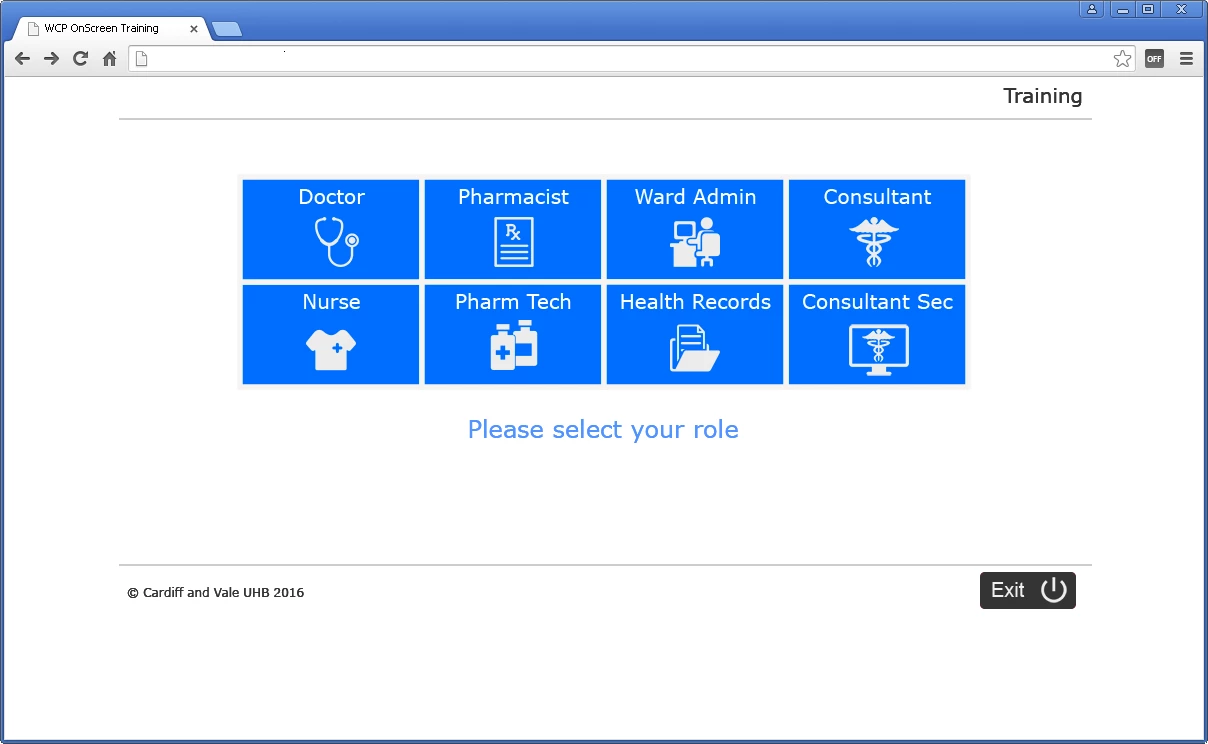
I want my projects to be 100% white as in Example 1.

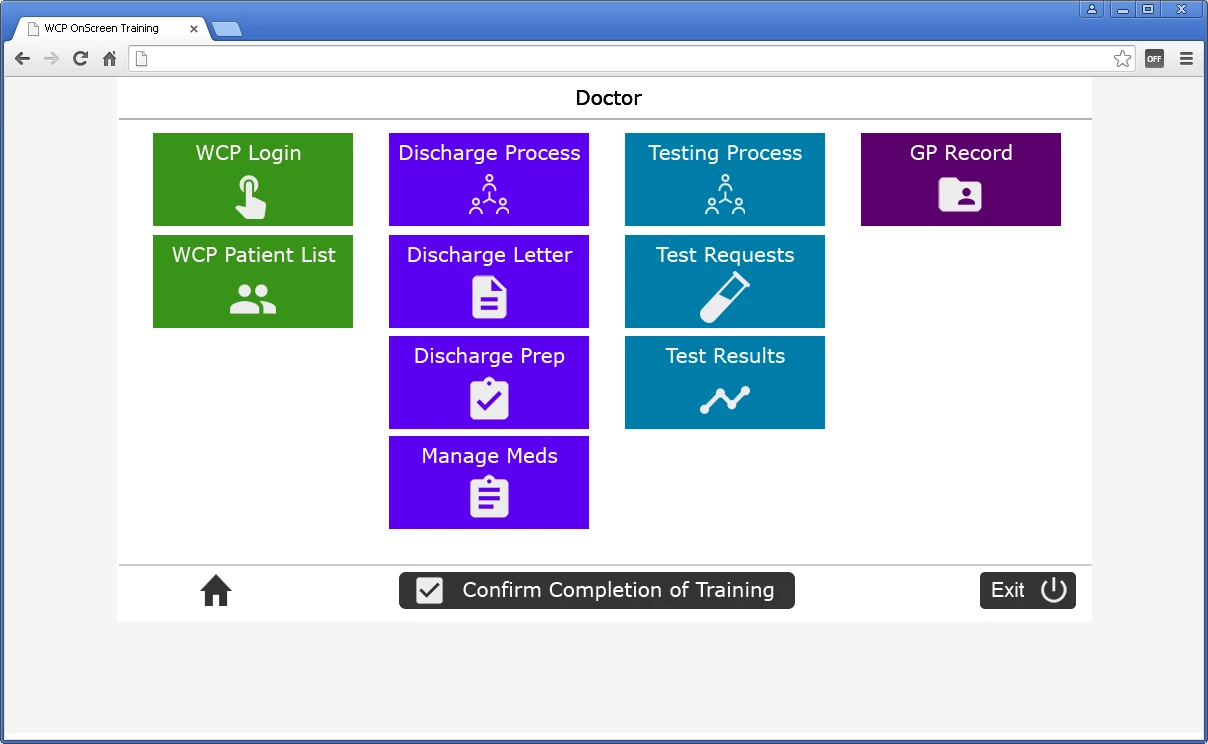
I have tried changing all manner of options on the slide master and made sure both projects have the same settings, but I still get a grey colour as in Example 2.

(If the solution is to alter the index.html or other file I'm happy about that.)

Any help will be much appreciated.

Thank you,

Peter.

Example 1

This project page is 100% white .
Example 2

This is another project, but the page outside of the project area is a very pale grey.
    This topic has been closed for replies.
    Correct answer Dieter1978

    Hi Peter,

    You can change the color of the HTML area around the project from within Captivate:

    1. In the menu bar, click on Themes and select Skin Editor.

    2. In the skin editor window, open the Borders page (second icon middle left, beneath the skin name).

    3. In the Theme section, indicate the HTML Background color.

    Does this solves you question?

    2 replies

    nataliai42234512
    Participant
    December 6, 2016

    Dieter,

    I am having the same issue with setting HTML background color. I tried your solution and it works on non-responsive projects but fails to resolve the same issue with responsive ones. I get an ugly black background no matter what. Please advise!

    Thank you!

    Natalia

    Dieter1978
    Dieter1978Correct answer
    Participant
    February 22, 2016

    Hi Peter,

    You can change the color of the HTML area around the project from within Captivate:

    1. In the menu bar, click on Themes and select Skin Editor.

    2. In the skin editor window, open the Borders page (second icon middle left, beneath the skin name).

    3. In the Theme section, indicate the HTML Background color.

    Does this solves you question?

    Inspiring
    February 22, 2016

    Dieter,

    Yes your suggestion solved the problem.

    I turn off the Playback Controls, Borders and TOC in all my projects, so never thought to look in there.

    Thank you.

    Peter.