

Answered
Quiz continue button in Captivate 9 not working
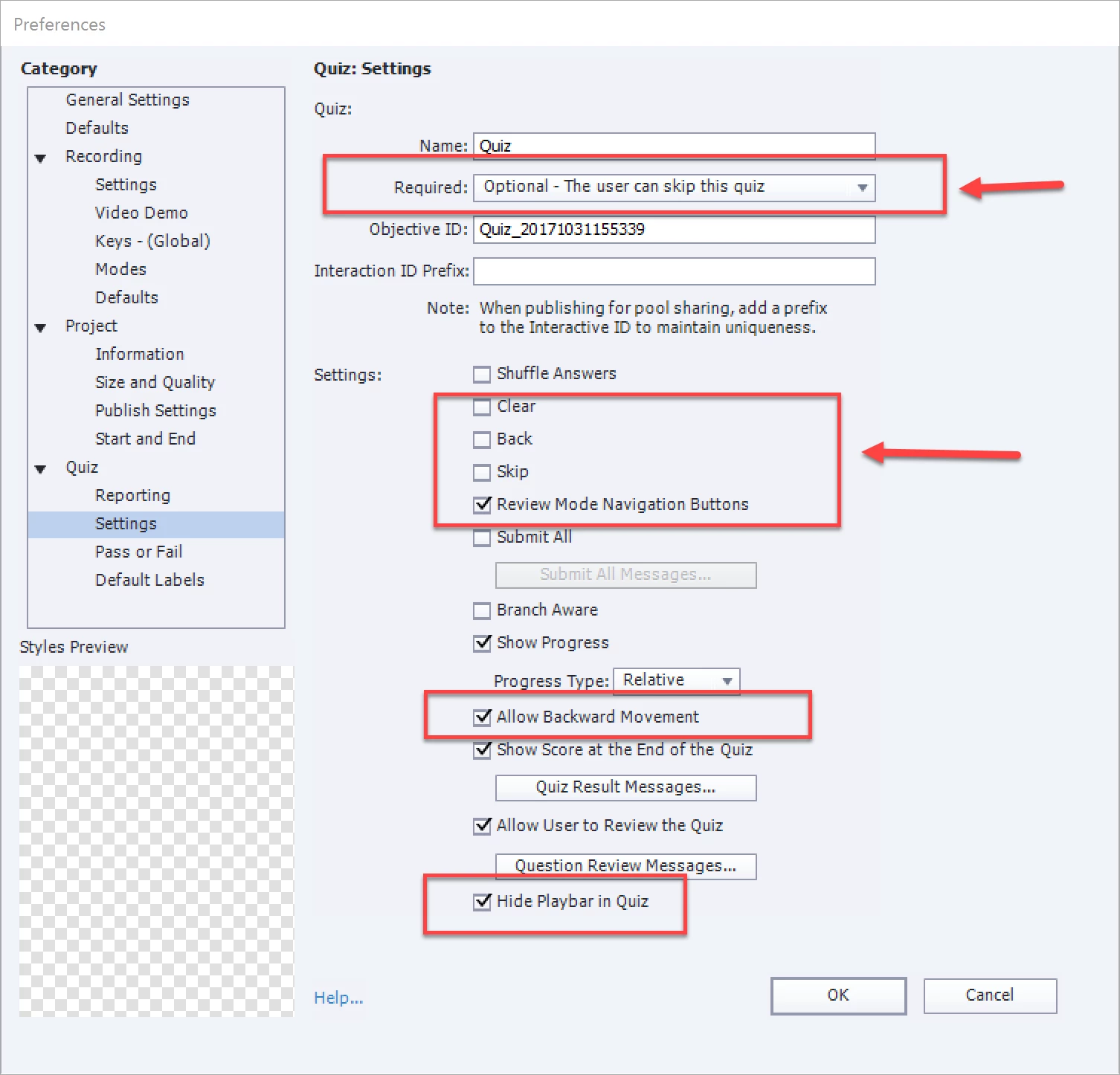
We have created a project in Captivate 9. The actions for pass fail with one attempt at the quiz is when passing they go to the next slide. When failing they are suppose to jump back to a slide at the beginning of the lesson. After the quiz is complete the Review button works to take them back through the quiz. The continue button does nothing and the forward arrow on the play bar does nothing. The back arrow will take the student back to questions they missed even though in the quiz properties it says no backward movement.
I've seen this addressed before but didn't see a correct answer being found. I'm hoping for better luck.
Thanks in advance.
Susan
 AdChoices