Answered
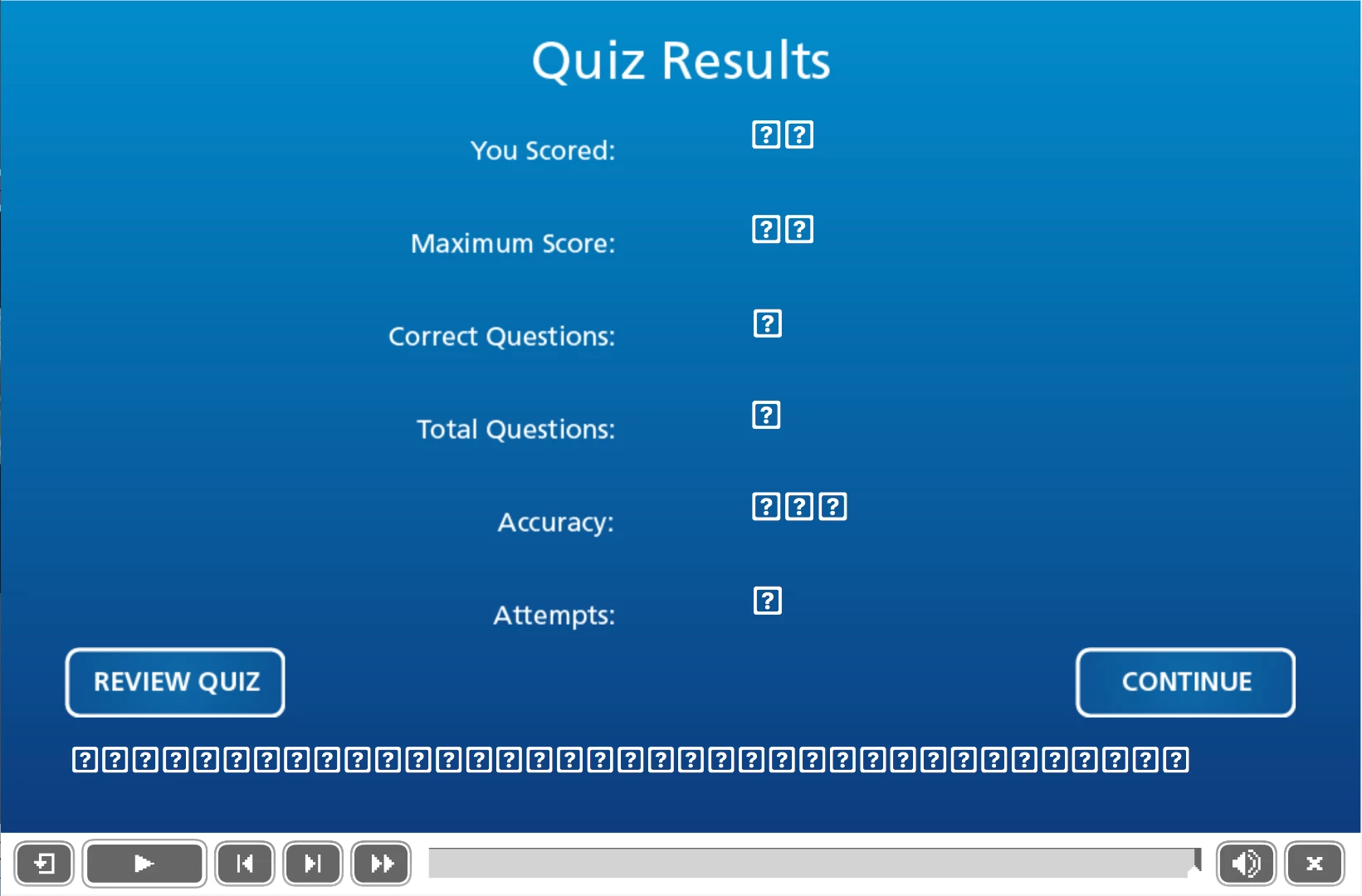
Quiz Results show as question mark boxes
Hi,
The numbers on my quiz are only showing up as these question mark boxes. Any idea why?

Hi,
The numbers on my quiz are only showing up as these question mark boxes. Any idea why?
No, I just changed the font by selecting the the text box and changing the font in Properties. The master slide uses Trebuchet.
Where would I find the Scoring Result Tab?
Reset the Master slide for the score slide. Then go into the Object Style Manager and set the wanted style for at least the two Quiz objects which I showed in the previous screenshot. Check the results master slide, and reset if necessary for the score slide.
Already have an account? Login
Enter your E-mail address. We'll send you an e-mail with instructions to reset your password.


 AdChoices