


Quiz Results slide 'Review area' - I want to bypass built in text box and create my own?
- 5 replies
- 720 views
- Translate
Thank you in advance for your help.
I'm creating a course for my employer, short quiz is at the end of the course.
I've noticed the 'review area' that states if they have passed or not, is really plain, boring and can't be overly customised.
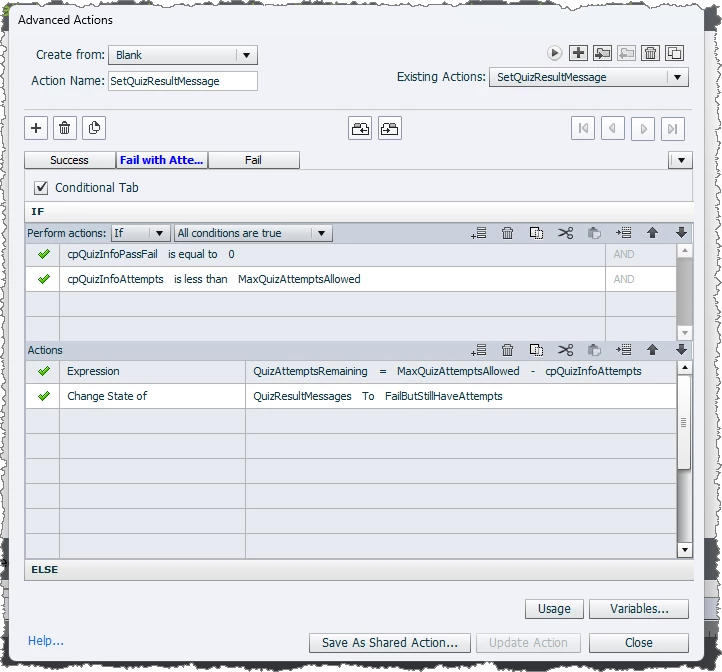
I was wondering if there was a way I can create two texts boxes and/or buttons that will show on the slide when they have either failed or passed. An advanced action? Java Script?
At the moment I have a 'retake quiz' button that takes the user back to the begining of the quiz slides to retry. I tried using a similar advanced action to that but that hasn't worked. I'm not very good with the coding of it all, just want I've found works by researching.
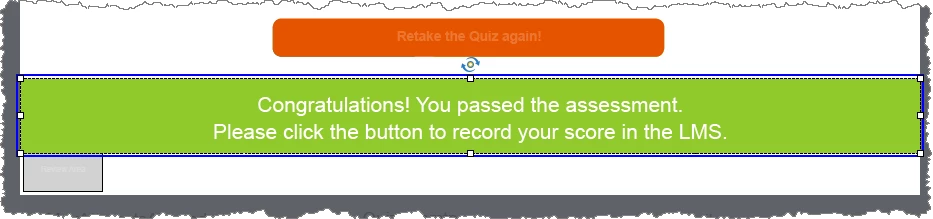
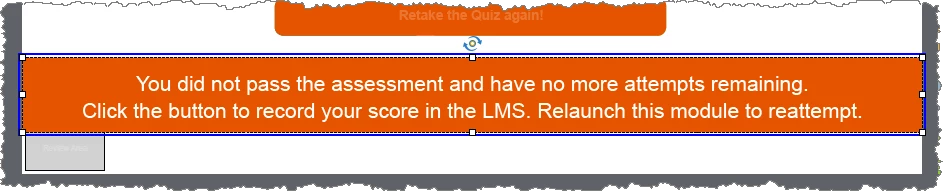
Ideally; when the user passes the quiz, the 'congrats you passed, please click continue' will pop up on the quiz results slide...and vise versa for the fail popup.
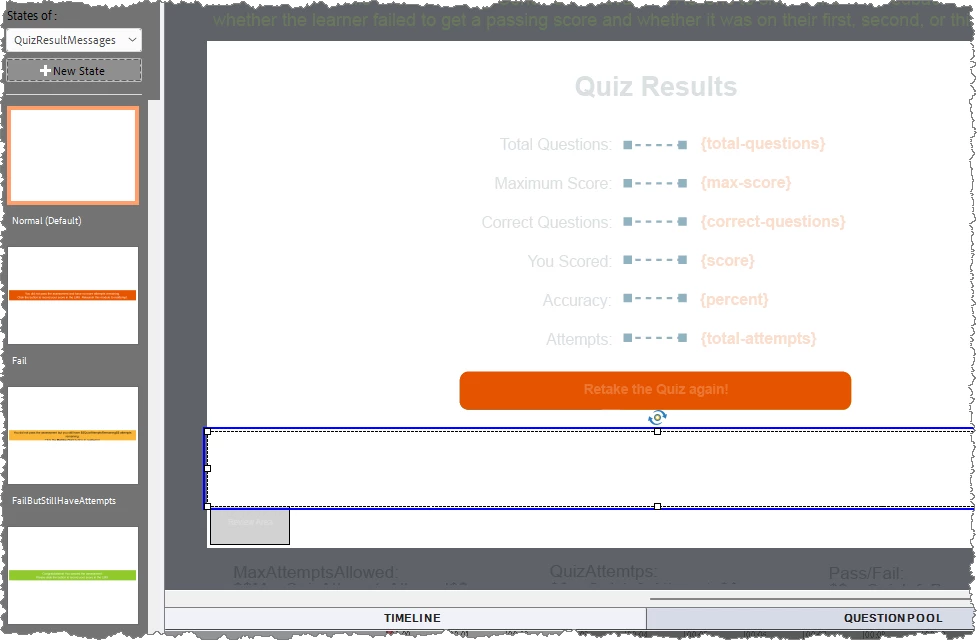
I've attached a couple of photos of what it's running on at the moment, which obviously isn't working becasuse I've done it wrong.
(I do have a slide after the quiz results slide).
Running on Captivate Classic 11.8.2.254

 AdChoices