Participating Frequently
December 4, 2015
Question

Quiz score not loading on Google Chrome

  • December 4, 2015
  • 2 replies
  • 935 views

Hi,

When my quiz has been uploaded to the LMS I'm told it's having issues loading the results page on Google Chrome (Version 46.0.2490.86 m). I'm having no issues at all when I preview my quiz from Captivate though . Once the quiz is complete it gets stuck with a non-stop loading page. See image below. I've tried adjusting every setting I can think of in preferences!

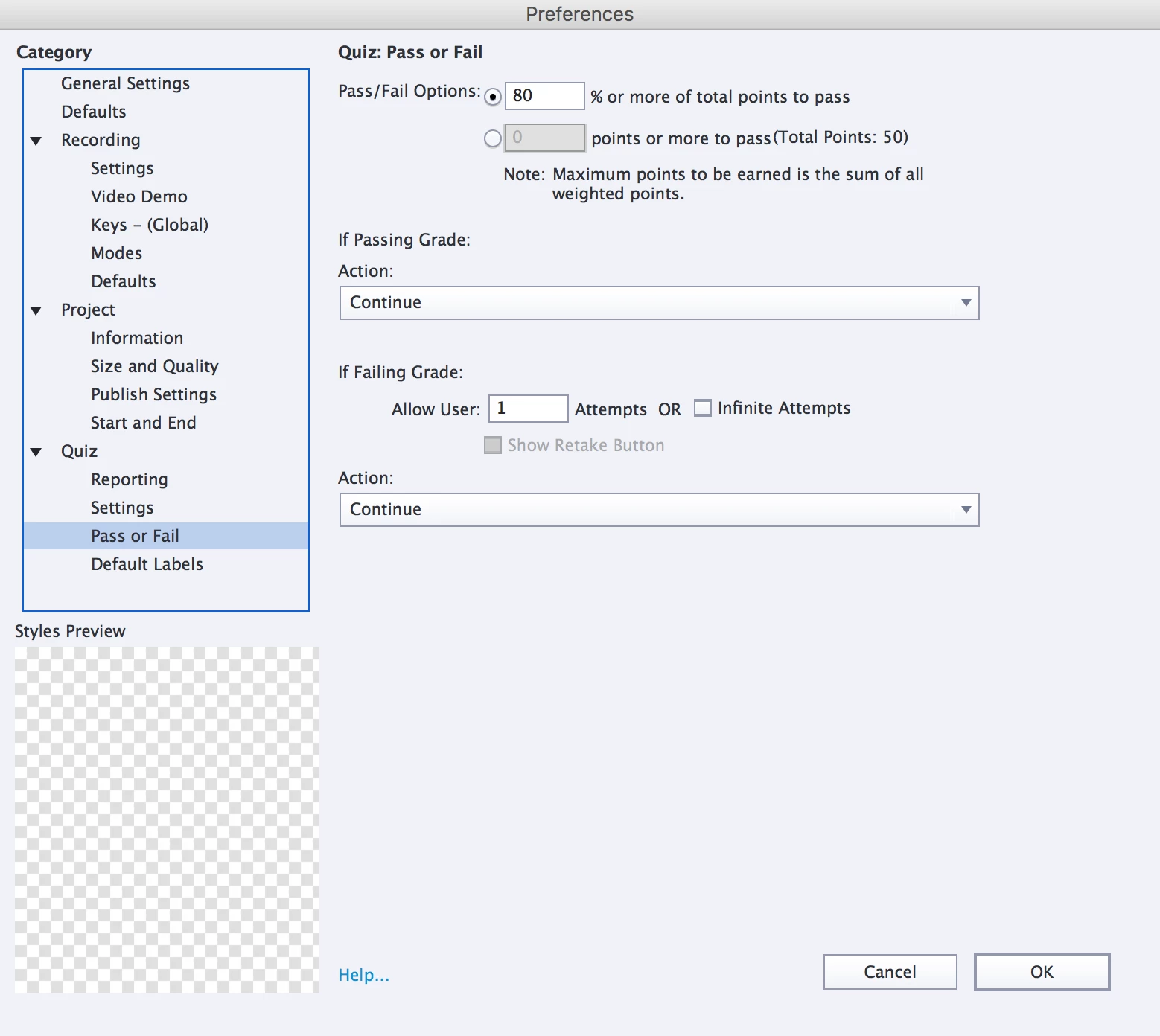
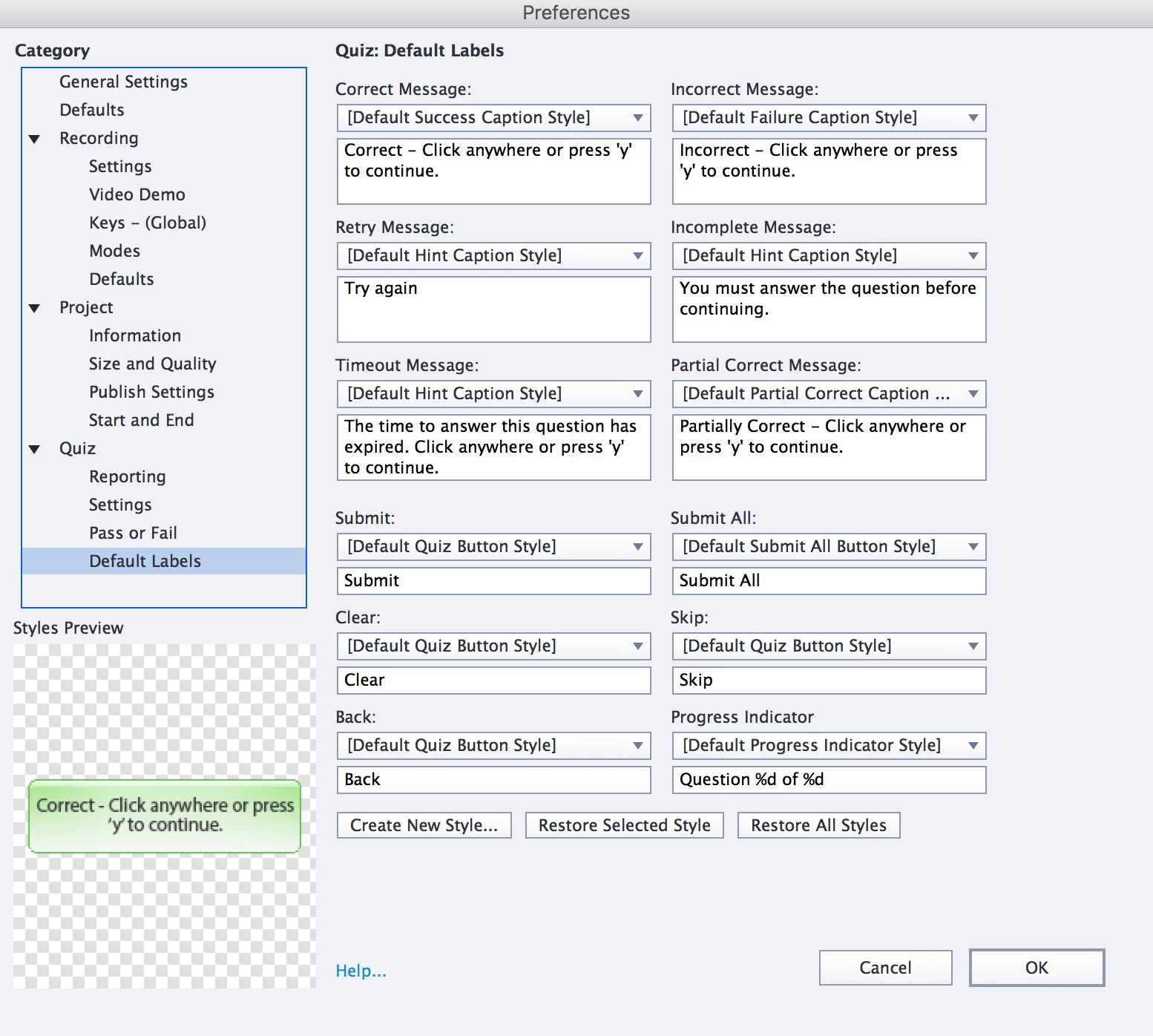
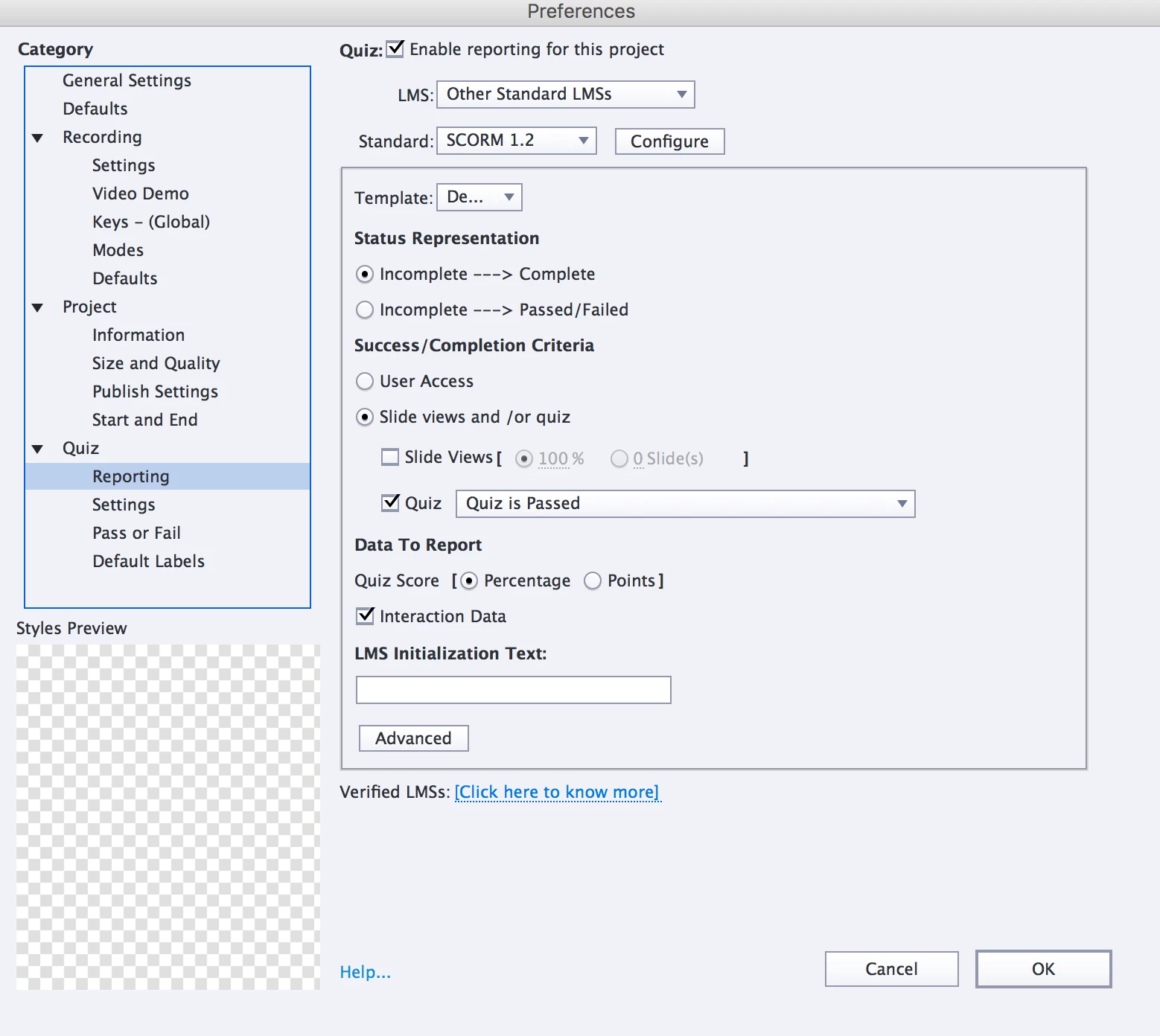
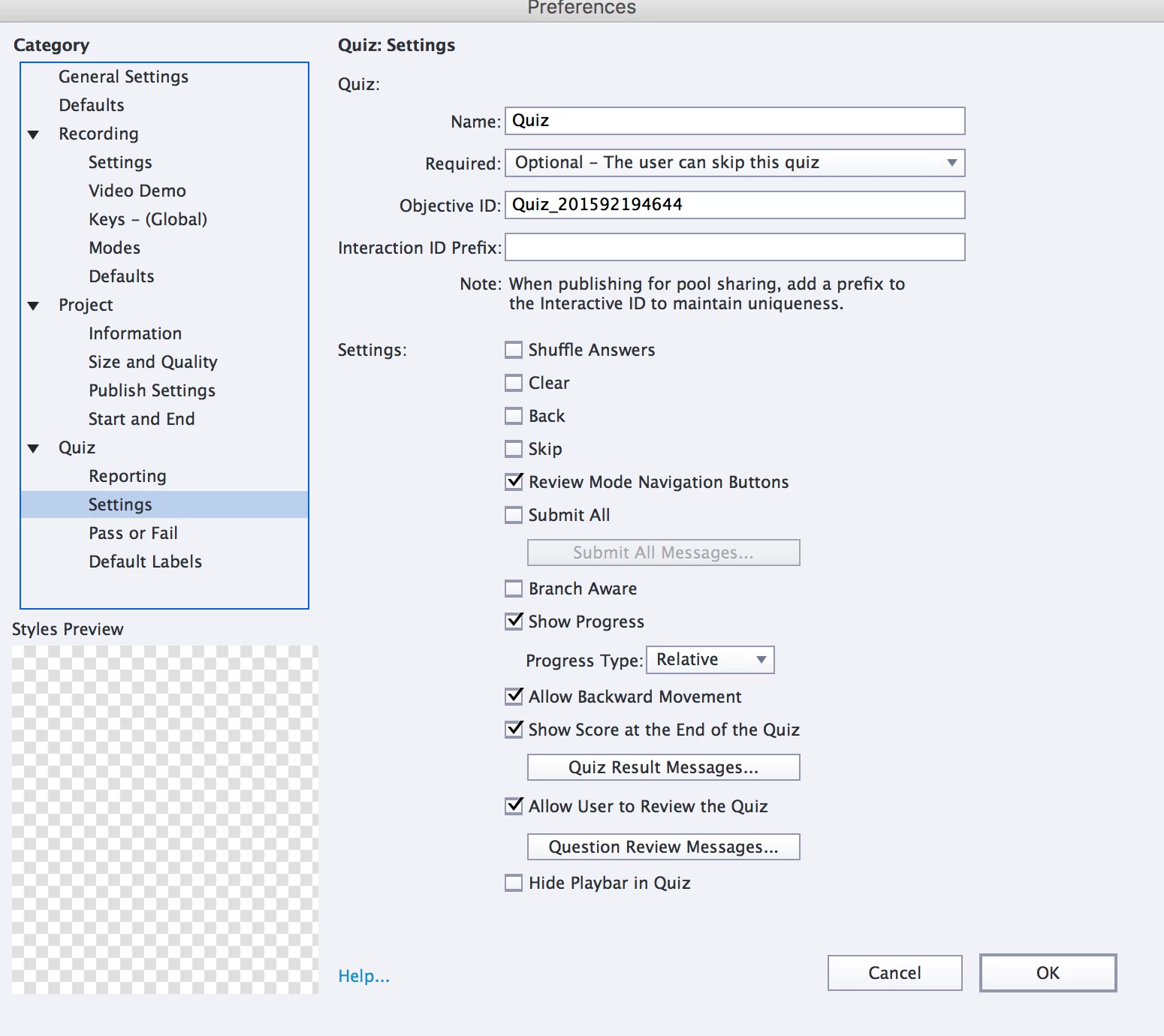
This is how I have my preferences set for the Quiz. When this quiz was uploaded to the LMS in September, there were no issues but now in December there are issue and I didn't change any of the settings to this quiz, just updated some text on a slide. Any help on what I may be doing wrong is very much appreciated! Thanks.
This topic has been closed for replies.

2 replies

tarunjain
Adobe Employee
Adobe Employee
December 9, 2015

Hi rjsavill ,

Please help us in investigating the issue by providing the following information :

  • What is the publish size of your project? ( To check this open your .cptx and then go to Window > Project Info > click on Check ). Also whats your internet connection speed?
  • Can we get the error logs from Chrome console when the non-stop loading page appears. ( To do this open on chrome , right click on html page > click on inspect > console )
  • Can we get the Captivate version you are using currently and used in September?. ( Go to Help> About Captivate - Check the version number ). In this time , Did your LMS got any update?

In the meantime as Rod and Erik suggested , try publishing your project on cloud.scorm.com. ( Publish a SCORM package from Captivate > open cloud.scorm.com in chrome > Login/Signup(it's free) > upload .zip and attempt the course )

Is issue persists in SCORM cloud also , please try publishing a small new project and share your project(.cptx) with me on tarjain@adobe.com.

Thanks

Tarun Jain

Adobe Captivate Engineering Team

RodWard
Community Expert
Community Expert
December 4, 2015

If you updated something and then this started happening, maybe it was something about the text on that slide.  Try hiding any slide you touched and then republish and zip up a SCORM test file to see if that changes the behaviour.

Also create a small NEW project with a couple of blank slides, one True/False quiz question, and set the SCORM info up the same way as your problem project.  Publish and upload that file to the LMS for testing.  If it works as expected, then the issue MUST be with your current project.  It could be the text mentioned above.  Perhaps it contains some punctuation character that is tripping up the SCORM communication. Or in a worst-case scenario it might be a corrupted project.

rjsavillAuthor
Participating Frequently
December 7, 2015

Thanks for the response.

The first quiz I made with Captivate in September this year worked successfully on the LMS which it is being uploaded to. Then in December, I made an update to one slide and it was re-uploaded to the LMS. This is when I was told about the problems mentioned above. So while I tried to figure out the issues, I told the LMS uploader to just go back to using the one I sent in September. They then came back to me saying that they're having the same issues, even with the September version!

I'm at a dead loss. I have no clue what to do & the thought of redoing this entire quiz due to corruption is very daunting & disappointing.

*This part is for Adobe: I love all of Adobe's software but I've been using Captivate for about 4 months now & I can report that it's really not very good & certainly not worth the $29.99 a month (locked in for 12 moths) that it's costing me. It's awkward to use & this is not the first time I've had mind bending issues with it. And all in just 4 months!

RodWard
Community Expert
Community Expert
December 8, 2015

Did you try the test suggestions I gave you, creating a small new project to test?