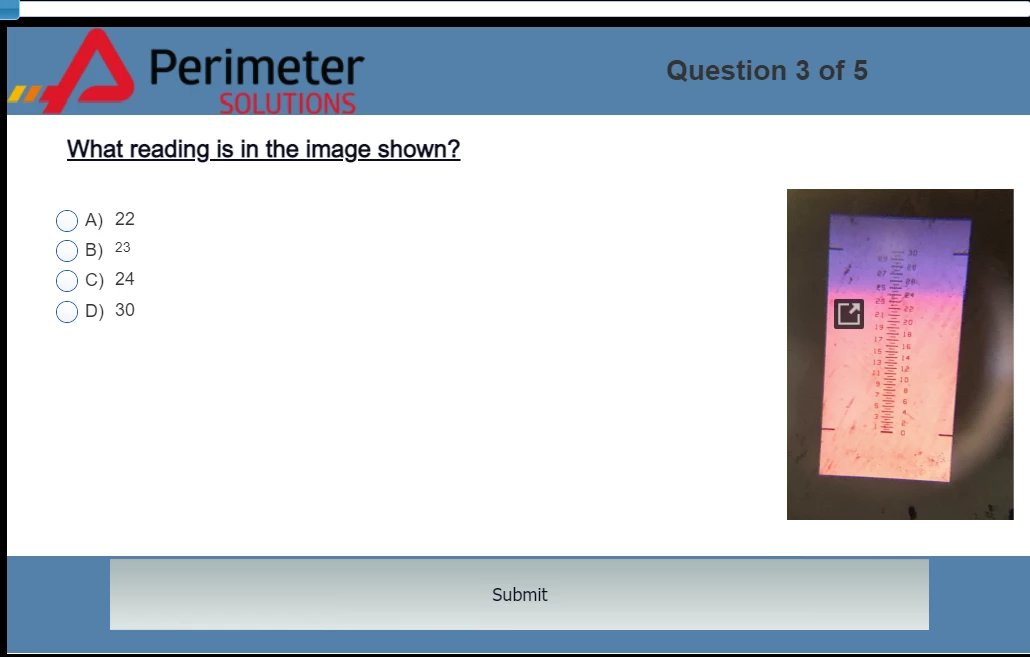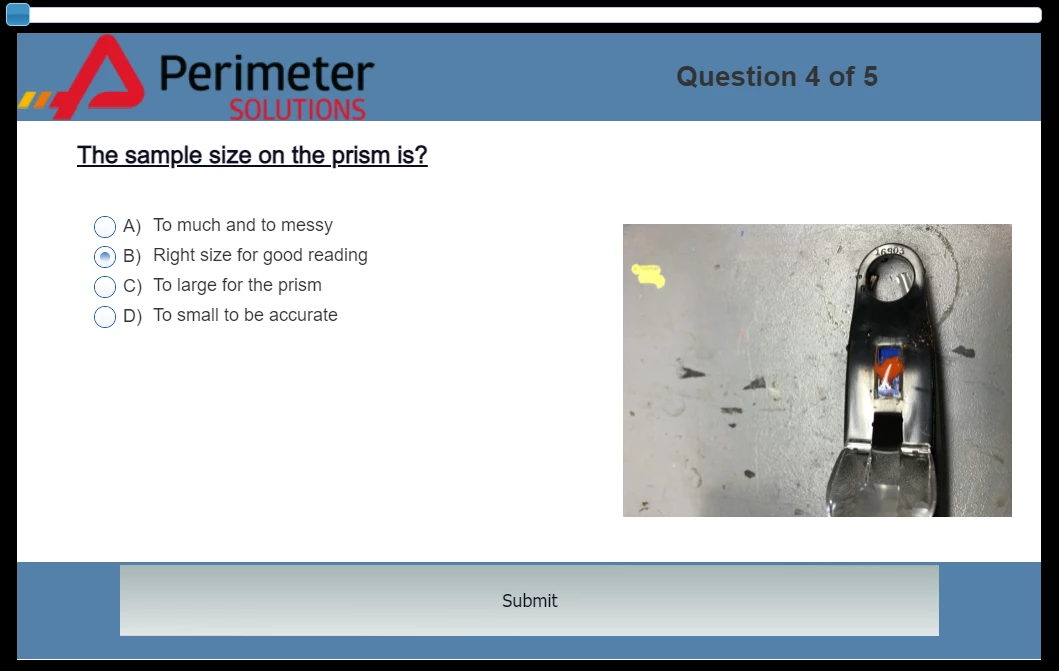
Vic - PSCL
Known Participant
December 16, 2021
Question

Quiz Slide - Formatting Error?

  • December 16, 2021
  • 1 reply
  • 106 views

Hello everyone,


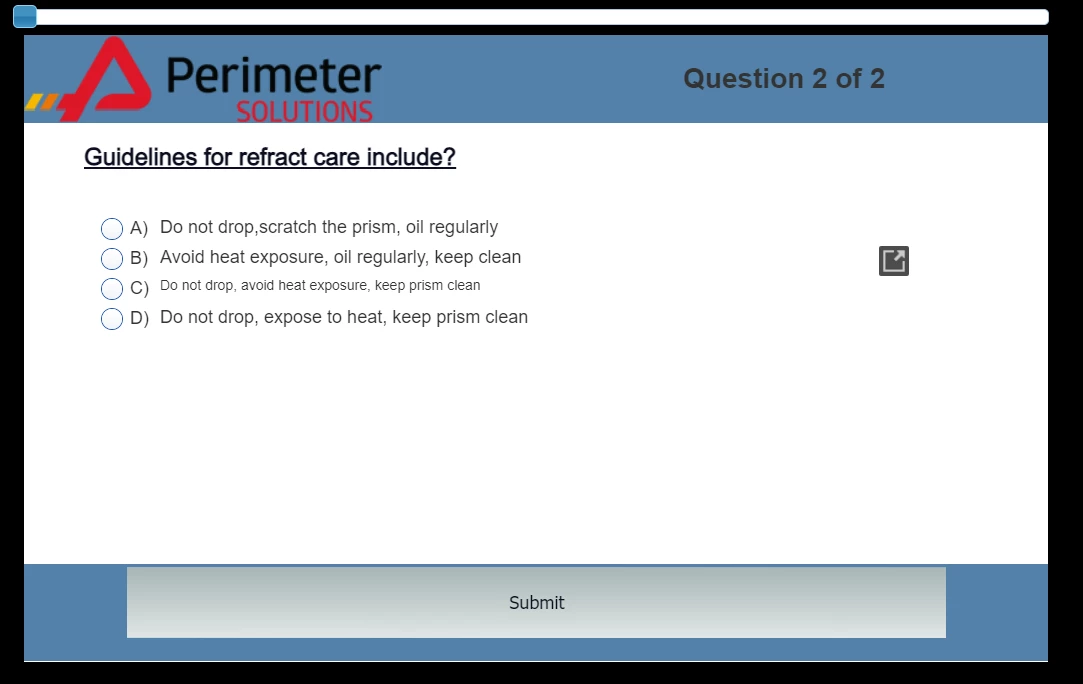
Does anyone know how to prevent one line from shrinking itself or just a question having a pop out? I cant find out, what is causing the issue or how to disable the pop ups you see below. Help! (Last photo is just another quiz slide that works fine. Below are the only two that are having issues)


These are the built in quiz slides in captivate.
   

This topic has been closed for replies.

1 reply

Lilybiri
Legend
December 17, 2021

Not sure to understand.

Missing information: is this a responsive project with Fluid Boxes? That could explain the font size decrease in the first screenshot. You can have a look at this blog, where I explored the master slides and settings when creating quiz slides in a Fluid Boxes project:

http://blog.lilybiri.com/tips-for-fluid-quiz-slides

You'll find how to avoid having formatting of one answer being changed, but force all of similar styles to change the same way. Look at the part 'Answers Fluid Box', which has 3 screenshots, first of them (Default setup) looking like your issue.

I am not sure what you mean by the 'popup'? Is that illustrated in  the screenshots?

Vic - PSCL
Known Participant
December 17, 2021

So on the top picture you can see that little grey box on the right. When you click it this happens:


Cheers,Vic
Vic - PSCL
Known Participant
December 17, 2021

Sorry I forgot to mention that this is a responsive project with Fluid Boxes

Cheers,Vic