
Random Pass/Fail Messages in HTML5 Output
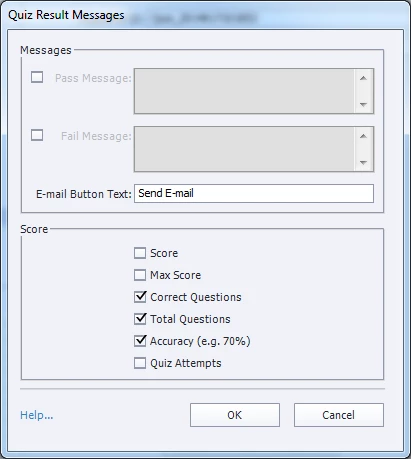
We have the pass/fail messages under Quiz Results Messages turned off because we direct to separate pass and fail slides. The weirdest thing started happening when we began publishing to html5 only vs SWF/HTML5 (multiscreen). Random messages are appearing. My best guess is that they are ghosts of old messages from whichever version of Captivate that the original module was created in.
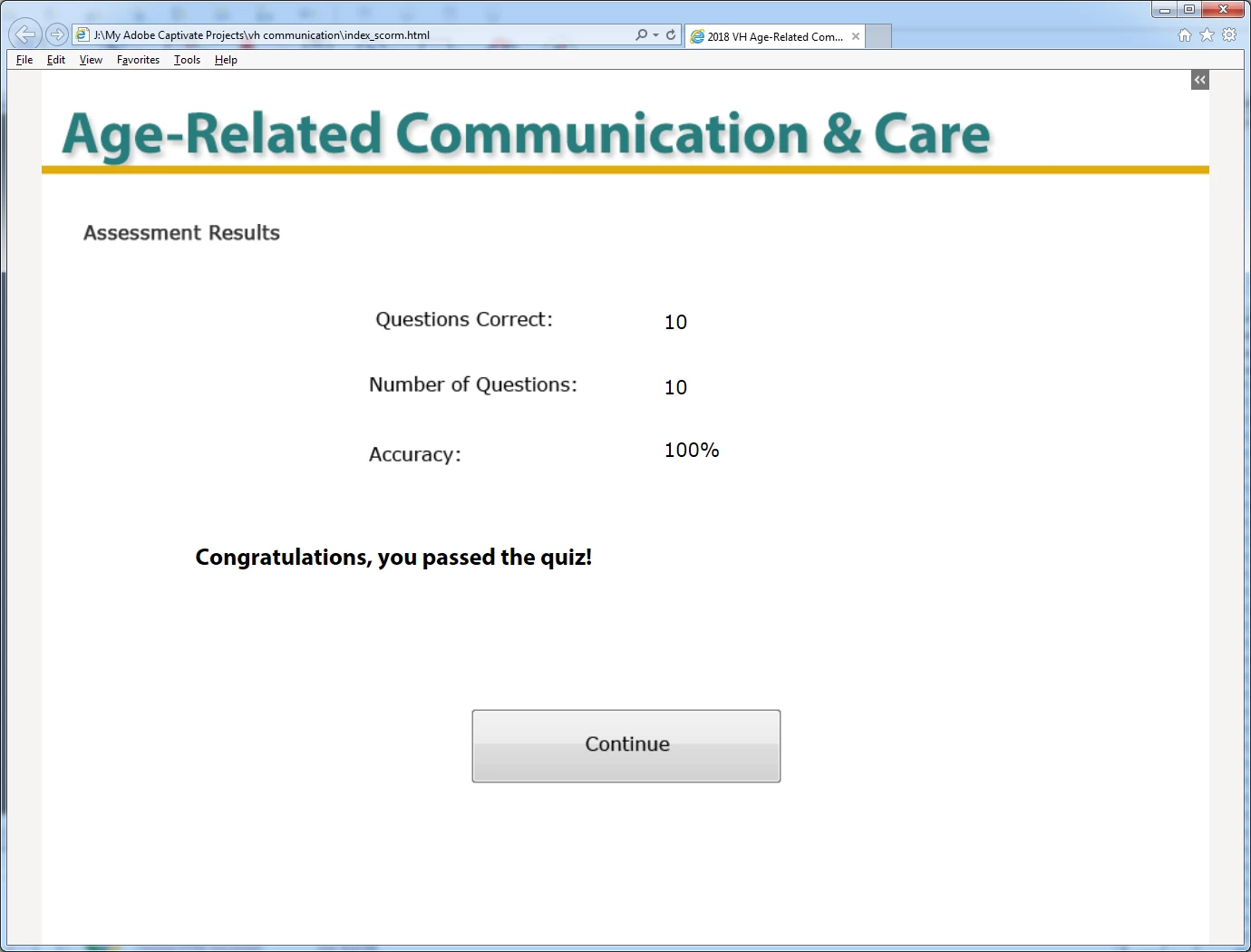
Both of these images are from the same module. The first is of the Quiz Results Messages, which clearly shows that Pass and Failed messages aren’t turned on.
The second is from the quiz results screen in the published version which shows Congratulations, you passed the quiz! Other modules show different messages. I'd really like to be able to control these messages - either with off completely or editing the text. Thank you!
 AdChoices