
Recover missing layout preview options Captivate 2019
Dear all
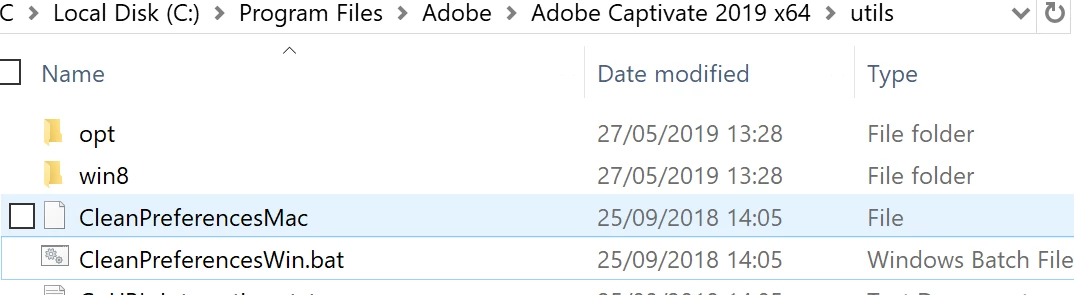
I set specifications for a custom layout in Captivate 2019, and since then the original Desktop option in the layout preview drop down menu has disappeared. I searched for a solution in the forums and online. Various solutions were offered but none have worked. I am using Win 10 with the latest, updated, version of Captivate 2019. Solutions already tried include the usual switch-it-off-and-on; delete the custom option I created; clear the cache by clicking on the batch file "CleanPreferencesWin.bat" in the Utils folder in the Captivate program files (see screen shot);
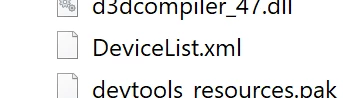
checking the "DeviceList.xml" file in the Captivate program folder which after all changes still shows "Desktop" as an option although it does not show in the options in the program (see screenshots);
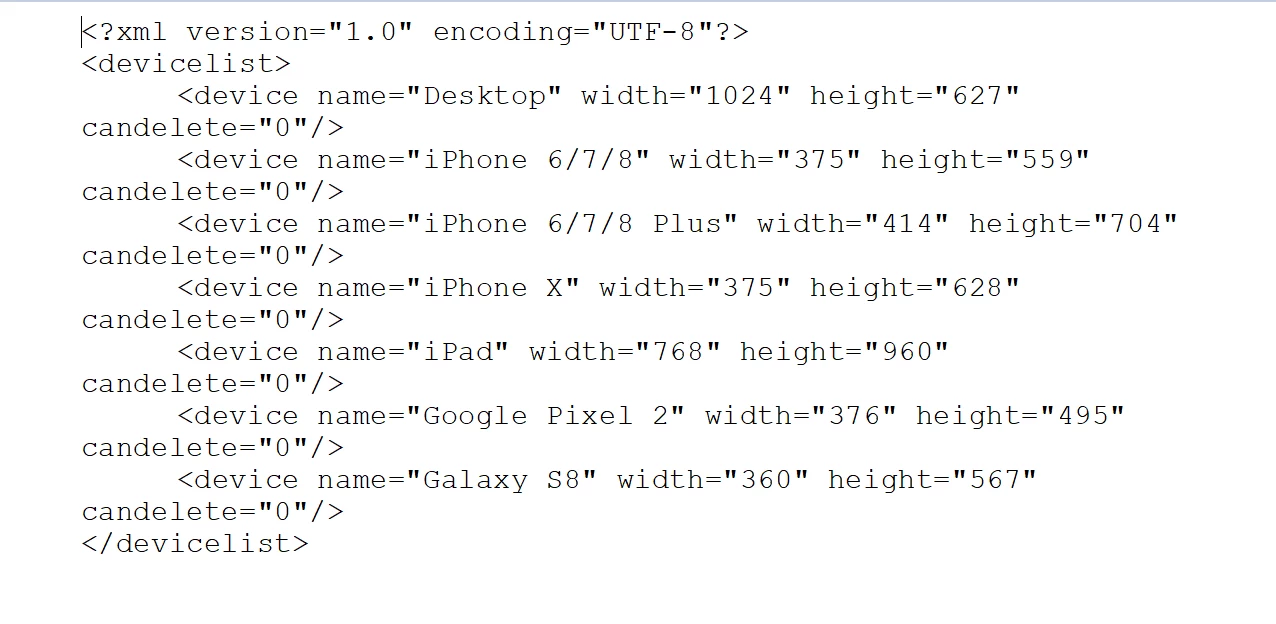
and, shutting down Captivate and restarting my computer after each step. You can see in the screenshot that "Desktop" is still missing as an option. The question is how do I recover the layout preview menu to its original specification?


 AdChoices