


March 6, 2013
Question

Remove background of interaction object

  • March 6, 2013
  • 1 reply
  • 856 views

I'm totally lost on getting rid of the background of my pyramid widget, or even setting it to transparent.  I'd like to remove the white background area as well as the drop shadow of this object.
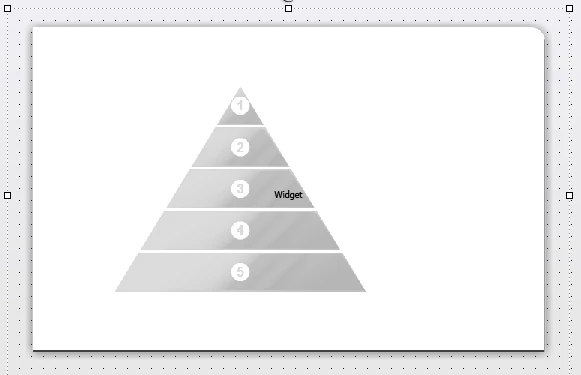
There's an option to change that color, but nothing relating to removing it, making it transparent, or getting rid of the drop shadow.
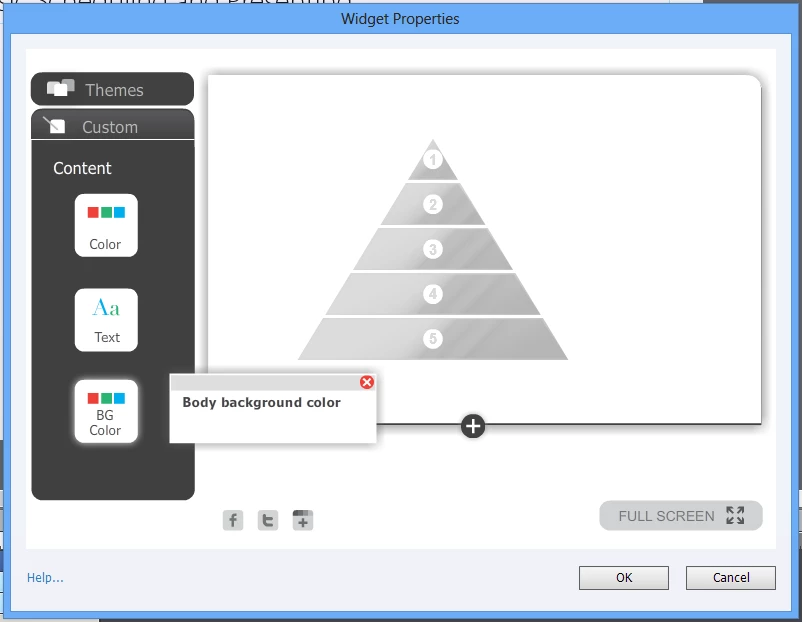
I'd also like to have the first element (#1 in the pyramid) to be open by default, but that's not as important for now. I'm using Captivate 6. Any ideas?

This topic has been closed for replies.

1 reply

Varun Kalra
Participating Frequently
March 7, 2013

Hi there,

Click on the extreme left, or hover your mouse to the extreme left (below "body") and you will get the option to change the background color.

It is not appearing because it is already white.

Thanks.

March 7, 2013

I already discovered how to change the background color.  However, "transparent" isn't an option; that's my problem.  Do you know how to make the background transparent or how to remove it?

Lilybiri
Legend
March 7, 2013

Do not think it is possible, because Alpha is not available in the color dialog for any of the interaction colors.

Lilybiri