Answered
Removing the play, fast forward rewind options
I would like my users to only use the button to go back and forth between the content. See the screenshot for explanation. Is this possible? 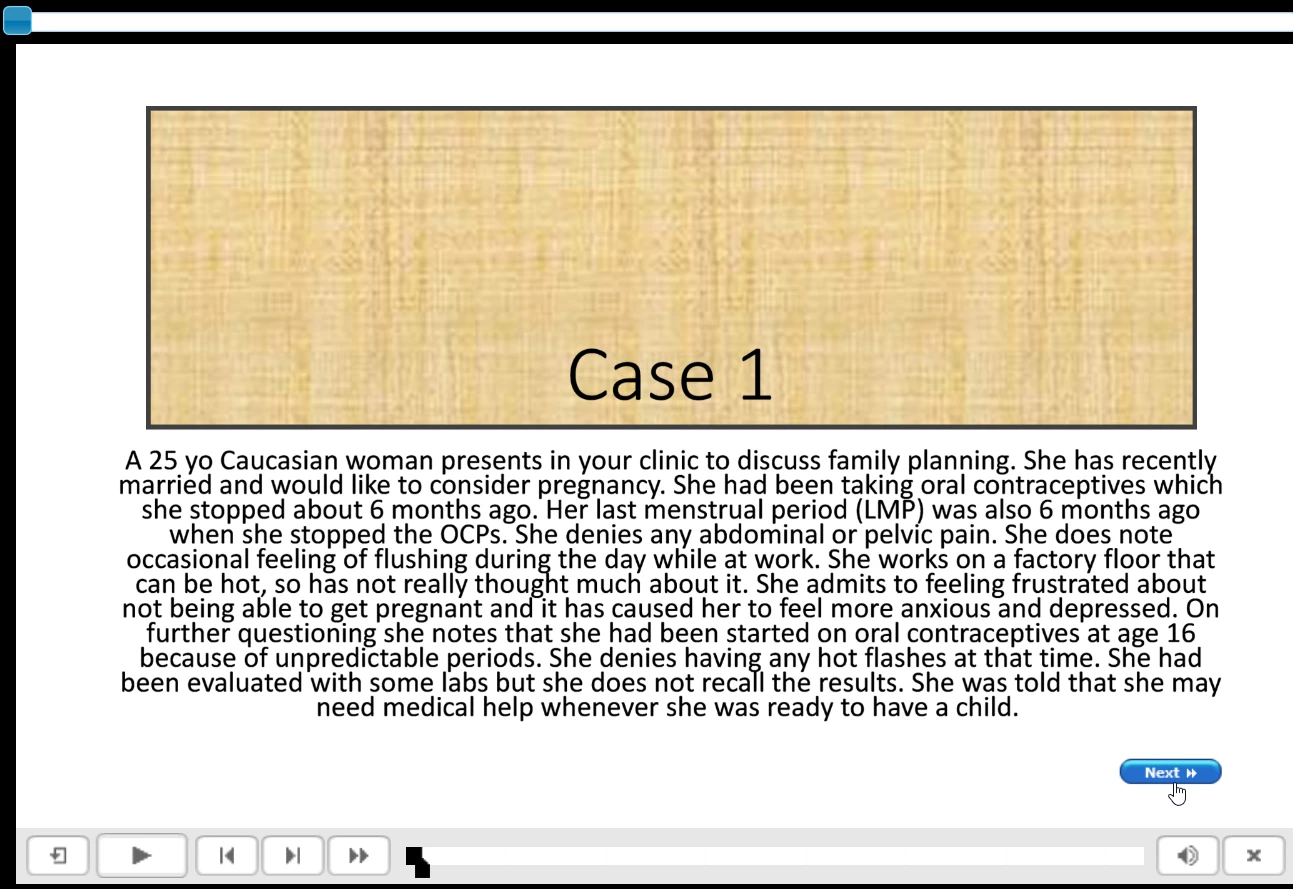

I would like my users to only use the button to go back and forth between the content. See the screenshot for explanation. Is this possible?
Under Project, Skin editor you can uncheck buttons you don't want to see on the playbar.
But I see that you have a Next button, custom. Why not skip the playbar complately and use only custom buttons? You can use a shape button, timed for the rest of the project or on master slides. If you use Captivate 11.6 you can also use SVGs or bitmap images as buttons.
Already have an account? Login
Enter your E-mail address. We'll send you an e-mail with instructions to reset your password.


 AdChoices