
Question
Renaming slide objects shortcut - does one exist, or do you have to do them one at a time in PROP'TS
Thanks 🙂
So far all I can determine is that you have to manually rekey the names in one at a time, per object, PROPERTIES. It would be nice to be able to add a "slide1_" to the start of each name with an autofill feature or something that does this for you.
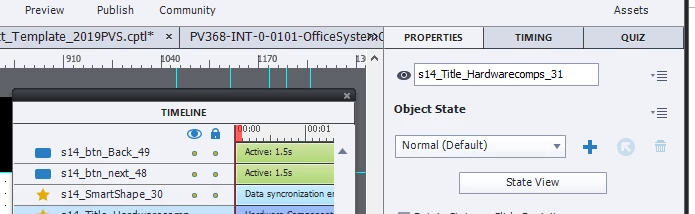
The best hack I could figure out with my growing skillset was to put the Timeline next to the Properties editing menu but there could be an easier way to do this...
Your assist is appreciated.
~Newb


 AdChoices