

Reporting settings for multiple interactions in the same slide
Hi there! I've created a few simulations in the last few months and the posts here are so helpful! This is my first post 🙂
Let me explain a bit about the software that we're simulating and this specific scenario. Sometimes there are multiple ways of accomplishing the same action. Here's an example. You can add a record to the grid by clicking the Add button (lower-left) or the smaller button with the '+' icon at the upper-right:
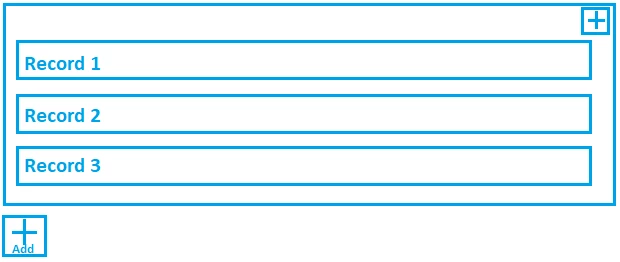
We would like to add two click boxes to the slide to allow the student to intuitively choose the option they want and successfully continue to the next slide. These are easy to implement and after clicking either of the two buttons the project continues to the next slide successfully.
However, we use this as an assessment activity and we can't figure out how to to get the reporting settings right.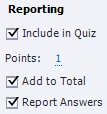
Even if we select the reporting check boxes linked to both click boxes, the score at the end shows as if the attempt was failed for either of the two options.
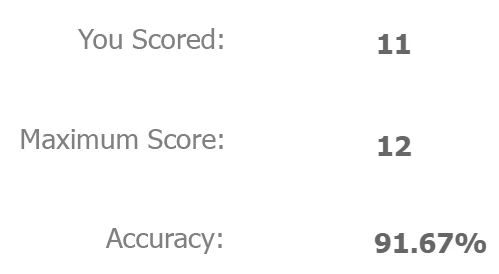
What are we missing? Is there some sort of branch logic that can be set up somewhere? Have you used a workaround for a similar scenario?
I'd appreciate any pointers on this, thanks for you help!


 AdChoices