

Question
Responsive Design start button?
Hello,
I am a complete Newbie to Captivate and HTML5 Responsive Design. That said is there a way to remove the start button in a responsive design published project verses a standard project when exporting it out as HTML5?
When I create a project from a PowerPoint file or create a new project and publish it as HTML5 the page content appears right away when opened in a browser.
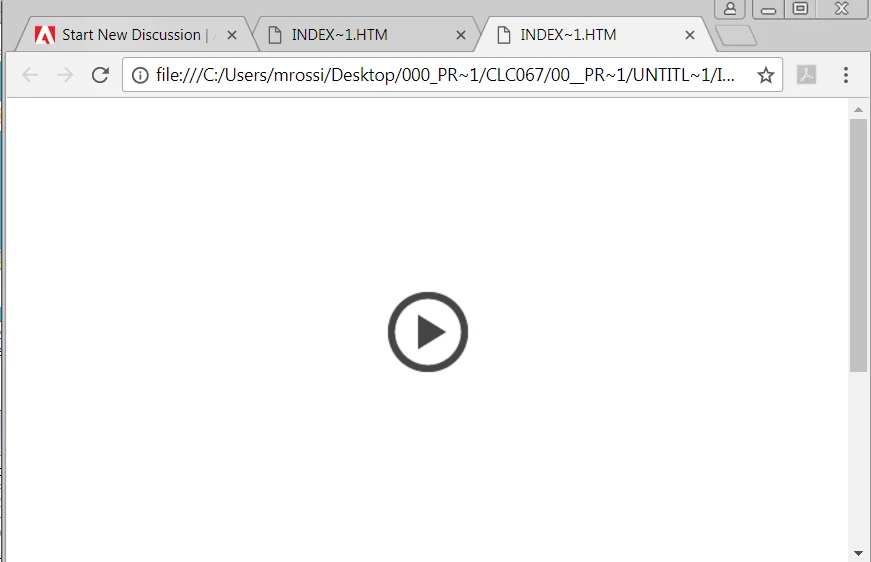
However when I create a responsive project with the same settings a start arrow button appears in the center of the screen which must be clicked to view the first page.
I have the playback controls and bar turned off in both projects and cannot find where or how to turn off the start button in the responsive project shown below.
Thank you,
 AdChoices