
Responsive Project from MS PowerPoint
Hello. I could really use you help.
I have a PPT presentation (PPT 2016) that I have imported into Adobe Captivate 2019. Prior to importing, I stripped out all animation, so it is just text, some images, and links.
In Captivate, I selected the Responsive Project from MS PowerPoint option and imported the presentation. I have added click boxes over the linked text and set them to open in a new window and unchecked Continue Playing the project.
My Preferences are set like the following (note, I have also published as 2004 for testing using the same settings for the same project): 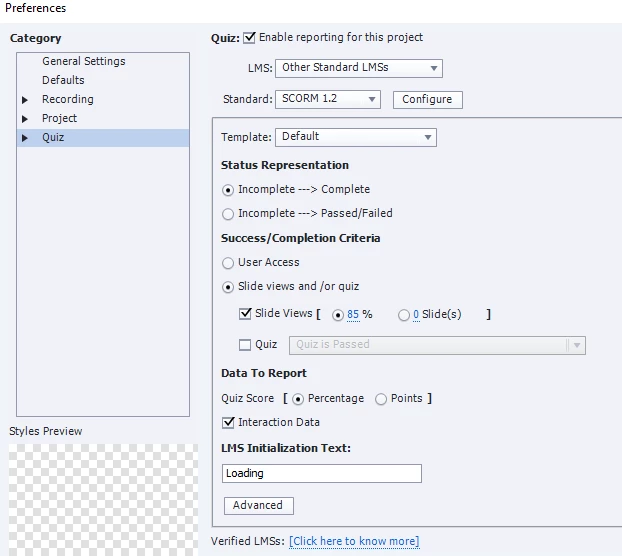
I have previewed the content in Captivate using the Preview Project and Preview in SCORM Cloud. In both cases the project worked as expected without any errors recorded.
I uploaded the SCORM files into our LMS (SABA) and previewed the content (in the latest versions of FF and Chrome) and it works as expected.
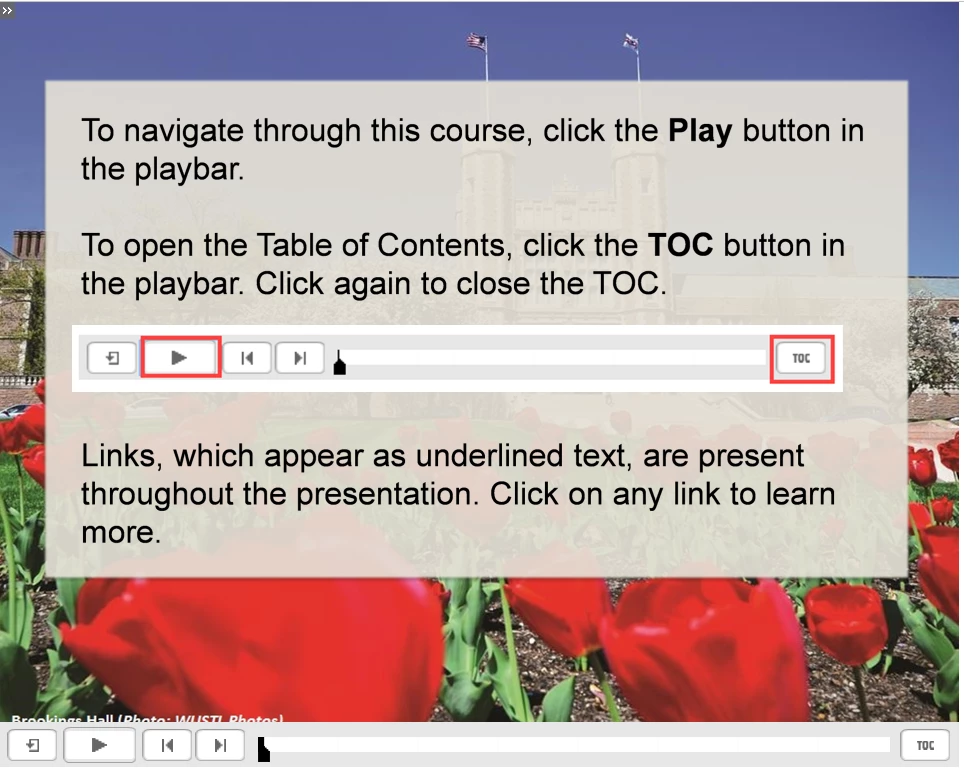
However, when others have previewed it they are getting different results. For instance, on the first slide I see this:
While others see this:
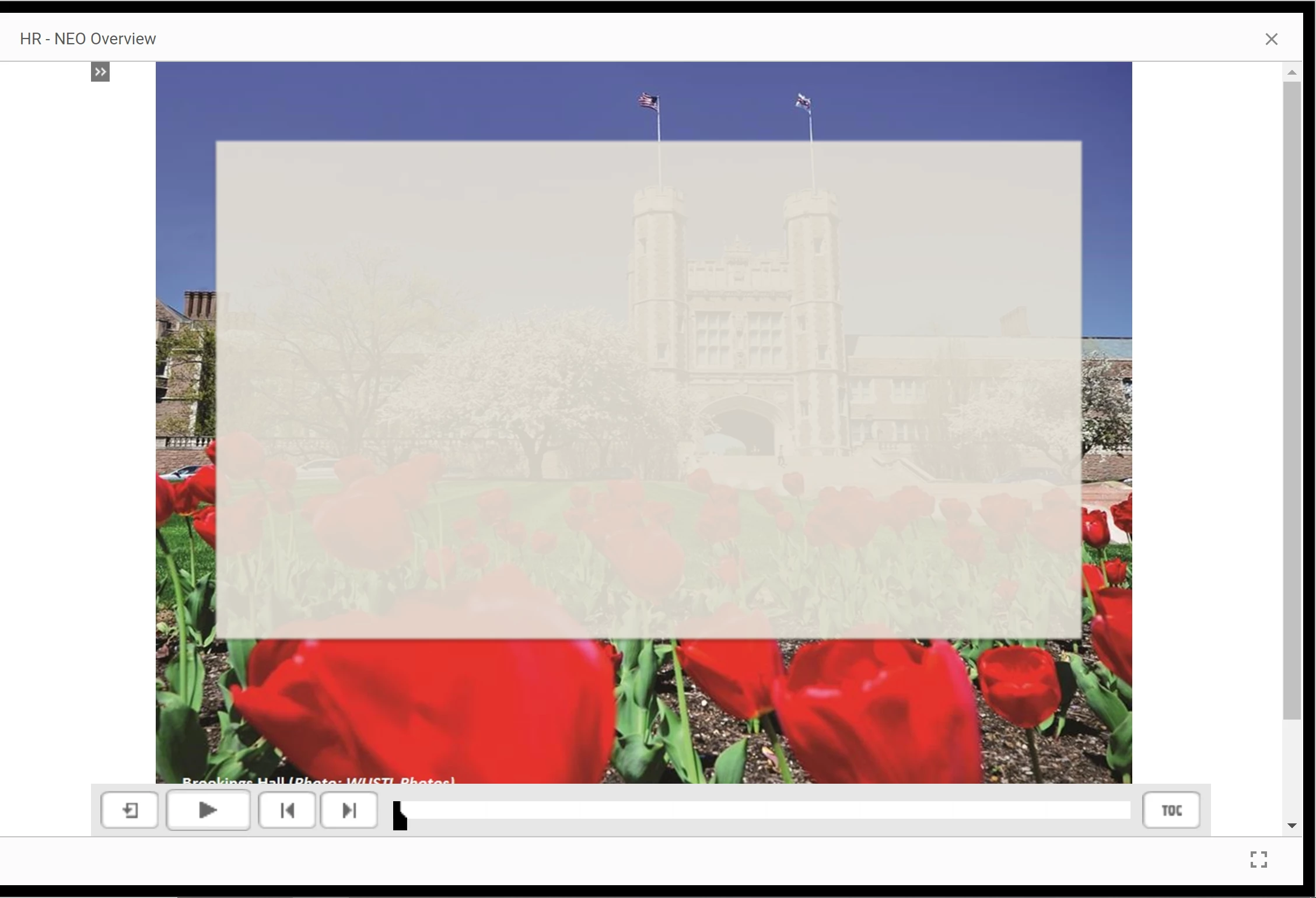
For me, and another person, all links works as expected. For two other people, some of the links work as expected while other links, the clickboxes have moved down....quite a bit.
I have spoken with a SABA person and she thinks it is a Captivate error. This does not make sense to me since all 4 of us who have previewed the content are experiencing different results from the exact same file in the LMS. The same thing happens with both the 1.2 and 2004 versions.
I checked the HTML5 tracker in Captivate and do see the "Only animation image is supported" for almost every slide. I am not sure what role this is playing in how it is working in our LMS, but don't think that should be the cause of our inconsistencies.
Any help would be greatly appreciated. This is a high priority project and I need to get htis figured out.
Thanks!


 AdChoices