
Inspiring
March 16, 2017
Question

Responsive TOC: wanted on the left side, not centered!

  • March 16, 2017
  • 1 reply
  • 174 views

Why is the responsive TOC in mobile view centered, and not on the left side as in alle other views?
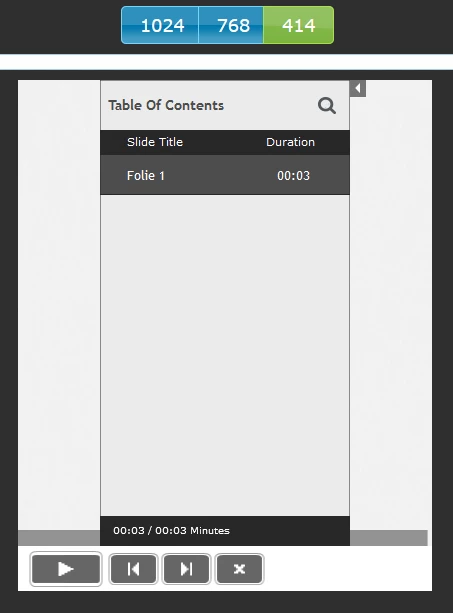
All device sizes from 480 px and smaller get the TOC centered. Size from 481 px and greater get the TOC on the left side.

How can I change this setting? That´s annoying ...

This topic has been closed for replies.

1 reply

Paul Wilson CTDP
Community Expert
Community Expert
March 16, 2017

I don't know of a way to make this change within Captivate.


An alternative solution might be to create your own custom table of contents feature using advanced actions. Here is a tutorial I created on this topic:


Adobe Captivate 9 - Pop Out Custom Table of Contents

Paul Wilson, CTDP