SCORM 2004 Error with Captivate 6
My LMS uses an older version of the Rustici SCORM player that supports through SCORM 2004 version 3. I have an exam with randomized questions pulling from a question bank. Therefore, in the LMS, I need to see the question text as well as the learner response. Captivate 5.5 would not send question text, but this was supposedly fixed in Captivate 6, so I upgraded. Now I cannot get a SCORM 2004 course to report any results at all. The same course reports fine when published to SCORM 1.2, and it works fine in the SCORM Cloud. I have tried every setting imaginable in combination with SCORM 2004, v3.
Here is what the LMS debug log says:
Server Response= Exception Processing XML Request, unable to validate the document against the schema. The 'TimestampUtc' attribute has an invalid value according to its data type. The 'TimestampUtc' attribute has an invalid value according to its data type.
A "fatal error" message shows after the test results are submitted every time. Does anyone have a clue what could be going wrong here? Is it possible that Captivate is sending a completion time stamp in an unrecognized format? If yes, is there a way I could create a custom SCORM template for Captivate to use that would change the date format to one that is compatible with my LMS?
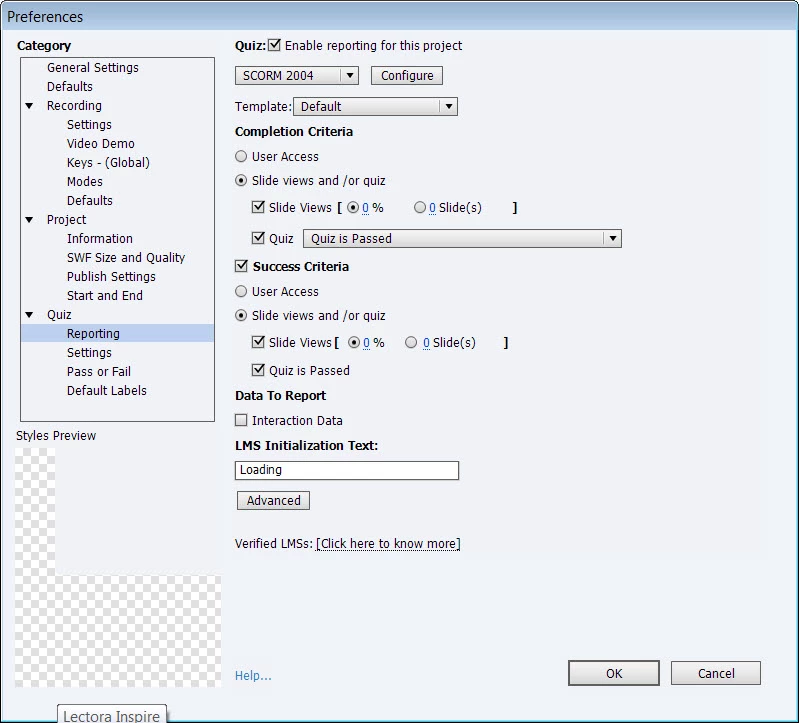
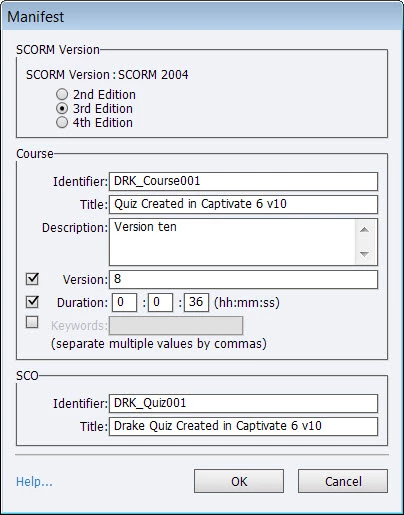
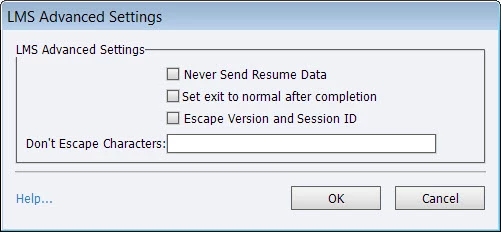
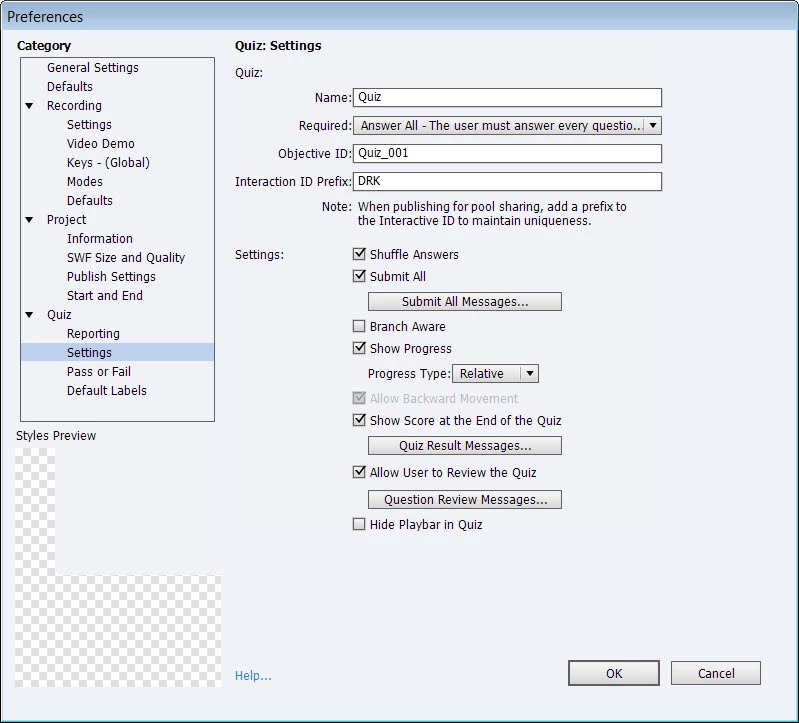
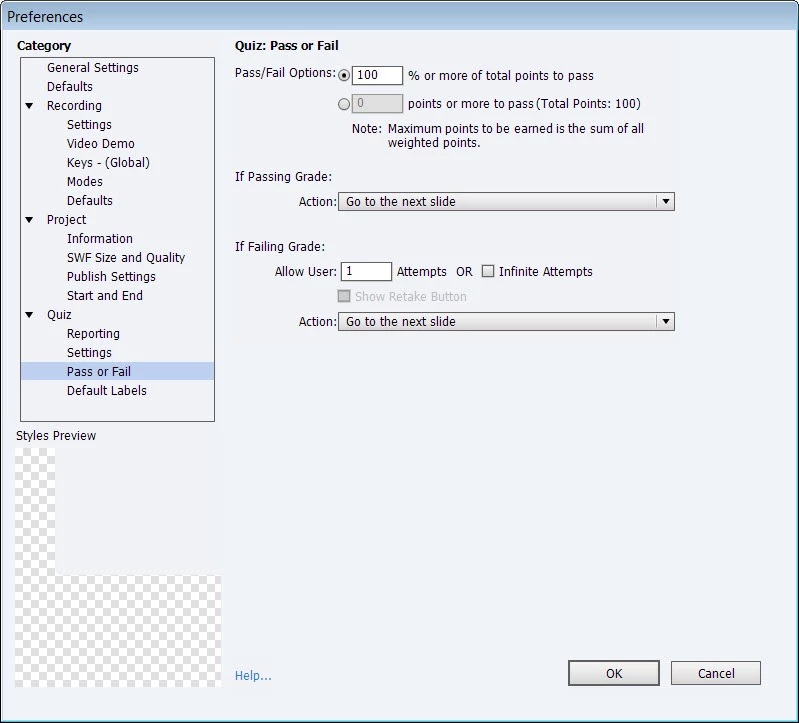
Following are screens of my current settings, but I have tried nine other various combinations:
 AdChoices