
Participant
February 11, 2020
Question

Scorm won't upload to moodle.

  • February 11, 2020
  • 1 reply
  • 1951 views

Hi,


Previously I had no issues with uploading SCORM to moodle.


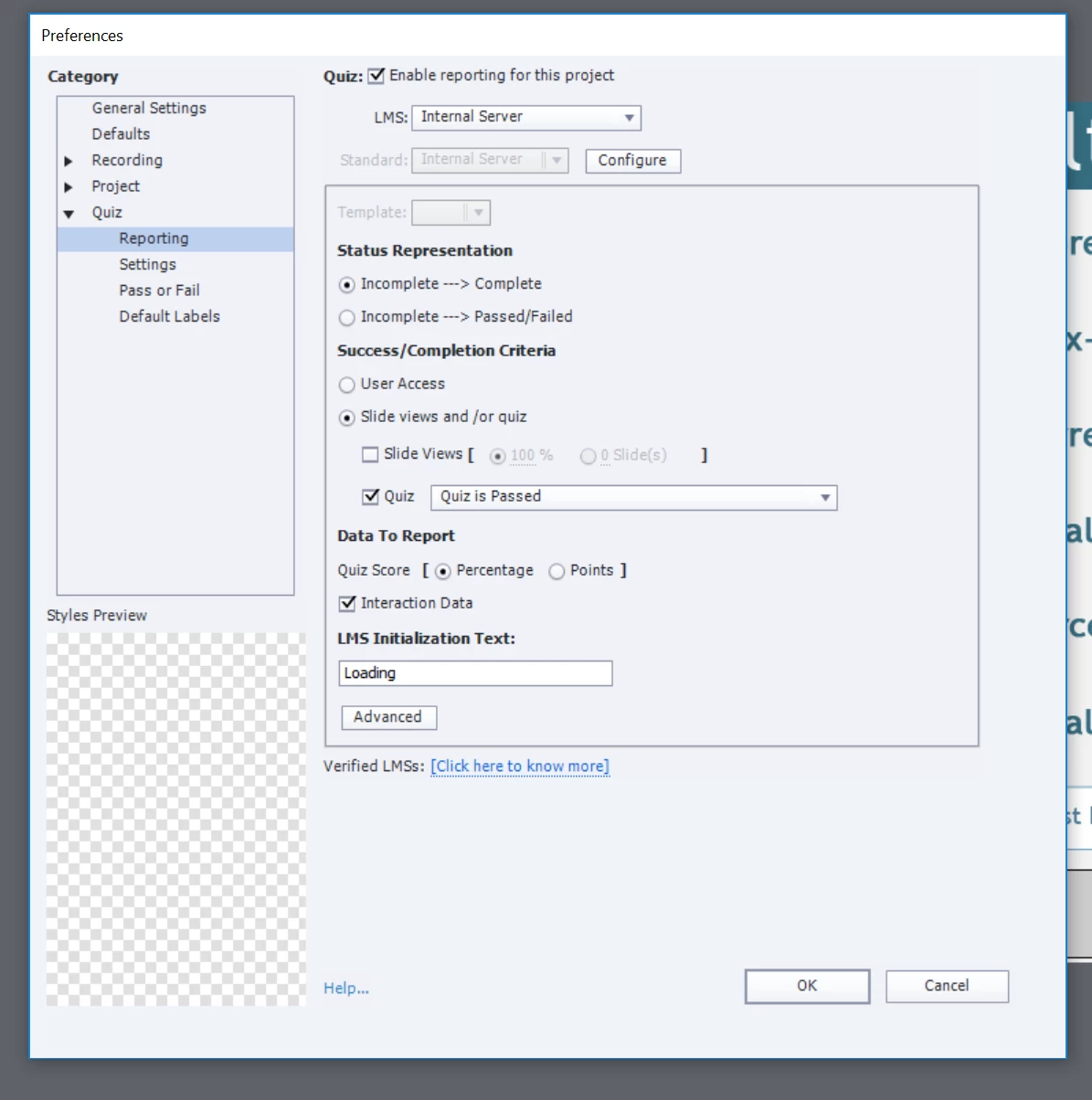
I recently changed my settings to have ability to have LMS results onto an internal server. (Using Quiz Results Anaylse) . I have setup the PHP as per this tutorial https://helpx.adobe.com/au/captivate/using/report-quiz-results-internal-server.html


Its configure and ready to go however I published the SCORM the same way and now its advising "An imsmanifest.xml file was found but it was not in the root of your zip file, please re-package your SCORM"
 

Help?


This topic has been closed for replies.

1 reply

RodWard
Community Expert
Community Expert
February 11, 2020

If you use the Internal Server reporting option this will not publish the content with the required files and settings for a valid SCORM package. 


Internal Server reporting was added several versions ago as a way for people who DID NOT have an LMS, but DID have access to a web server running PHP, to be able to at least get some form of reporting.


So, you can only really have one type of reporting or the other, not both.  If you using Moodle as your LMS, you need to set the LMS dropdown to Moodle in the Quiz Settings dialog.  Moodle has a few small differences to other SCORM LMSs.  So Adobe has very kindly provided this option to help improve the compatibility with Moodle.  Also, with Moodle you only have the option to use SCORM 1.2, not SCORM 2004.

RodWard
Community Expert
Community Expert
February 11, 2020

Another point that might be relevant to your problem.  If you did not allow Captivate to create the final zip file, but instead zipped the published output yourself, then it's possible you may have simply zipped the folder containing all of the published files but did it incorrectly, which then resulted in the imsmanifest.xml file being located one level too far down in the hierarchy.  You need to zip the files from INSIDE the folder, not OUTSIDE.