Whispering_genius0D44
Known Participant
March 23, 2020
Question

Screen in a Screen using character assests

  • March 23, 2020
  • 1 reply
  • 552 views

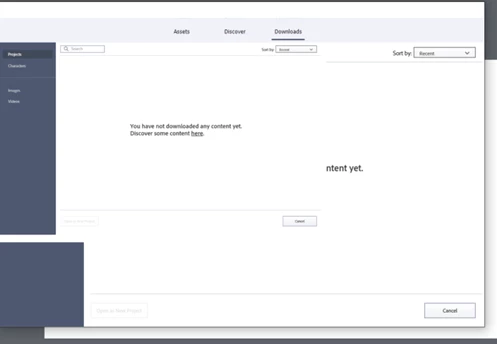
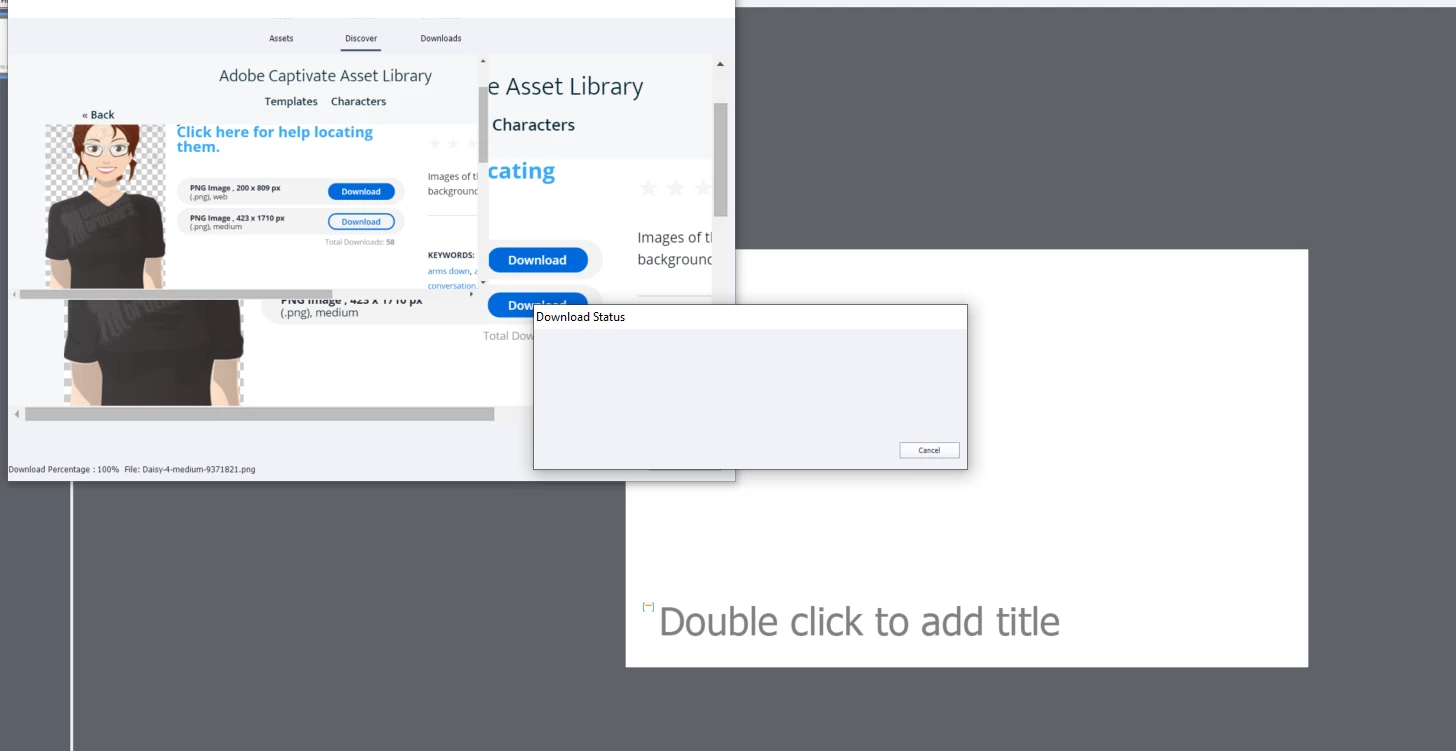
For some reason when I try to utilize or download the character assets, this is what I get.  Any ideas? Computer has been restarted, updates have been done. 


    This topic has been closed for replies.

    1 reply

    Lilybiri
    Legend
    March 23, 2020

    You are on a version of 11.5, but which one?  Screenshots are very tiny, don't know exactly what you want to show, just could see empty window.

    Do you have the folder 'eLearning assets' in the Public Documents? Is this a fresh install of Captivate or did you have an older version before? If you have that folder, try to delete the Layouts and Content folders. Clean the Preferences and restart. You can delete all eLearning Assets (some tell that) but it is not really necessary.

    Whispering_genius0D44
    Known Participant
    March 24, 2020

    We have done all of the suggested items and still no luck.  Primarily with using characters. it won't let us select the characters and just does this wierd box inside a box.  So when you click on asset library it does that weird box within a box thing. I don't know if that makes sense? Any other suggestions? 

    Lilybiri
    Legend
    March 24, 2020

    Have never seen what you show on the screenshots.

    Are you connected to a docking station? Are you using multiple monitors?