
Participating Frequently
July 12, 2017
Question

Simulation recording add 10 pixal padding around application area, Cap 8

  • July 12, 2017
  • 2 replies
  • 469 views

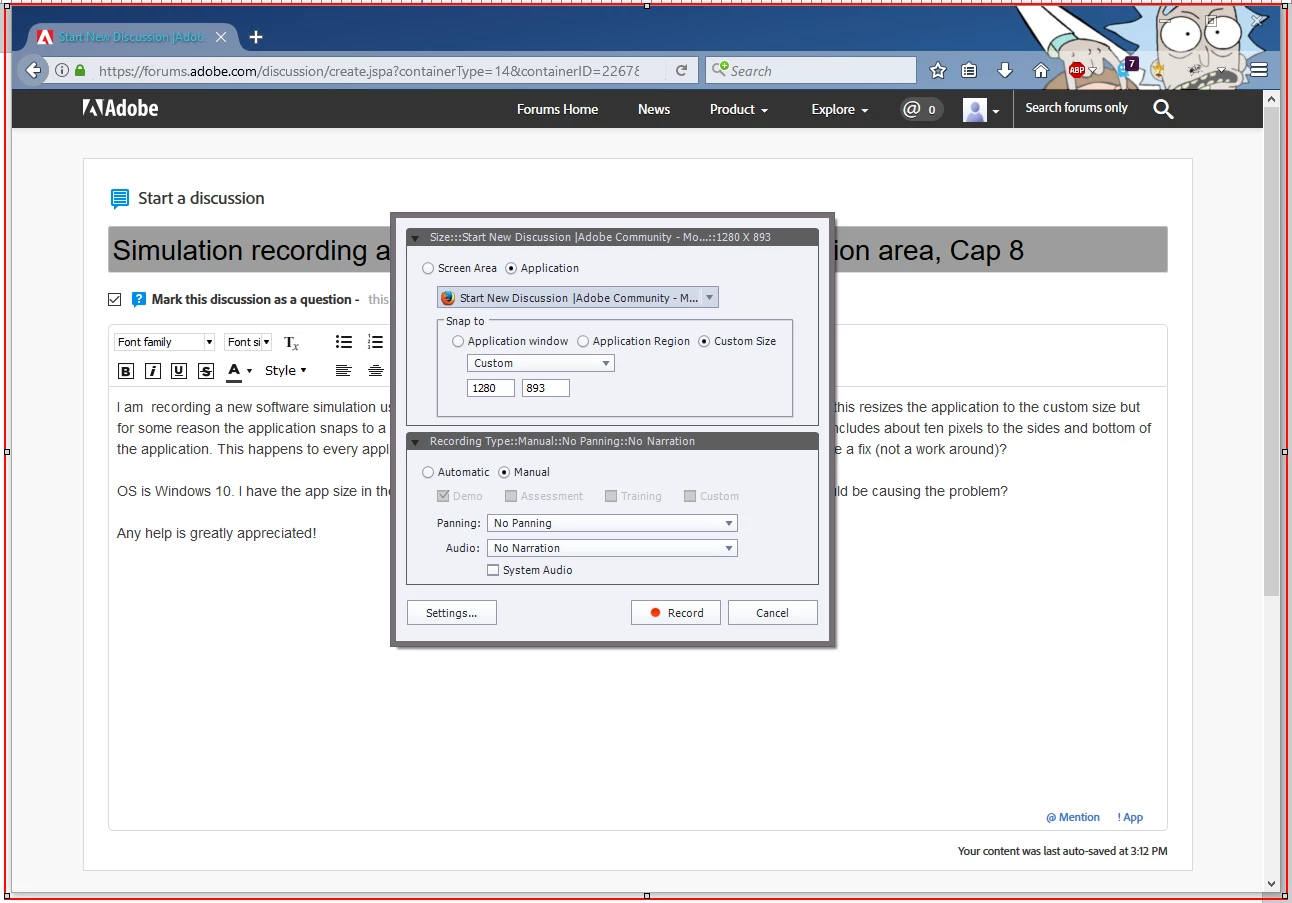
I am  recording a new software simulation using application with a Snap to, Custom Size of 1280 by 893. Usually this resizes the application to the custom size but for some reason the application snaps to a size that is slightly smaller than the capture area. Thus the simulation includes about ten pixels to the sides and bottom of the application. This happens to every application, no matter the browser, or application type. Is this a bug? Is there a fix (not a work around)?

OS is Windows 10. I have the app size in the display setting set to 100%. Is there any other Win 10 setting that could be causing the problem?

Any help is greatly appreciated!
    This topic has been closed for replies.

    2 replies

    Participating Frequently
    July 13, 2017

    I am curious if anyone else with Windows 10 is having the same issue? My fellow employees here all run 10 and it does it to them as well.

    Any help is welcome.

    Captiv8r
    Legend
    July 12, 2017

    Hi there

    This makes me ponder whether this has something to do with overall Windows effects being applied.

    Maybe the link below helps?

    Click here to view

    Cheers... Rick

    Inspiring
    July 13, 2017

    mintru,

    Would changing the thickness of the application window border be a work-around?

    Peter

    Participating Frequently
    July 13, 2017

    Good 1984 reference.

    Unfortunately, Win 10 doesn't give you these options as far as I know. Thanks for replying though!