samamara
Known Participant
April 8, 2021
Question

Simulation Slides too Big - Help

  • April 8, 2021
  • 1 reply
  • 1217 views

Hello all;


I'm having an odd problem that I've not had before. I have been creating simulations for a project at work - which I do often as it's what we use Captivate for most these days - and my recorded slides are much larger than the first and last slide that come by default when I start a new project, even though the project is set to 1280 x 720. I don't know what happened but I assume it's related somehow to something I did while recording...? It's never happened before but now it's on all five of the simulations I'm working on. 


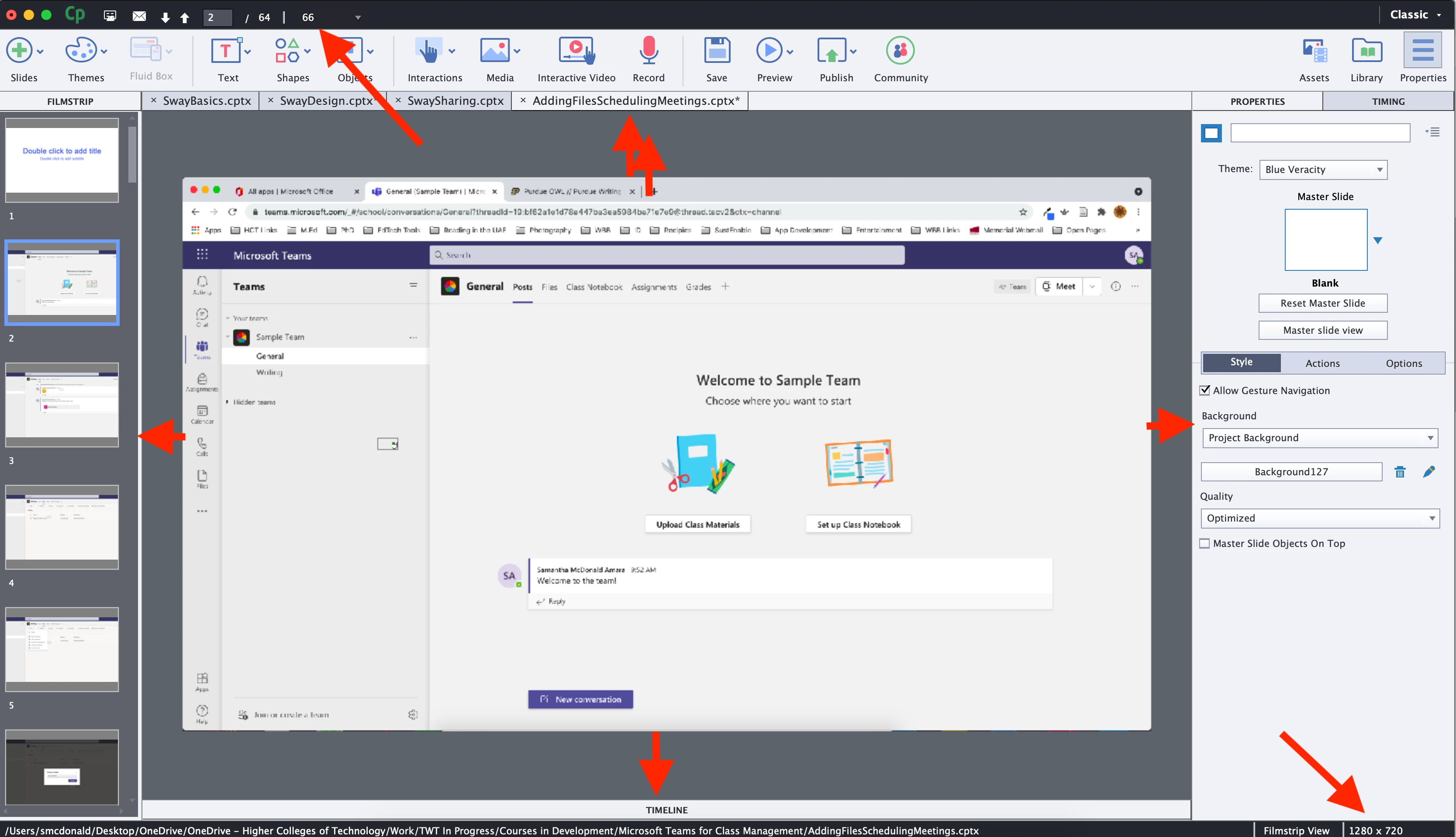
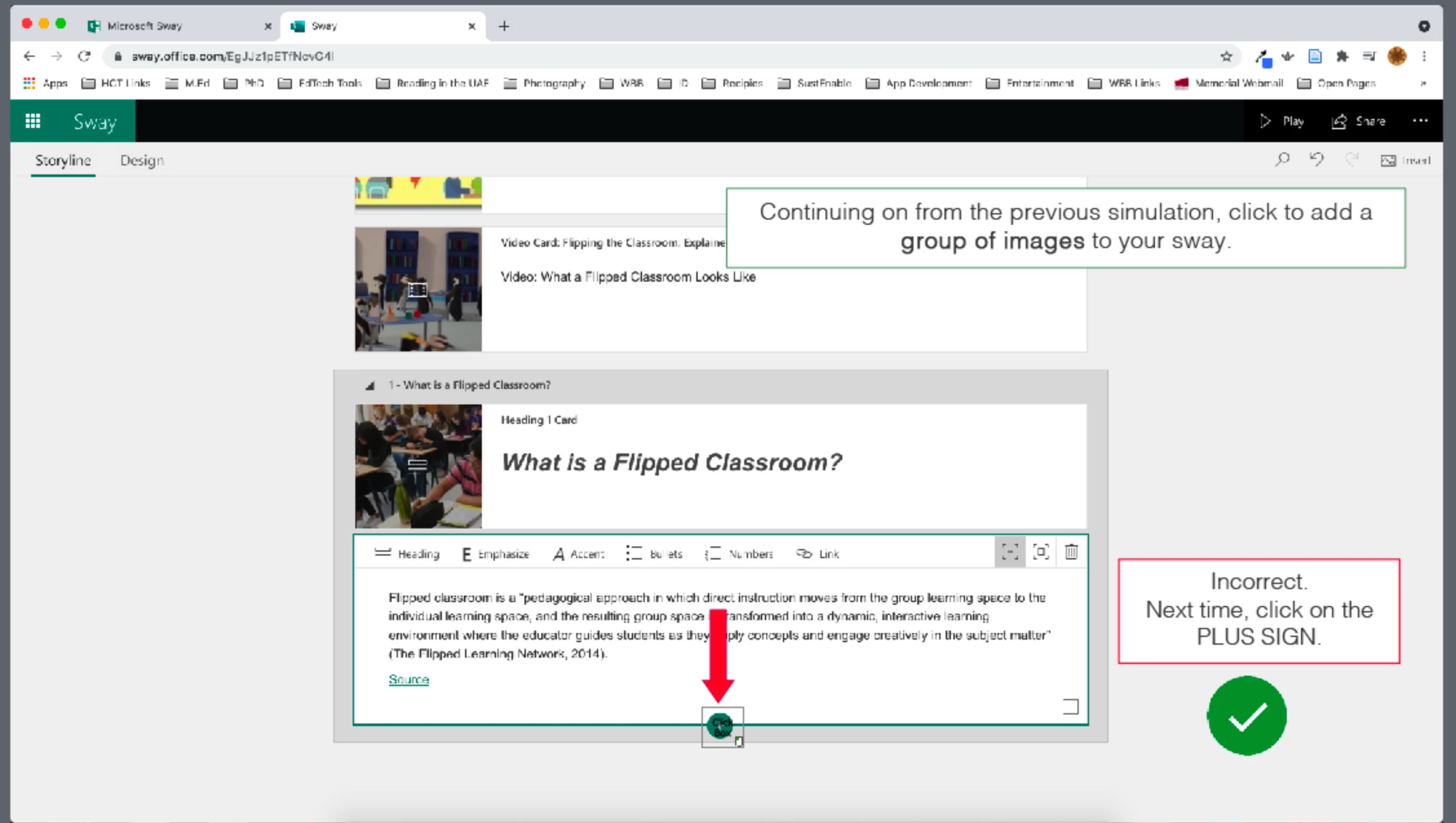
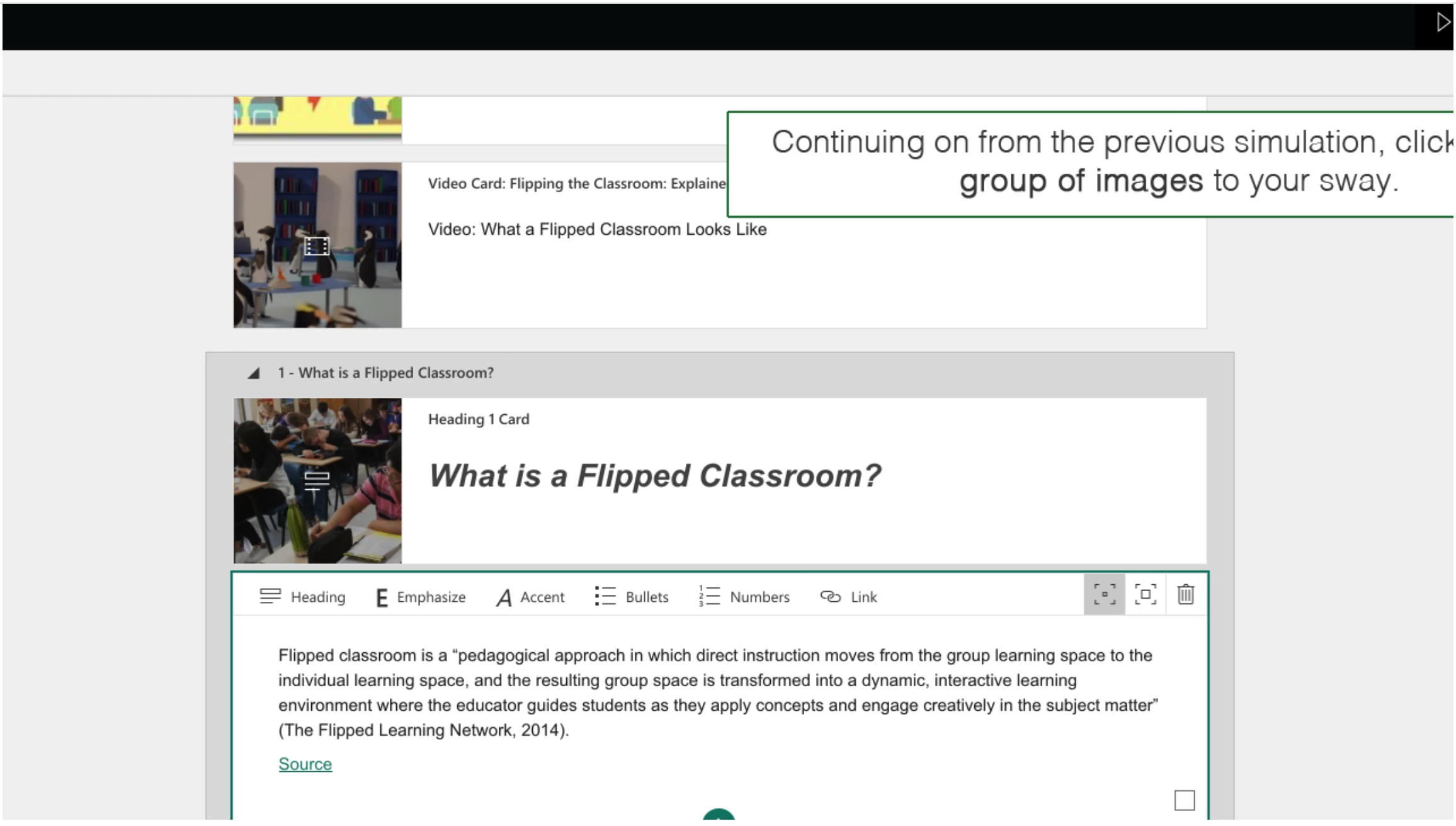
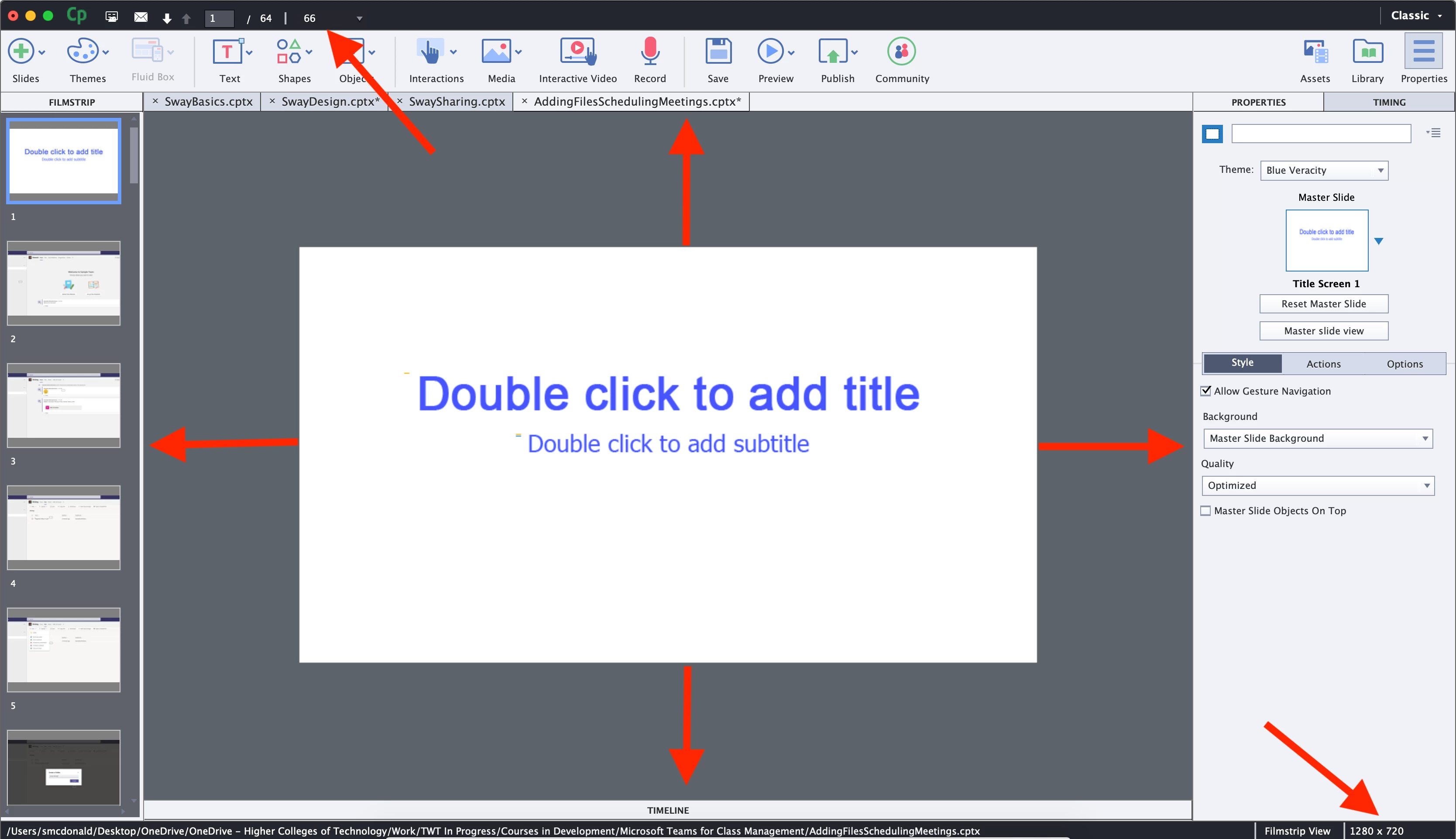
You can see in the shots below an example. The first slide, which is just there from the basic theme is at a view of 66 and size of 1280 x 720, and you can see how much space is around the stage. The second slide also has a view of 66 and is 1280 x720 but there is much less space around the stage. All of the project slides are like this except the first and last, which are the default with new project. The third slide is what it looks like in Captivate, while the fourth is the preview with everything cut off. 


I'd like to know why it happened, so it doesn't happen again in future, but more immediatly I need to know if I can fix this so I don't have to redo all of the simulations again. Please let me know if there's anything I can do. 


Thanks in advance!

SA


    This topic has been closed for replies.

    1 reply

    RodWard
    Community Expert
    Community Expert
    April 8, 2021

    Looks to me like these more recent captures were not done at exactly the same screen resolution or Windows display percentage as the previous ones.  If that is correct, the only way to fix this so that everything looks seamless is to redo the simulations at the same settings as before.

    samamara
    samamaraAuthor
    Known Participant
    April 8, 2021

    Hi Rod;


    Thanks for answering this. It's crushing that I'll have to do these again. I've already made all of the notes and shapes and advanced actions, and didn't notice until I went to preview the project that it's wrong 😞


    I just want to clarify in case it makes a difference: *all* of the captures in the project are big. You mention "more recent captures" being different to "previous ones" but these are all from one projece, all done in the same simluation. Does that make it different? Can I modify the size of the whole project or anything? 


    Thanks again!

    Lilybiri
    Legend
    April 8, 2021

    You started in sort or a reversed way. If you want to do a capture which needs to end up to a specific resolution there are several ways:

    1. Start with the content slide (not captured) which will set the resolution of the final project and use the Slides, Recording option to start the capture. The resolution of the captured slides will automaticallybe set to the project size.
    2. Capture the simulation as you have done. To embed them in a project with a specific resolution, you use Modify, Rescale and get the resoltuion (mostly down) to what you need, while keeping the width/height ratio. The advantage of this workflow is that the result will be more crisp but the disadvantage is the bigger file size. If the final project has a different width/height ratio, you can use the approach which I explained in a recent blog/
      http://blog.lilybiri.com/embed-software-simulations-knockout-slide


    Just another tip: avoid advanced actions and replace them by shared actions whenever possible. The reconstruction of your project will be much easier and without pitfalls especially for actions linked to slide events.