


MarkWFD
Inspiring
March 31, 2020
Question

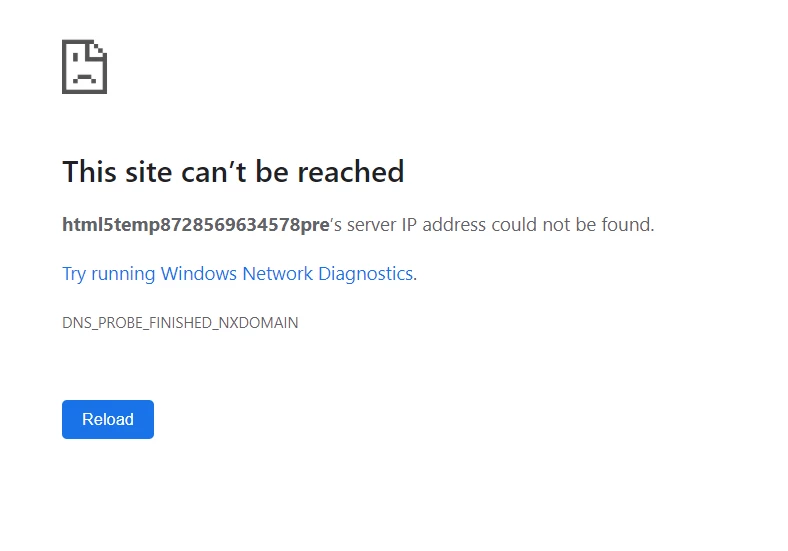
Site cannot be reached message appearing when previewing responsive projects

  • March 31, 2020
  • 1 reply
  • 785 views

Hi

I am suddenly recieving the following 'This site can't be reached' message when I preview a responsive project. It was working fine yesterday. I have cleaned my preferences and tried other browsers and nothing works. Any other suggestions? Many thanks for any suggestions. M
 
    This topic has been closed for replies.

    1 reply

    RodWard
    Community Expert
    Community Expert
    March 31, 2020

    Try changing your default browser to something else.  If using Google Chrome, try Edge and vice versa.  

    I have this happen from time to time on my Windows 10 box as well.  For some reason, going into Windows Settings > Default Apps and changing the default web browser seems to fix it.

    MarkWFD
    MarkWFDAuthor
    Inspiring
    April 1, 2020

    Thanks for your suggestion Rod but unfortunately no luck with that approach.  I wonder if uninstalling then re-installing the program would help? Any thoughts?

    RodWard
    Community Expert
    Community Expert
    April 2, 2020

    Should not be necessary but worth a try if all else has failed.  Just remember to choose the option when uninstalling to clear Preferences as well.