I am a Windows only user, if this is something specific for Mac, cannot help you. Sorry.
Rod helped me figure out what is going on here.
It’s due to the way you have set up the Advanced Actions that are executed ON Slide Enter of each slide. This is what he said:
You’re using these Advanced Actions to set the value of a tracking variable called vstart to the value of cpInfoCurrentFrame at the beginning of each slide. This enables you to have a button on each slide to just replay the slide.
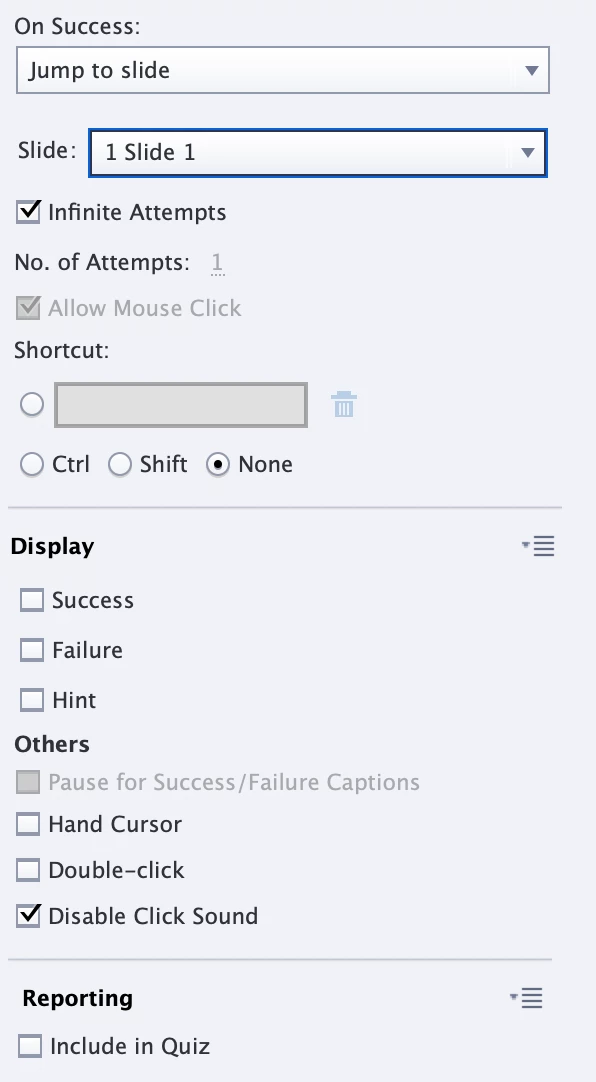
However, when you click the button on the final slide to jump back to Slide 1 this causes a problem. Clicking the button to Restart the project DOES actually jump the user back to the first slide. But on that first slide there is also an Advanced Action that is set to immediately jump to whatever frame vstart is currently set to.
Since vstart was last set to the value of the first frame of the final slide, that’s where the action jumps the user.
So, in the blink of an eye, the user has been jumped from the final slide back to the first slide and then back to the final slide again. It happens so quickly that you cannot notice. It just looks like you jumped back to the beginning of the final slide. The button actually DID do as it was programmed to do, jump to Slide 1.
So to resolve the issue, you need to adjust the Advanced Action being executed on the very first slide so that it does not jump the user to the vstart frame. I would suggest you just take out that line of the action.



 AdChoices