Participating Frequently
August 5, 2014
Answered

Slide background only showing on part of screen when published

  • August 5, 2014
  • 1 reply
  • 325 views

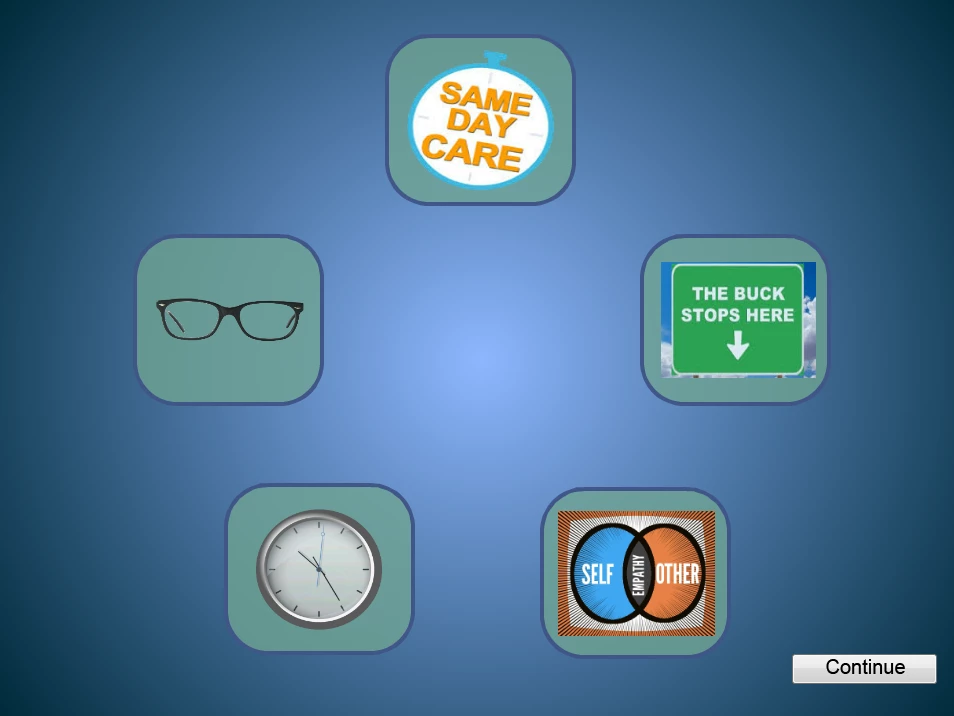
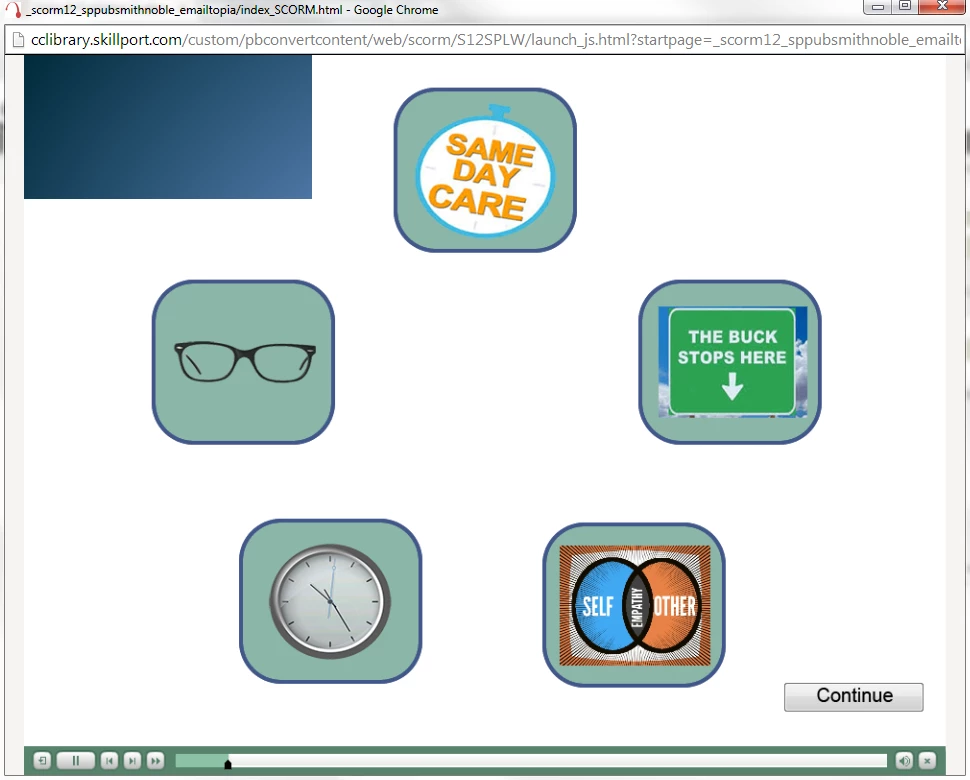
I am using Captivate 7.0.1.237.  I have several slide that I have used a colored background on, nothing custom, just what captivate offers.  When I preview in captivate all is well.  When I publish and run either in a browser or on my LMS (Skilport) the background appears like this with the background only in the upper left.  It is doing this on multiple slides with backgrounds.  I also incuded a shot of what it should look like.  Any ideas?
    This topic has been closed for replies.
    Correct answer HaridossR1234

    Hi

    Are you using in chrome browser ?

    Chrome version 36 has some issues with captivate  html5 output. Please find the following workaround to fix the issue.

    http://blogs.adobe.com/captivate/2014/07/update-on-captivate-html-5-content-playback-issue -in-google-chrome-browser.html

    Let me know if your issue is resolved.


    Regards,

    Hari

    1 reply

    HaridossR1234Correct answer
    Participating Frequently
    August 6, 2014

    Hi

    Are you using in chrome browser ?

    Chrome version 36 has some issues with captivate  html5 output. Please find the following workaround to fix the issue.

    http://blogs.adobe.com/captivate/2014/07/update-on-captivate-html-5-content-playback-issue -in-google-chrome-browser.html

    Let me know if your issue is resolved.


    Regards,

    Hari

    BigRedK9Author
    Participating Frequently
    August 6, 2014

    You were right on the money Hari.  Thanks for the assist!