
Question
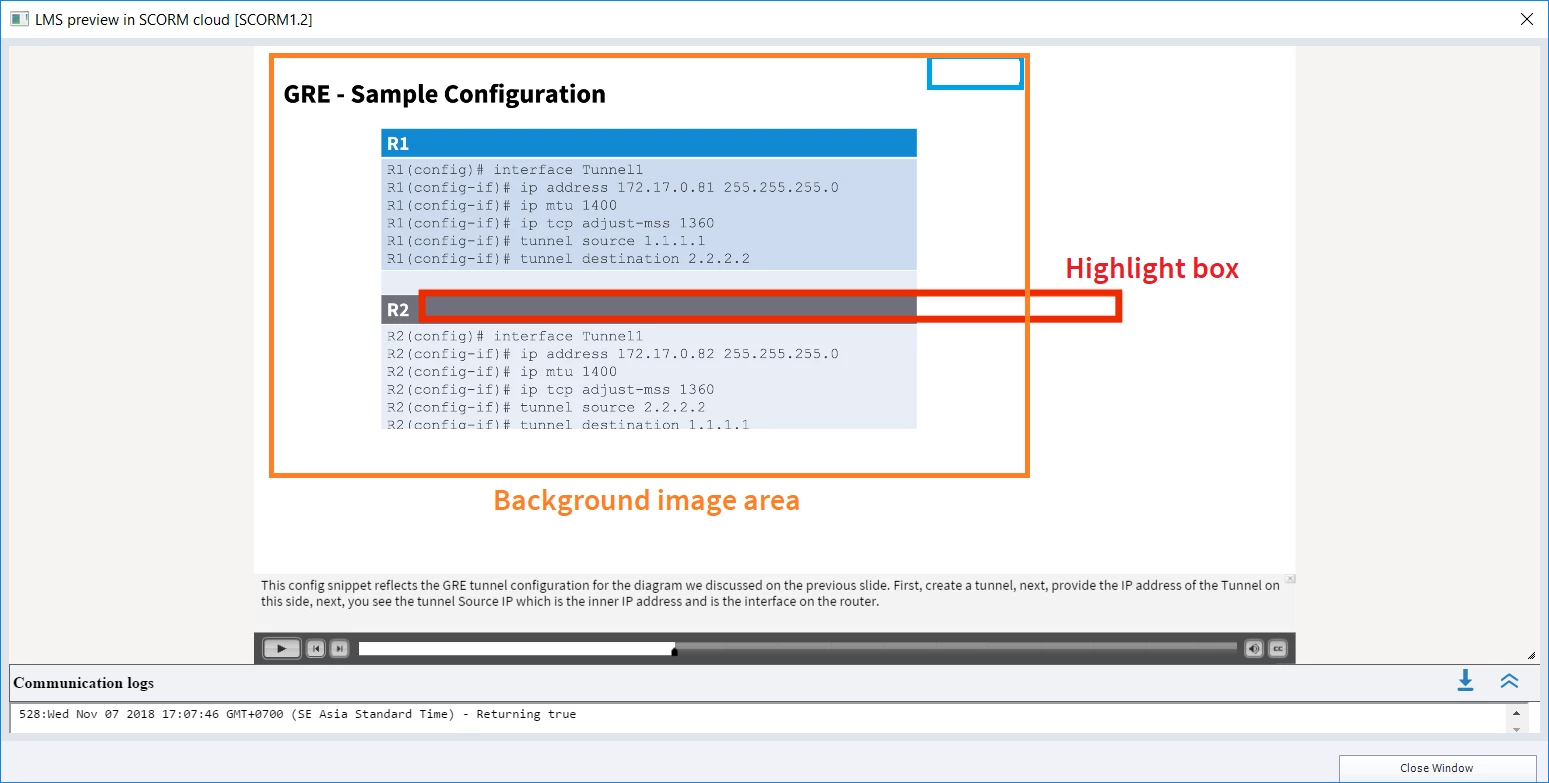
Slide backgrounds not dispaying full screen after conversion to Captivate 2019
Hi All,
I Recently installed Captivate 2019 on Windows 10 and have consistently found that when I open a project saved in Captivate 9 and convert it to 2019 file format, the project no longer publishes to HTML5 correctly. The slide backgrounds display in the top left corner, using about two thirds of the player area, while the CC uses the full width (as configured) and other objects (shapes, callouts, text/highlight boxes) all appear to be correctly scaled and located for a full screen view.
It seems to be the conversion process that causes this, I just opened a new project, saved it to 2019 format, then immediately previewed it, ...and saw this effect. Any ideas anyone ??


 AdChoices