Participant
October 8, 2019
Question

Slide pausing when video plays

  • October 8, 2019
  • 2 replies
  • 268 views

Hi,

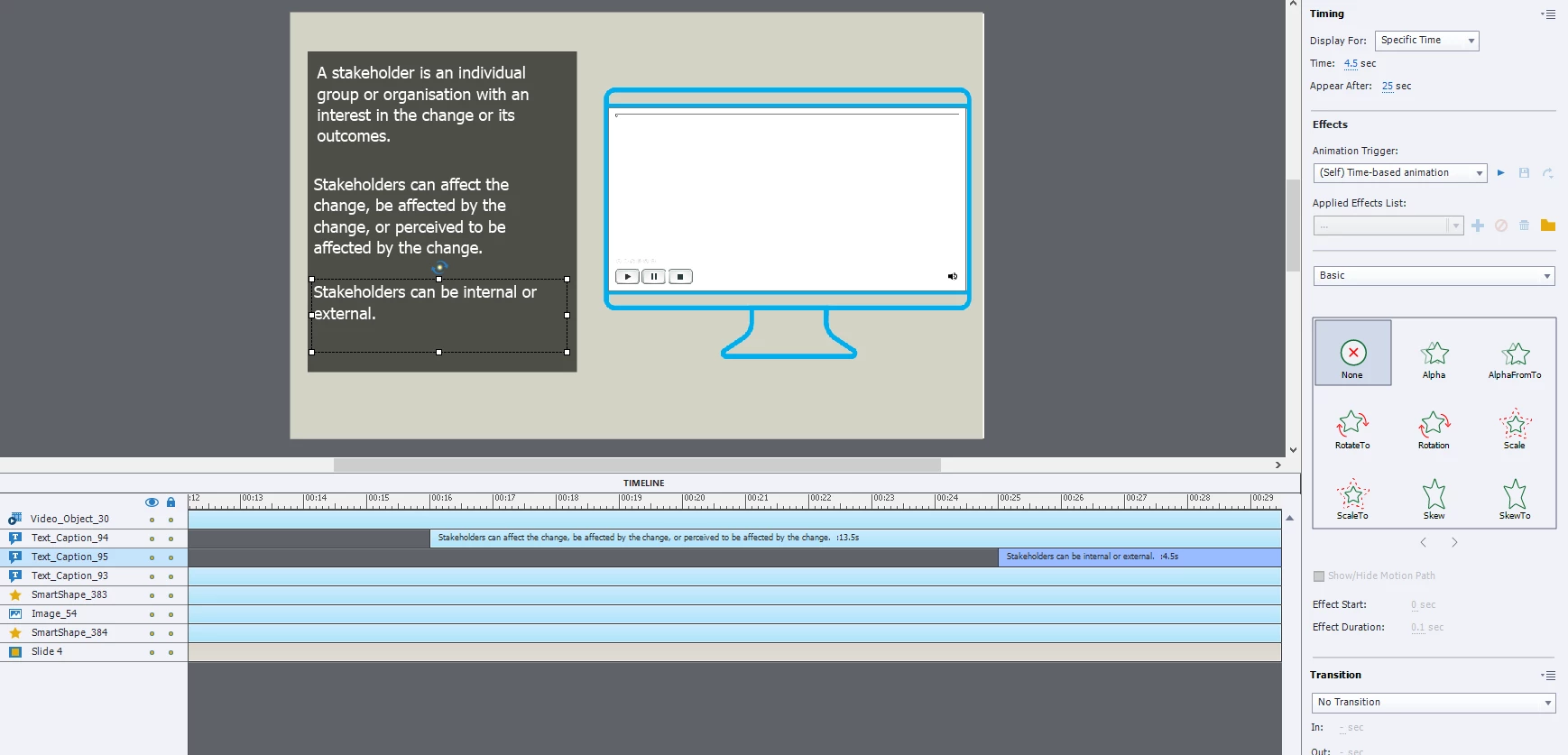
I have an event video, set to play automatically. As the video plays I want the key points to appear to the left. 


The video is:

-An event video

-Plays automatically

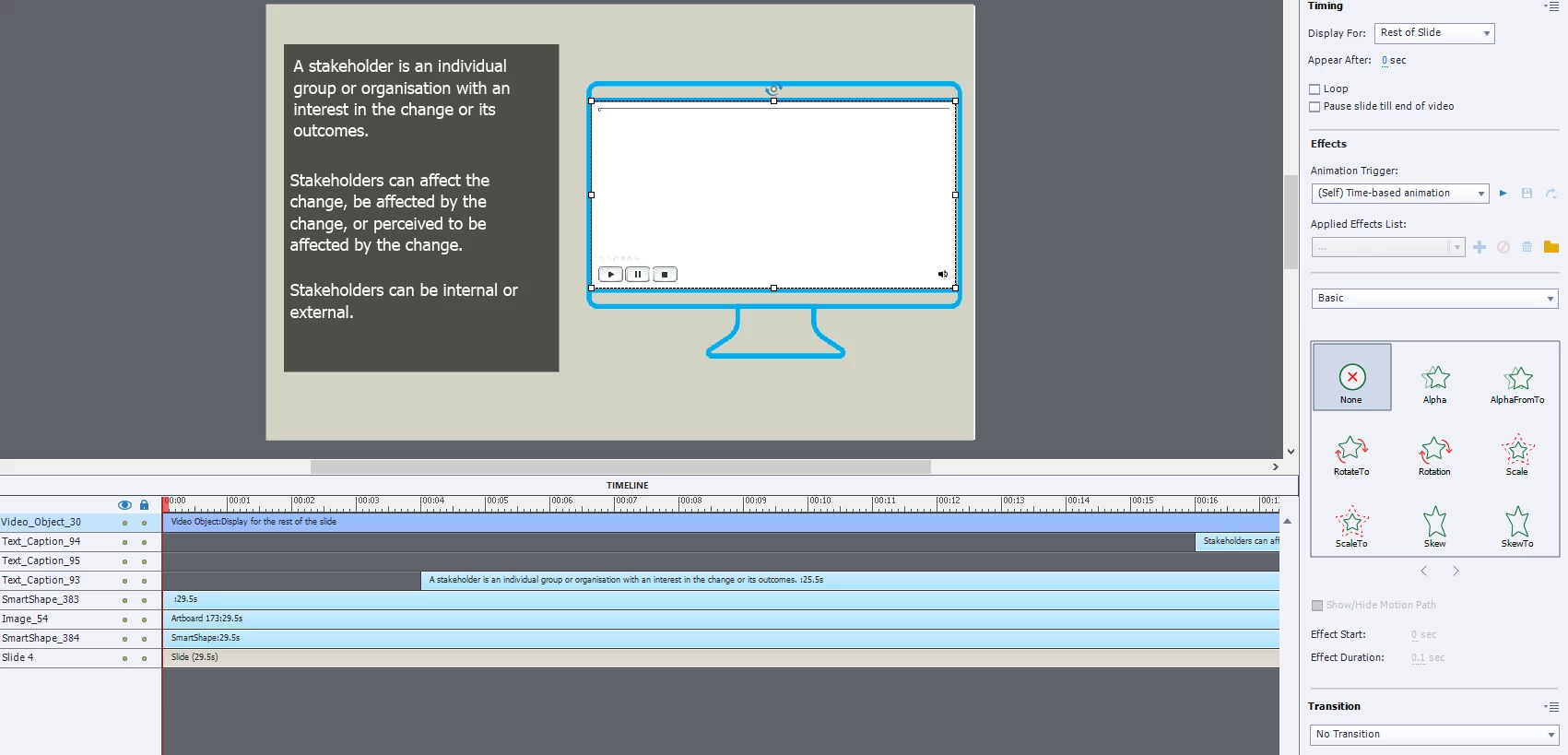
-Displays for Rest of Slide

-Does NOT have Pause slide till the end of the video selected. 


Each Text Caption is:

-Displayed for a specific time

-Is arranged on the timeline to appear in time with the video's audio


It works fine in preview, but when trying to view in HTML5, the text captions do not appear, and the slide does not advance after the video is finished. It is as if the slide is pausing. 


Please, could someone advise what I am doing wrong?


This topic has been closed for replies.

2 replies

Lilybiri
Legend
October 9, 2019
  • Event video plays independent from Captivate, cannot be controlled by it. That is why it has its own control panel and you do not have to extend the slide duration to the length of the video. Drawbacks is that tou cannot synch other objects with the video. For that purpose you need slide video, which can also be converted to interactive video with bookmarks and overlay slides.
Paul Wilson CTDP
Community Expert
Community Expert
October 8, 2019

If you would like the video to play in sync with your slide you will need to use Slide Video. The event video pauses the slide until the end of the video and is asynchronous with your eLearning project.

Paul Wilson, CTDP
Participant
October 9, 2019
Thank you! I've got it working now. 🙂