
ibracadabra224
Participant
April 2, 2019
Question

Slide preview issues

  • April 2, 2019
  • 2 replies
  • 436 views

Hi Everyone,

I started using captivate only few days ago and I am already losing my mind for a problem with the preview. I have created, just as a test, a very simple PowerPoint presentation and I have imported it into Adobe Captivate 2019. There are No transitions, No animations, nothing at all but when I try to "play slide" in the preview dropdown menu I get the below issue. Can anyone help me, at least, understand what is the problem?

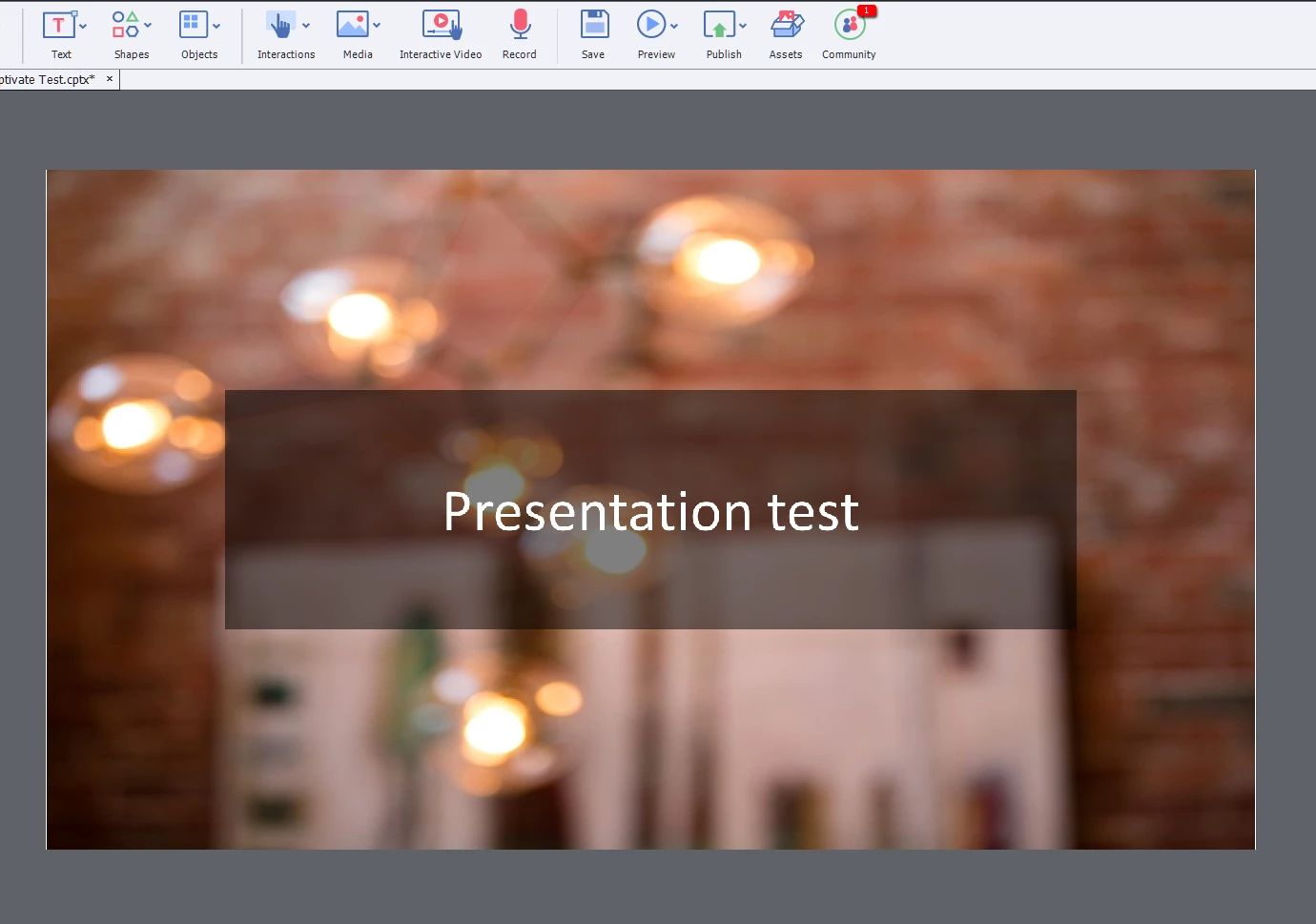
original slide:
After "play Slide":
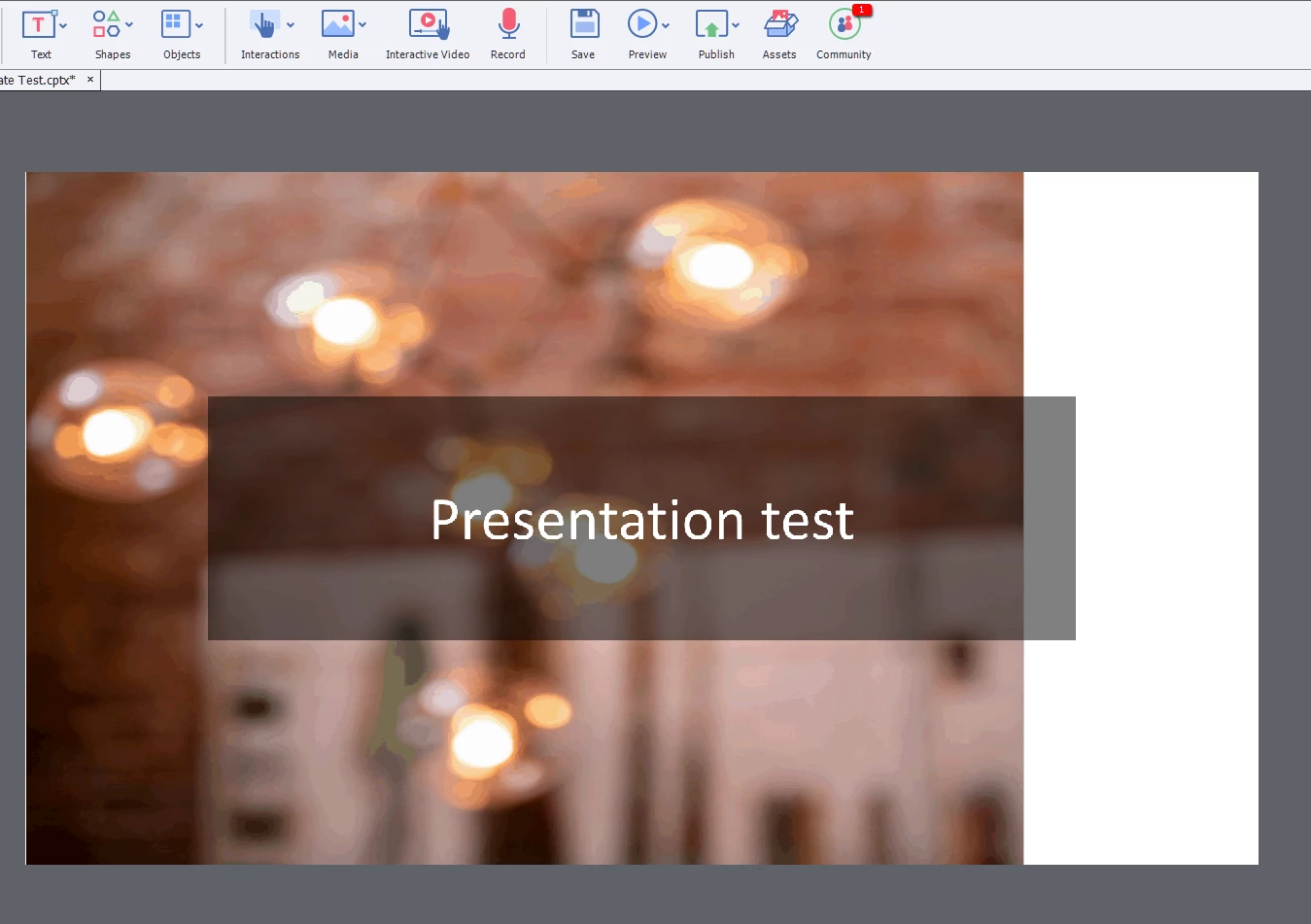
just to be clear, the original powerpoint slide is just a plain slide whit the picture you see above as "background" and that's all.

Does anyone know what could possibly be the probem?

Thanks

    This topic has been closed for replies.

    2 replies

    alfredmack
    Inspiring
    April 2, 2019

    Which option did you choose in your preview drop down menu?

    RodWard
    Community Expert
    Community Expert
    April 2, 2019

    Didn't you post this same issue in another thread last week?

    Lilybiri
    Legend
    April 2, 2019

    @Rod Indeed, a double post. I will delete this thread in one hour.

    Moreover I did reply fully: Play Slide is NOT a Preview method at all. For a non-responsive project meant for output to HTML5, you need to use F11, Preview HTML in Browser.

    alfredmack
    Inspiring
    April 2, 2019

    Going forward I think there is a need to close any opened recurring issue in separate thread,keeping related issues in one thread will help lot of us in future.