
Known Participant
June 9, 2015
Question

Slide with Learning Interaction will not play audio automatically

  • June 9, 2015
  • 1 reply
  • 371 views

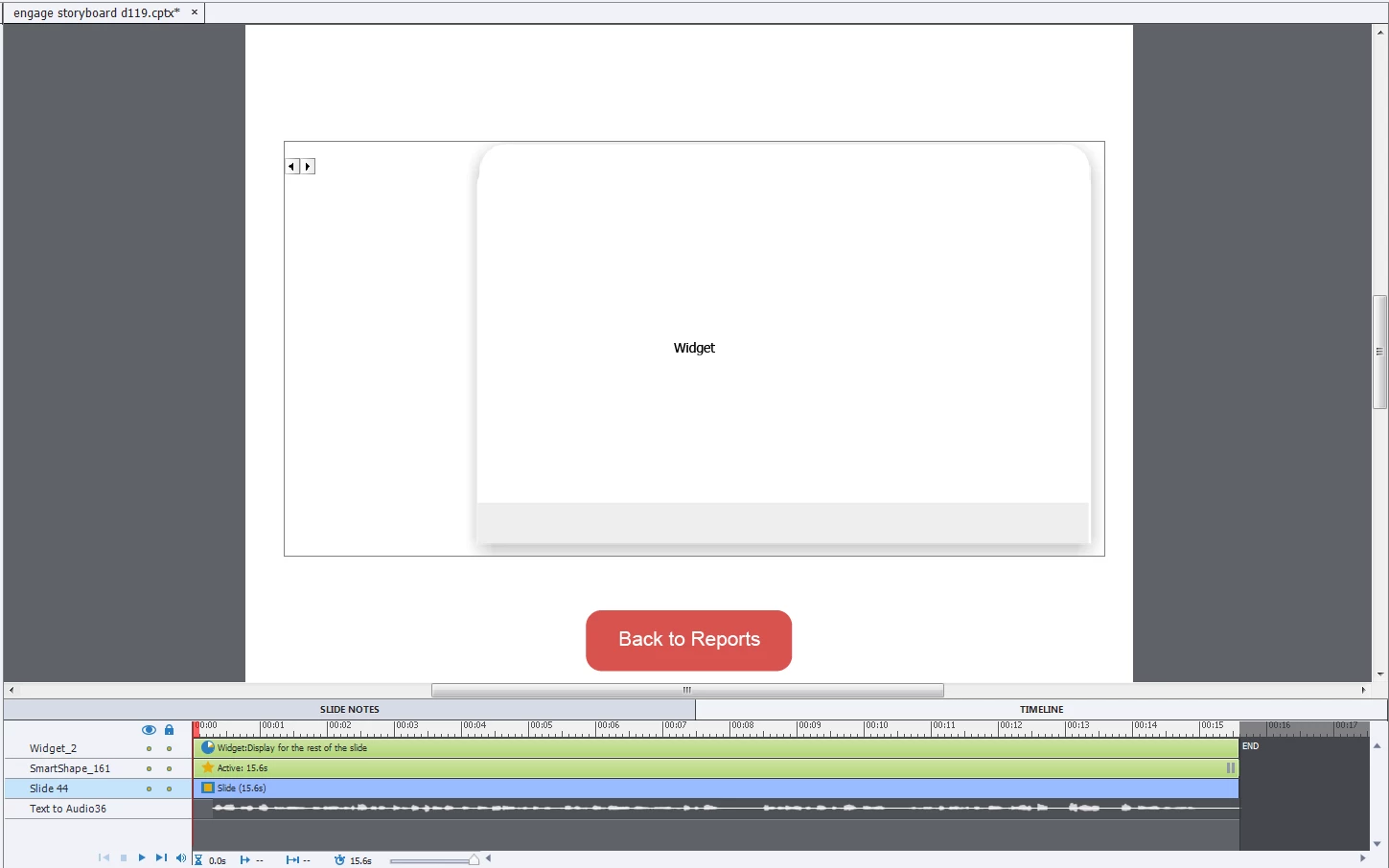
I added a learning interaction to a slide and the audio on that slide is behaving differently from the audio on every other slide. On the other slides, the audio plays according to the timeline automatically. With this slide, I have to click "play" in order for the audio to start.

Here is the timeline:
This topic has been closed for replies.

1 reply

RodWard
Community Expert
Community Expert
June 9, 2015

Watch the timeline very carefully.  You may find that the learning interaction is pausing the timeline just after the slide starts.

Known Participant
June 9, 2015

you're right, it is pausing the timeline. What do I need to do to change that?

Known Participant
June 9, 2015

I adjusted the timeline a bit and made both the audio and the widget start at .2 seconds. The slide now acts like the other slides, with the audio playing as timed when the slide is visited. however, if I tried to set the audio to play after the widget started, and it would not, I had to press play to hear it. Is this a bug in Captivate or is there some function/feature of the widget that I'm not seeing?