
Smart position shape hot spot over image
Have you ever wanted to position a hot spot over an image in Captivate 8 responsive project? I just figured out a little hack to make the hot spots stay in place over the image. I couldn't find any other solutions to my problem online so I thought others might create this post for others who are having the same issue.
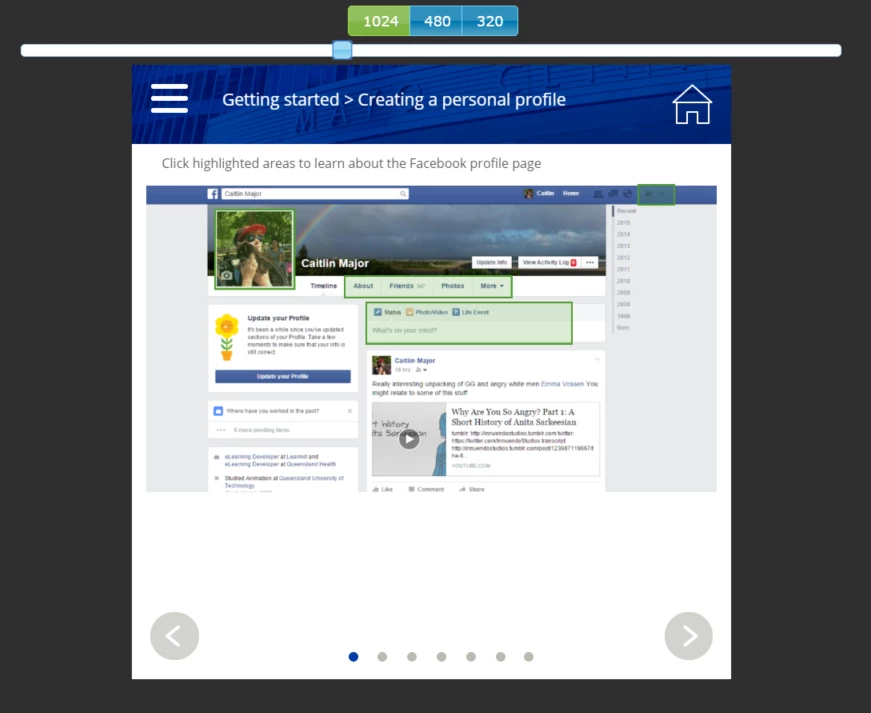
So I have an image and some green highlighted areas the user can click on to learn about those areas.As you can see in the image below I have the 'hot spot' smart shape height set to Auto and the smart positioning locked to the top and left side of the image.

However when I preview and move the slider to check the smart position in different responsive sizes, the smart shape hot spots move down!
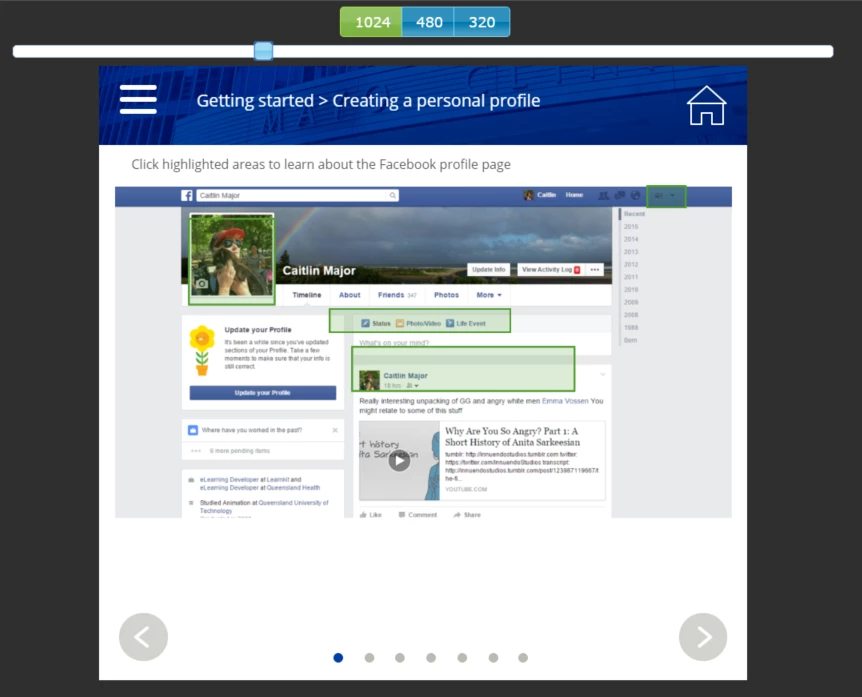
I understand why this is happening - the top position of the smart shape is set to a percentage of the top of the image but the height of the image is set to Auto - so it is changing as I move the slider and that means the smart shapes are moving as well. But I don't want to set the height of my image to % because that will skew it and make it look bad. So how can I get my smart shapes to stay in the right place?
Well I did notice that one of the smart shapes didn't move.
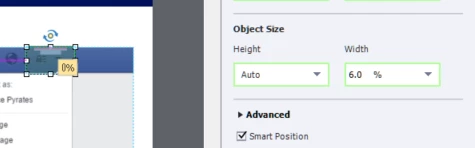
This one at the top is set to 0% of the top of the image.
So my solution involves empty smart shapes aligned to the top of the image at 0% with the height set to Auto
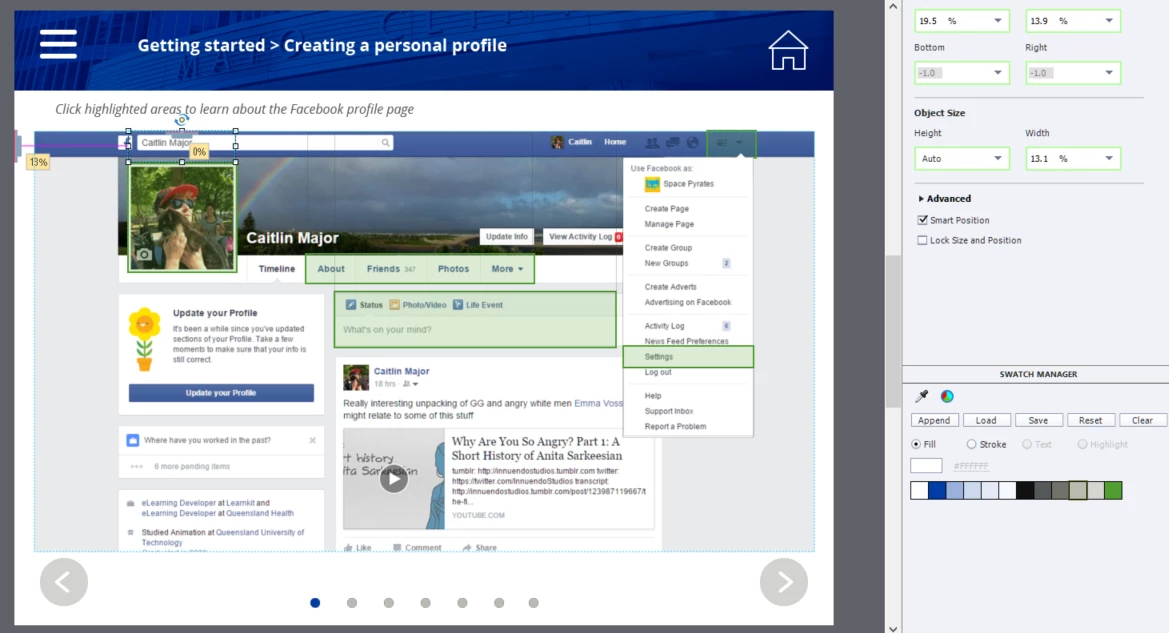
And my hot spots are aligned to the bottom of those empty shapes at 0%
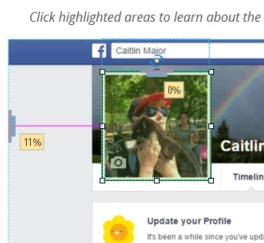
I know it's a bit of a hack but it works! My smart shape hot spots keep their position no matter where I drag the slider in the responsive preview!
I hope this helps at least one other person struggling with smart positioning!
 AdChoices