

Smart Shapes and option to "Maintain Aspect Ratio"
Hi Everyone,
Captivate 2017 (10.0.0.192)
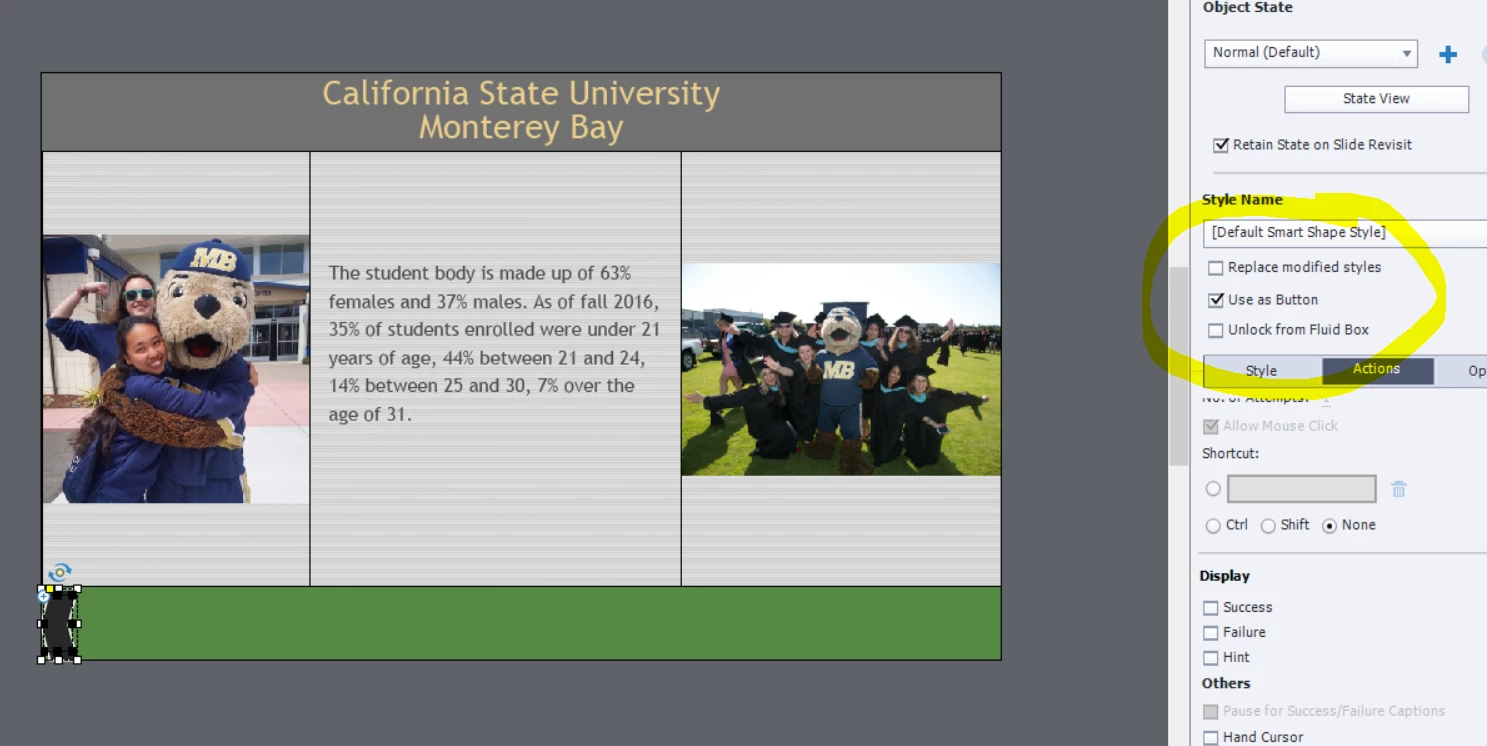
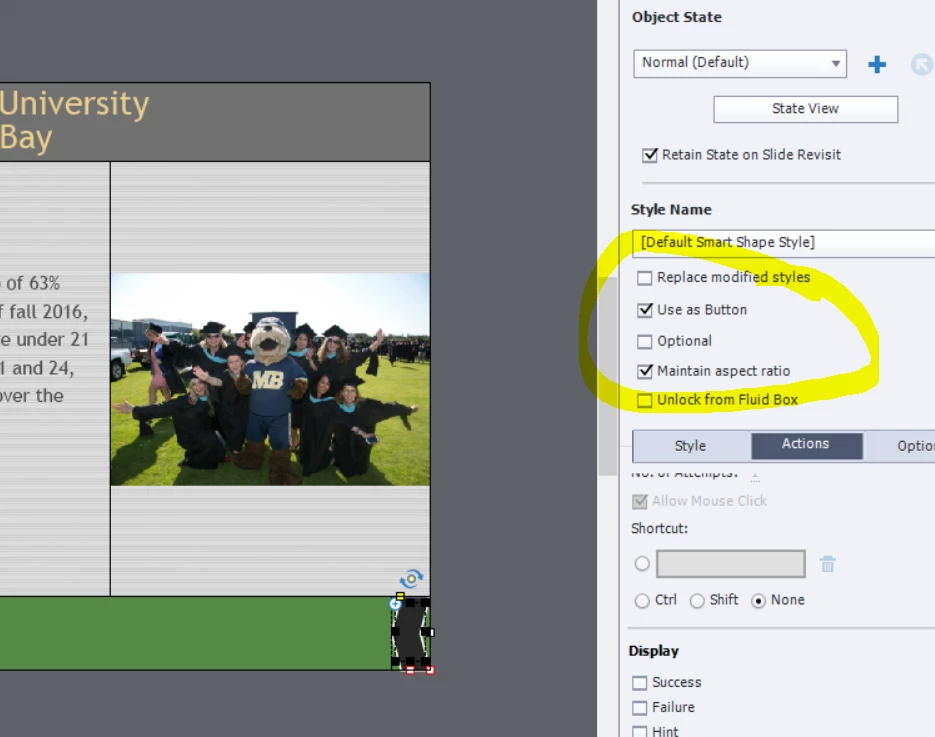
I've noticed that sometimes the option to "maintain aspect ratio" is missing for smart shapes, used as buttons in a responsive project. Oddly enough, if I change the alignment of the fluid box, the option will magically appear. When I reset the alignment to the original position, the option remains available. To add to the drama, this issue is inconsistent within the same project. It does not occur with every button on every slide. I have found a workaround but I'd prefer not to deal with this issue at all.
Does anyone have an insight into this issue?
In the first image, the option is not available. In the second image, I've changed the alignment of the fluid box from left aligned to right aligned and moved the arrow to the right.


 AdChoices