
Smart shapes look jagged when published
I often use smart shapes for basic shapes rather than importing external graphics, however, any smart shapes with rounded corners look terrible when previewed or published. I am aware that Captivate converts vectors to png when publishing, but the quality looks far worse than any other graphic on the screen.
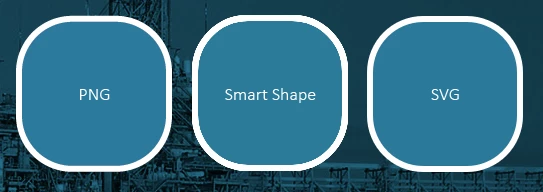
Example below. I exported a rounded corner square in png and svg from illustrator to show as comparison to the smart shape. All shapes are 150 x 150 with a 6 pt line thickness Viewed at the native project resolution, not stretched to fill screen etc. The project publish settings in Captivate are set to high. You can see the smart shape looks horrible in comparison to the other two. It obviously gets worse the smaller shape you draw. This is using Cp 2017, with the same results showing in the new 2019 version.
Any suggestions?
Cheers,
Mark


 AdChoices