

Question
Software Simulation doesn't show mouse movements
I recorded a software simulation and it's not showing me any mouse movements in the edit mode or view mode. The mouse movements are there however, because when I click on a slide and go to the Objects->Mouse Menu, It appears. I started doing this on each slide, but then it looks like it's the same mouse movement on all the slides. Sigh, hoping I don't need to redo this all again...
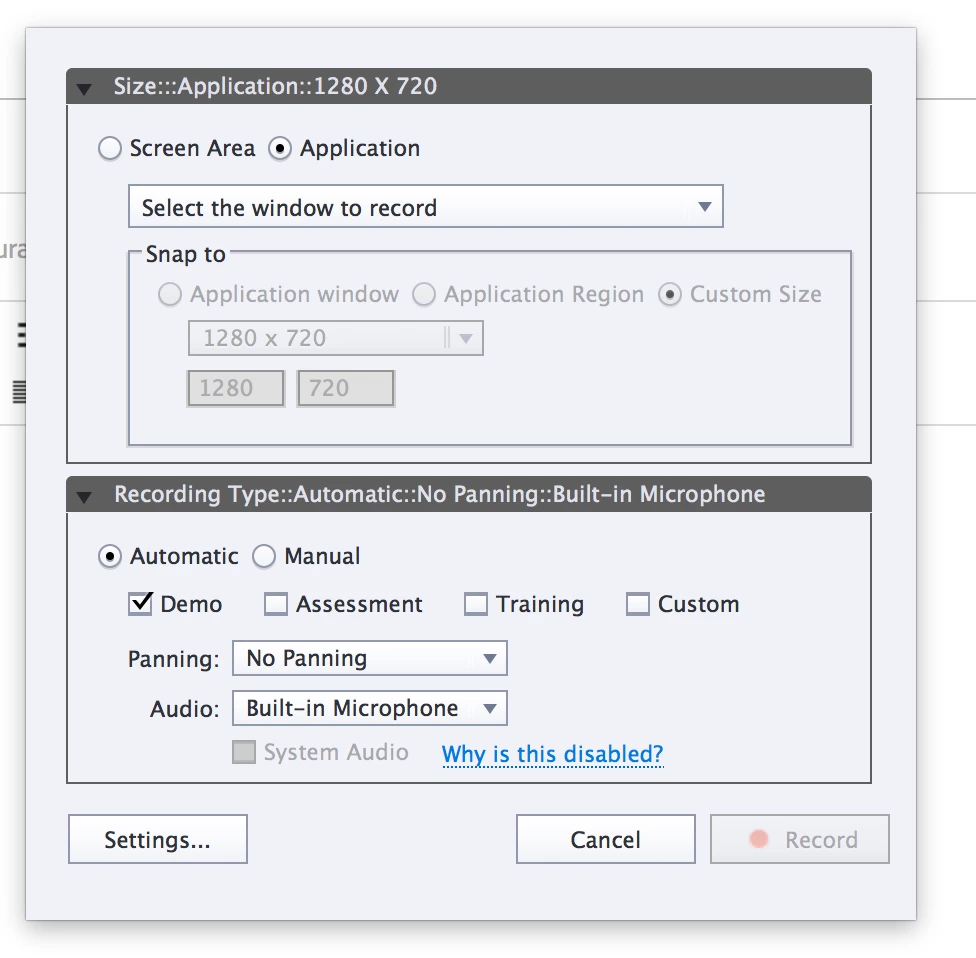
Here is slide of permission when I first created a new video. The only thing I changed is the Audio to be Built in Microphone. Not sure why this would affect my mouse movements.
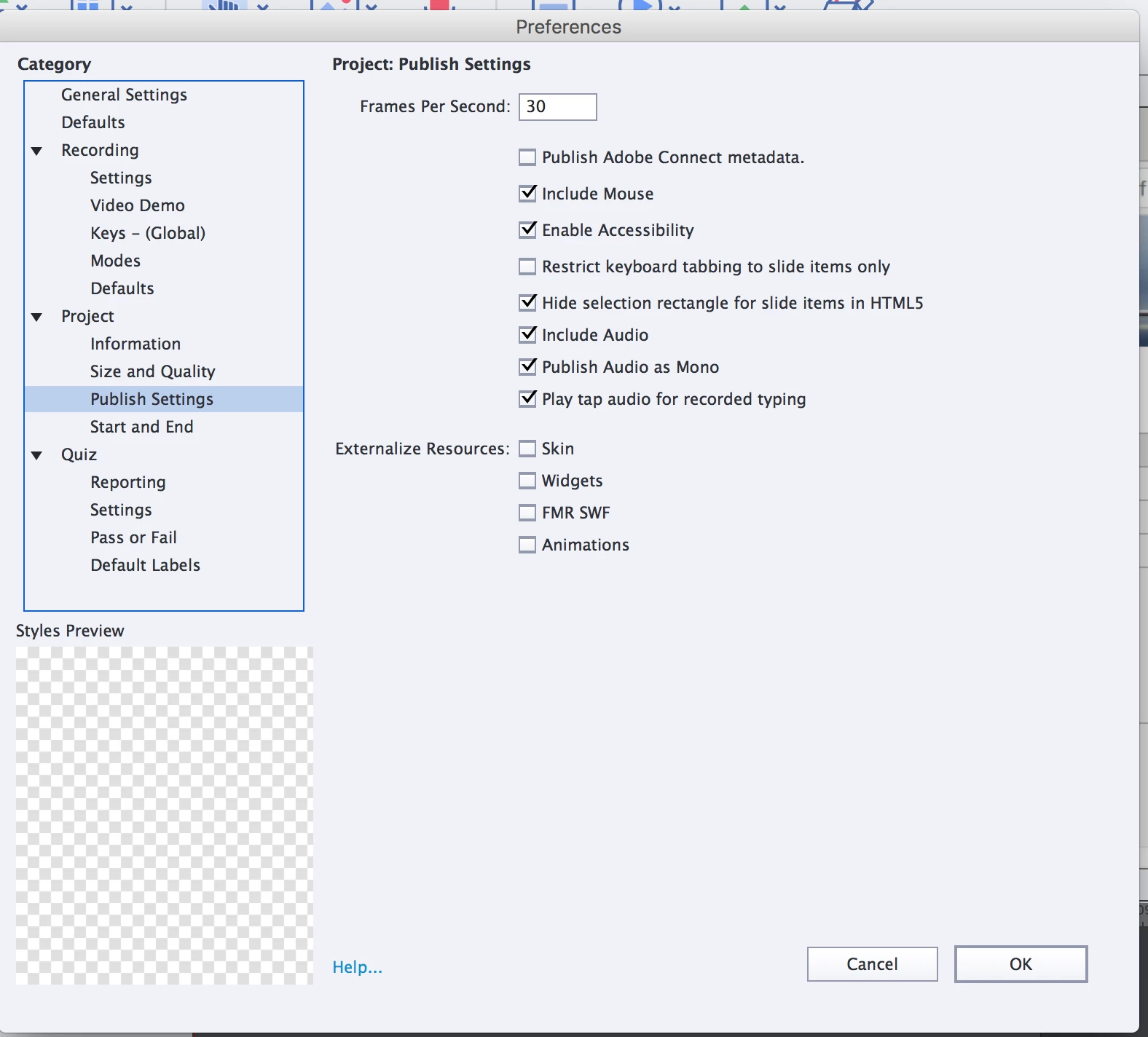
I double checked the Publish Settings and it says to "Include Mouse".
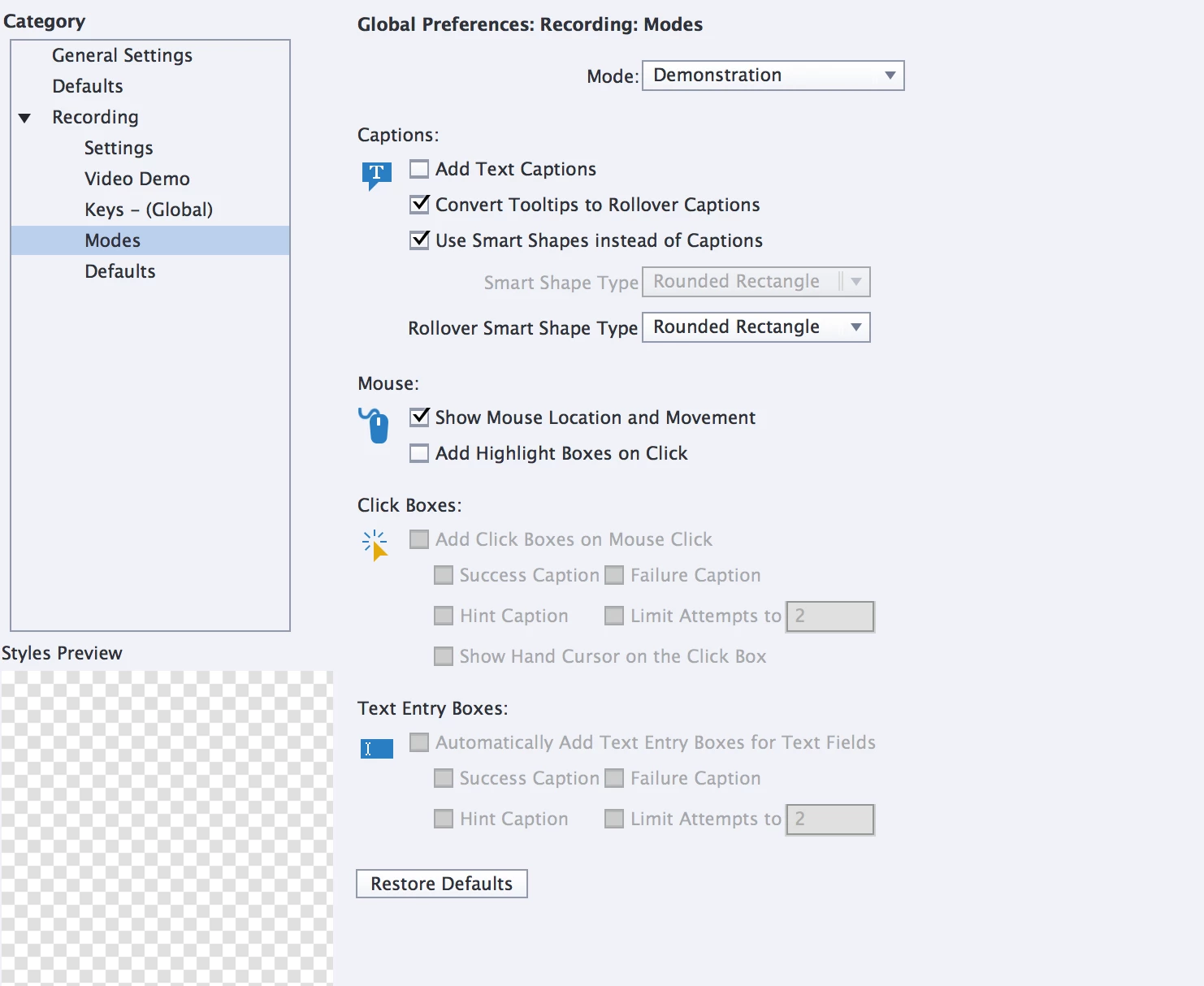
And, my global Preferences also say 'Show Mouse Location and Movement'
Not sure what I did wrong, please help!
 AdChoices