



Software Simulation Recording changes dimensions in HTML5
Hi everyone. I created a simple, short software simulation for a client. The simulation demonstrates a number of features, including drag&drop reordering functionality. The simulation is recorded in a smaller dimension before being copied/pasted into a larger sized project to fit into the client's template. I am not resizing the simulation in any way, only copy/pasting directly as is. For some reason, the copy/paste of the slides causes an issue with part of the recording.
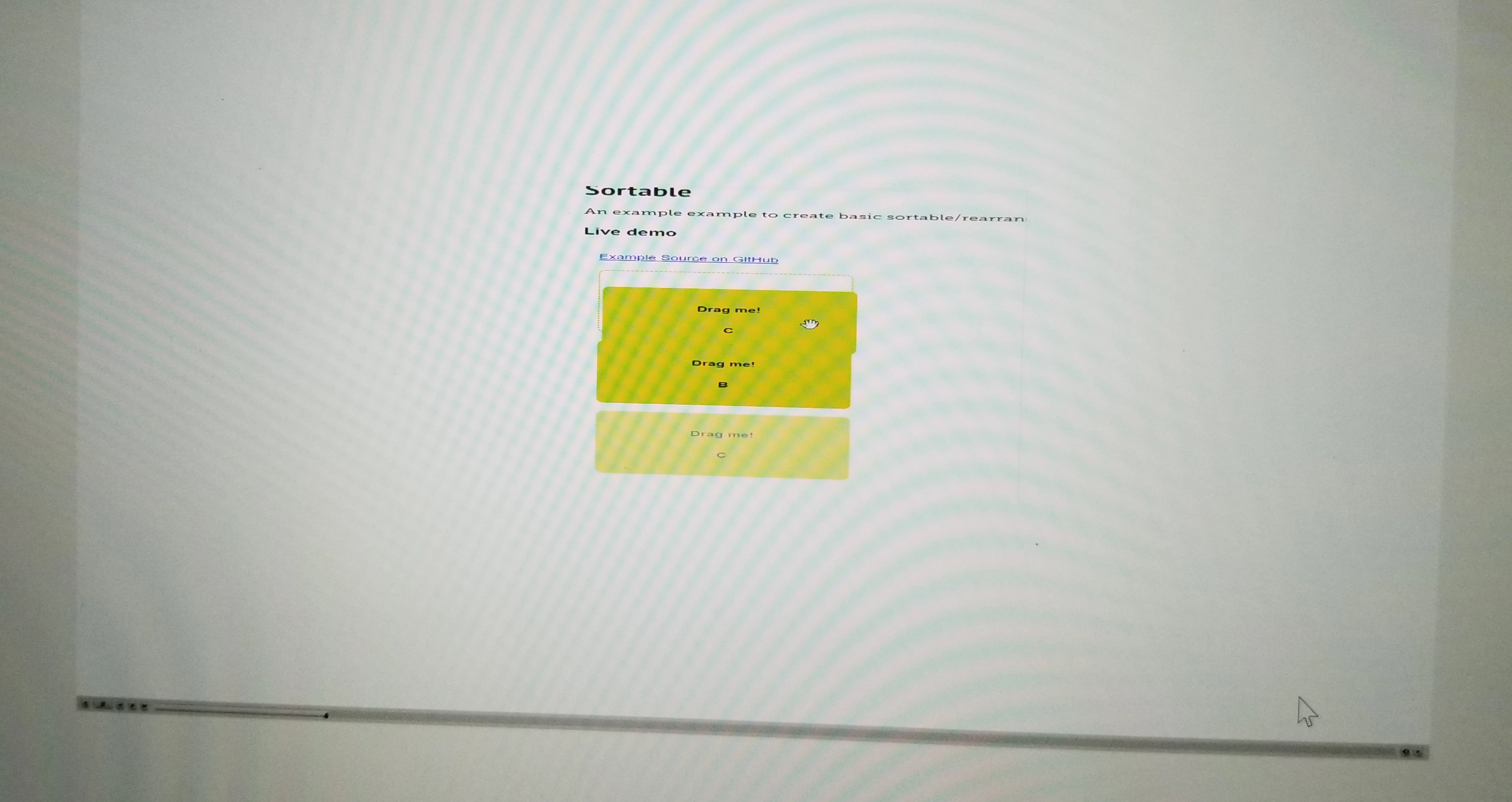
On playback, the drag&drop functionality distorts, condensing from 1280x720 to 800×720 for instance and then reverting back to the normal simulation once the drag&drop completes. The rest of features display as normal (click boxes, mouse movements, etc.). It is only the drag&drop motion that causes the change in size. This also only occurs when previewed or published in HTML5. Selecting Preview -> Project plays as normal. Any ideas on how to fix this for HTML5?
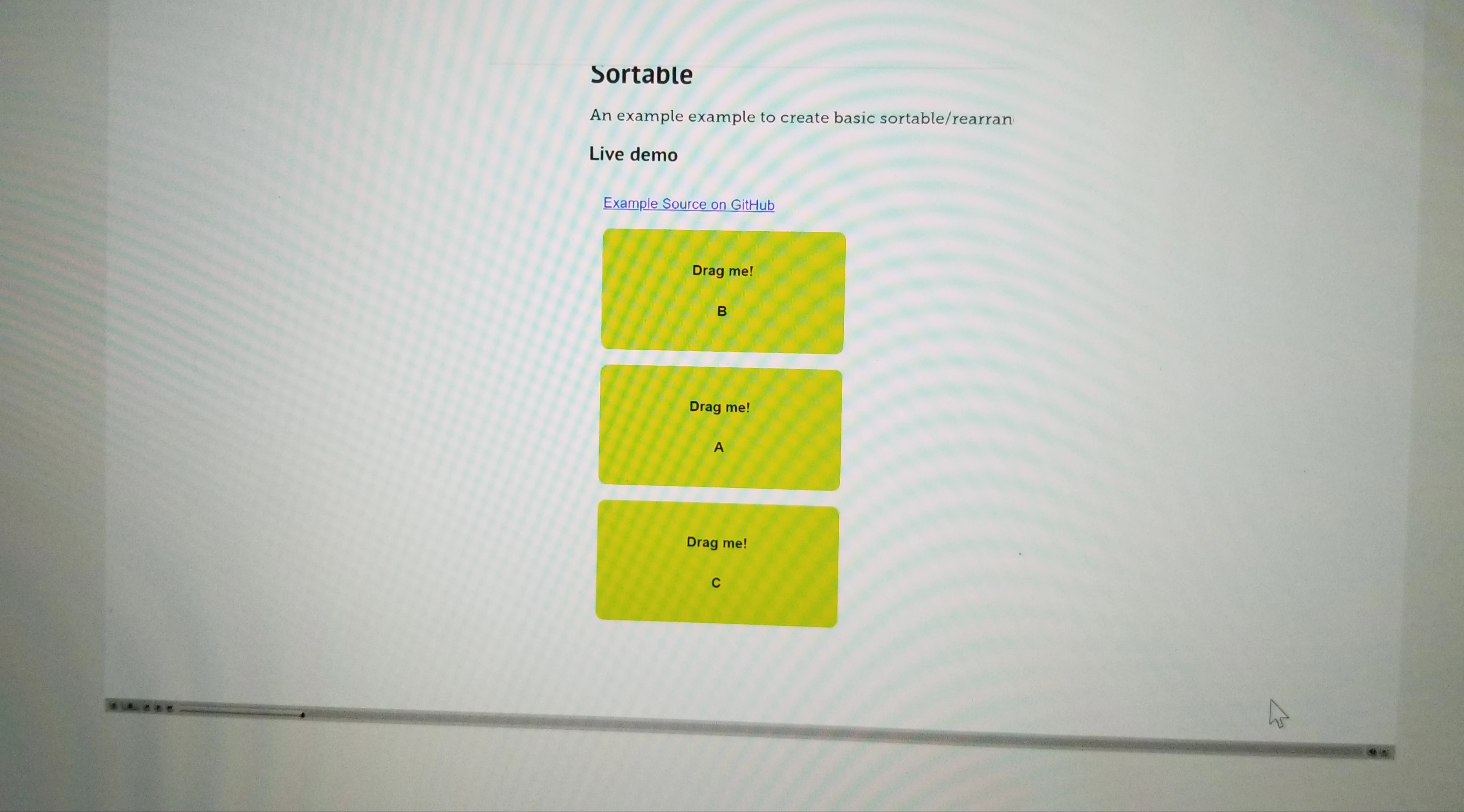
I have attached photos showing the change in dimension using a sample github drag&drop website. The first (largest) image is the dimension that displays normally. The second (smallest) image gives an idea to what the recording contorts to during the drag&drop playback.
 AdChoices