muchelleb
Inspiring
August 9, 2017
Answered

Stop Object Autosize / Scaling in Responsive Projects

  • August 9, 2017
  • 1 reply
  • 1340 views

I'm trying to convert a non responsive project to responsive.

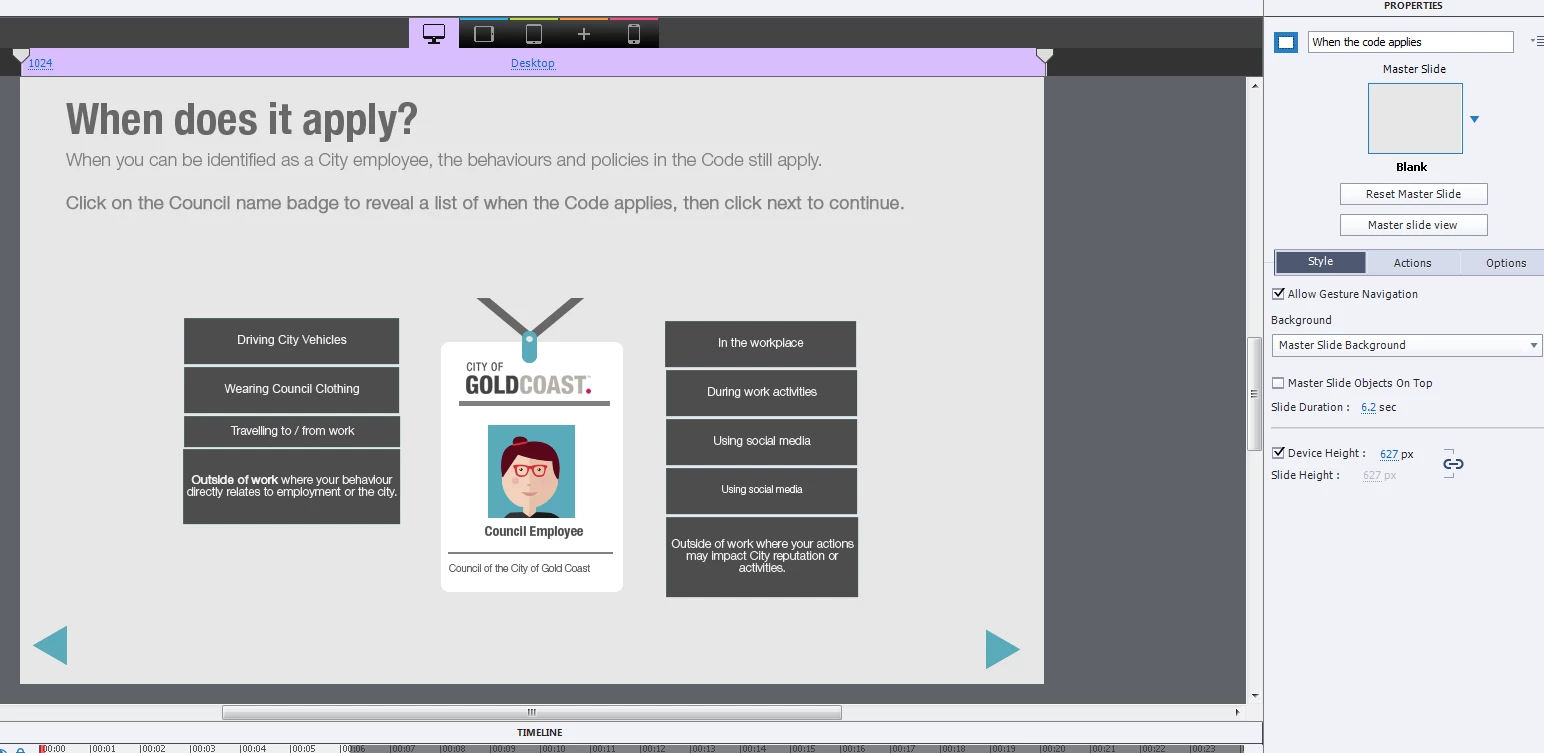
When I've pasted slides in to the responsive project, it's resized all of the images for each slide view. I'm finding it really difficult to get all of the images back to their 'normal' 100% size.

For example, the next / back arrows are far to small in mobile view. Some images need to be at 100% as otherwise you can't read the text on the images.

Is there a way to paste images from one 'slide view' (desktop) to another (mobile) without any auto resizing?

Or alternatively, any easy way to revert the images / objects back to their normal size in ipad / mobile view?

Thank you for your help.

Michelle

This topic has been closed for replies.
Correct answer Lilybiri

Hi Lily,

Is this helpful?

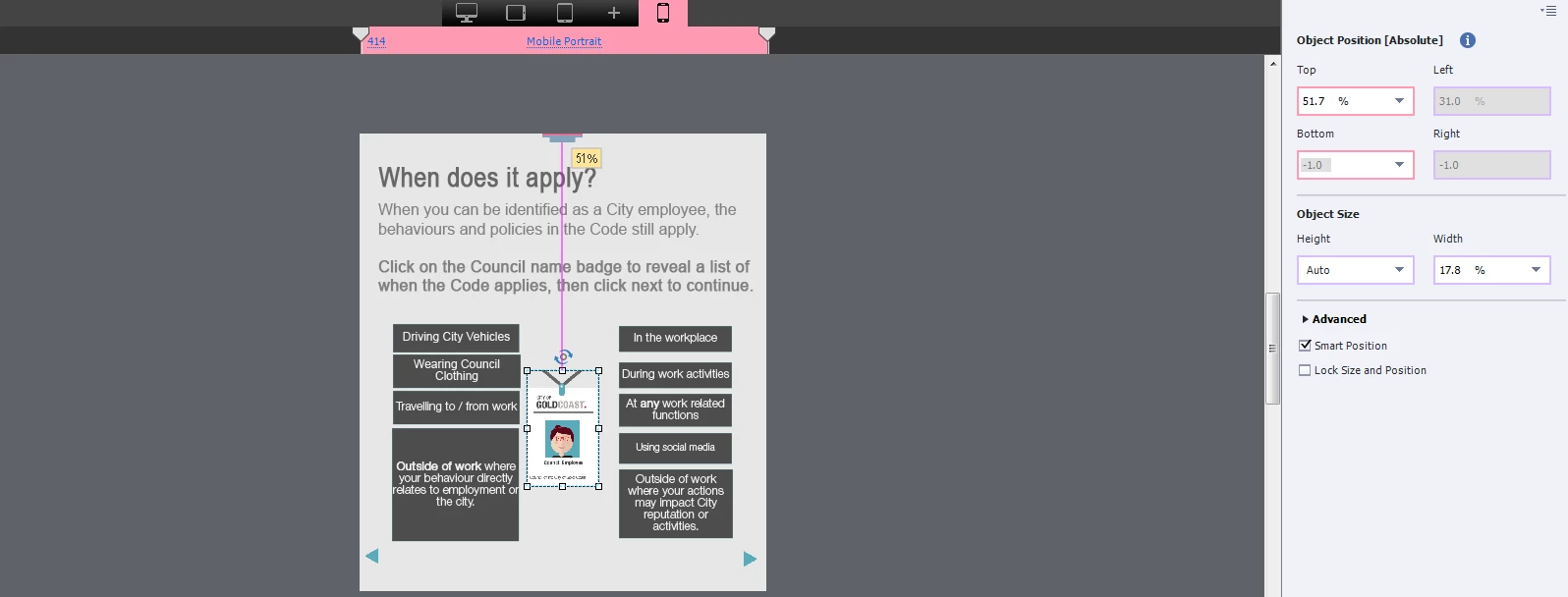
I just want the image that's on the desktop screen to remain the same size when I insert it in to the mobile screen.

Any help would be much appreciated


At this moment that object is set to a percentage of the width (17,8%) and the height to Auto, which means the ratio width/height will be kept, not distortion of the image.

If you want it to keep its size, please change both width and height to pixels, same numbers as in the desktop breakpoint. You will have to check the result because you probably will have to change the locations of the other objects to keep that space available.

1 reply

Paul Wilson CTDP
Community Expert
Community Expert
August 9, 2017

First of all, what version of Adobe Captivate are you using? This would greatly change how I would answer this question.

Paul Wilson, CTDP
muchelleb
muchellebAuthor
Inspiring
August 9, 2017

Hi Paul,

I'm using Adobe Captivate 9 (I don't believe I have the 2017 version) - 9.0.2.437.

Michelle

Paul Wilson CTDP
Community Expert
Community Expert
August 9, 2017

Working with responsive projects can be challenging but I had sort of an a ha moment with the breakpoint style of responsive projects. Maybe check out a video I did awhile back on working with responsive design projects. https://youtu.be/wl3zm8emUVk

Paul Wilson, CTDP