

subassapkota
Known Participant
May 13, 2020
Question

storing a content of a selected button and display in next slide

  • May 13, 2020
  • 1 reply
  • 498 views

I am working on a slide that involves a question and many options to choose one. 

Here is a screenshot:
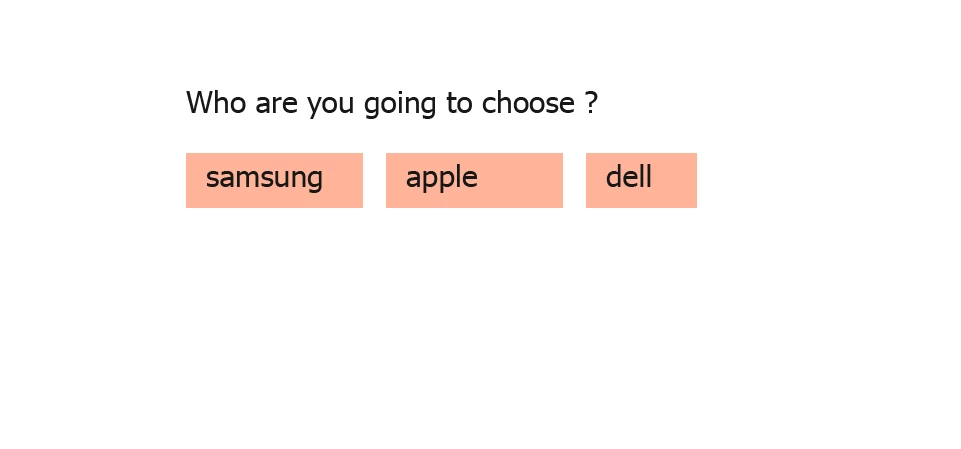
What I need to do is after the user chooses any of the buttons,  and when he goes to the next slide, I need to display the choose button there.  like this.
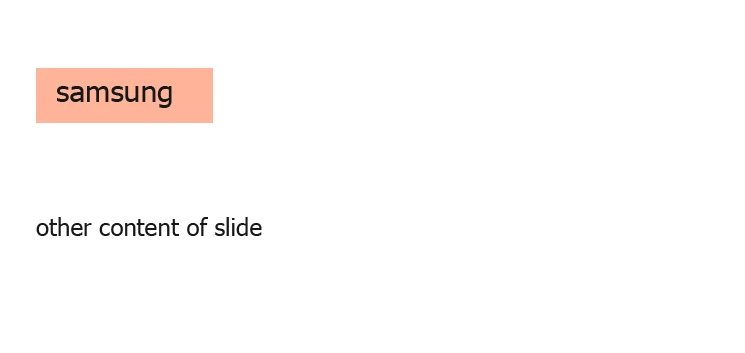
And I also want to able to change the design of the button in the next slide. I also 


I think it can be done by assigning three different advance action.  for e.g, advance action: selectApple

for apple button which make the var_apple_selected to true and by checking if that variable is true or  false we can show the apple button on the next slide.


But  in my real project there are twenty eight  buttons and this way seems be too lengthy. 


I think there must be something like storing the content of a button in a variable and in the next slide defining the content of the button is the stored content of the variable.


I tried but could not find any related like this. Has anyone done something like this ?


Thank you.

    This topic has been closed for replies.

    1 reply

    Lilybiri
    Legend
    May 13, 2020

    You did not tell which type of button you are using? This is important. For the old types (text button, image button, transparent button) the label on the button has to be typed in the Properties. If you use a shape button, you can use a variable as label because it can be entered in the shape. 

    I don't really understand where those 28 buttons appear? Need more details. Your proposed workflow is much too complicated and I suspect you are so focussed on this workflow that you cannot think out of the box anymore. Do these need to be 'buttons'? What is the goal of these buttons? Example: if you offer a dropdown interaction to choose one of the three options, the choice can be storeed in a variable which you can use on the second slide as label for the button. You don't even need any advanced action in that example.

    subassapkota
    Known Participant
    May 13, 2020

    Hi, Lilybiri thank you! Okay! Now I want to say Card which I have previously said button because they are larger and contains more text. these cards are shape with Use as Button value in properties. I can not use it in the dropdown I think it with a little bit of user experience because the user will read the content of each card, comparing them and select one of them.  looks like this.


    how to use the variable as text in these cards and how to show that clicked card's variable on the next slide?

    Lilybiri
    Legend
    May 13, 2020

    Do you want them to select only ONE of the cards, then immediately move on to the next slide?


    You don't need the complete text on a button on the next slide? Only title?