

Strange character appears above customized play bar area on tablets
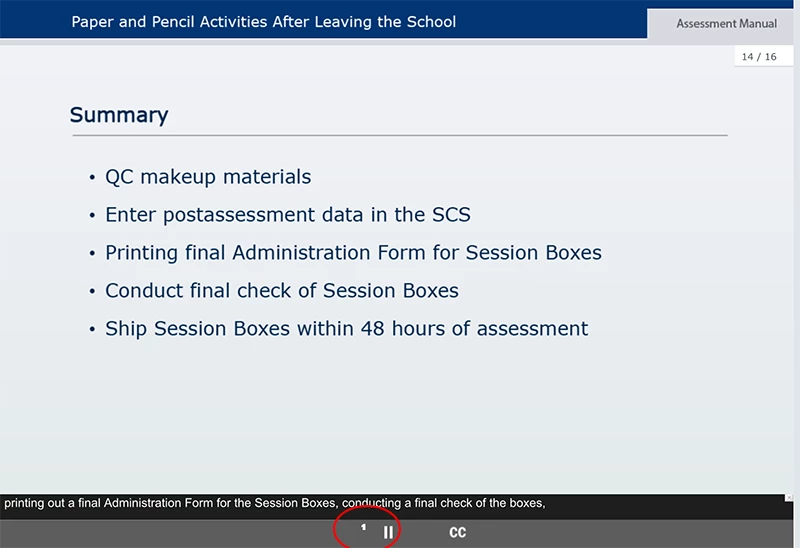
We have noticed a weird character appears on screens above the customized play bar in html5 output, when we view the training on tablets. It happens on both iPad and Surface Pro tablets in multiple browsers. This happens only on screens after quiz screens where we have the play bar turned off (using the "Hide Playbar in Quiz" checkbox in the Skin Editor).
I've figured out that this must be because the playbar is being turned back on, but have no idea why this character would show up (see red circled area on screen shot). We are using custom icons that are replaced in the assets; any ideas on how I can fix it?
We are using Captivate 8 for this project, due to all the custom programming. We didn't have time to fully test everything before development began this year, which is why we stayed with Captivate 8, but plan to update to 2017 for next year.


 AdChoices